

6. A character to talk to
A character to talk to
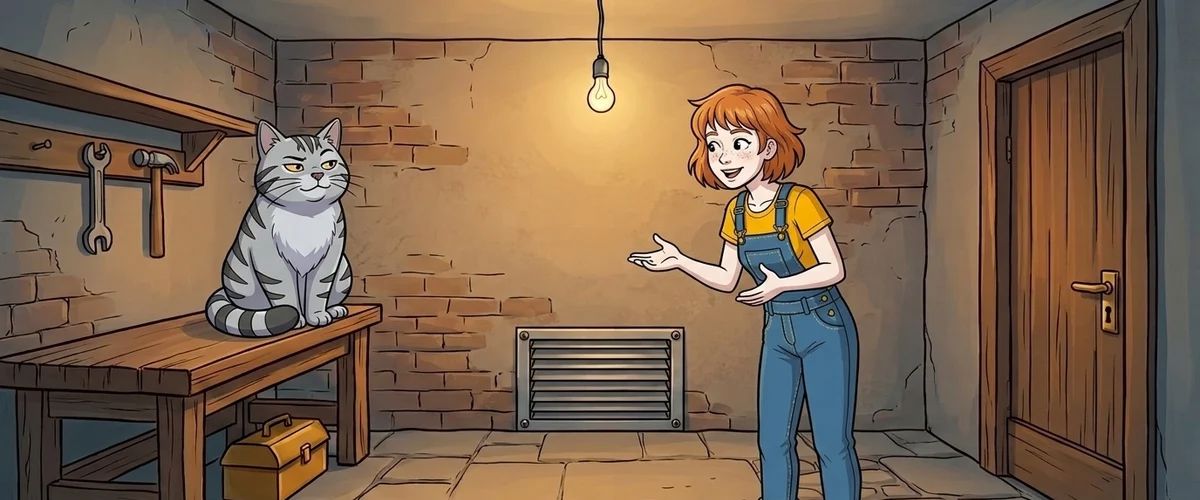
A character you can talk to turns a room into a world. It is also the best place for hints that don't feel like hints.
Creating the cat
- Behind the "Characters" icon, create a new character
catwith an image or a small animation. - Place it in the scene, on the workbench.
- Give it a font for its text so it can be told apart from Pia.
Writing the dialog
Dialogs are created in the "Dialogs" tab of the character being talked to. A dialog consists of layers with answer options. One layer is enough for the cat:
Pia:  "Who are you, then?"
Cat:  "The boss down here. You're new."
Pia:  "Do you know how I get out of here?"
Cat:  "The caretaker was swearing yesterday. Something fell
       through the ventilation grate."
Pia:  "Bye."                (ends the dialog)
The dialog is started by a talk action on the cat with the "Start dialog/dialog-layer" action part.
Good dialogs in three rules
- Short. Two sentences per answer are almost always enough.
- With character. The cat is a little condescending. That makes it a character instead of an information board.
- With purpose. Every answer option brings either a hint, a laugh or something about the world.
Rule to remember
Hide hints in conversations. The player feels clever, not led.
Your task
Create the cat, a dialog with three answers and a hint about the grate. Test it.



