

4. Picking up and using items
Picking up and using items
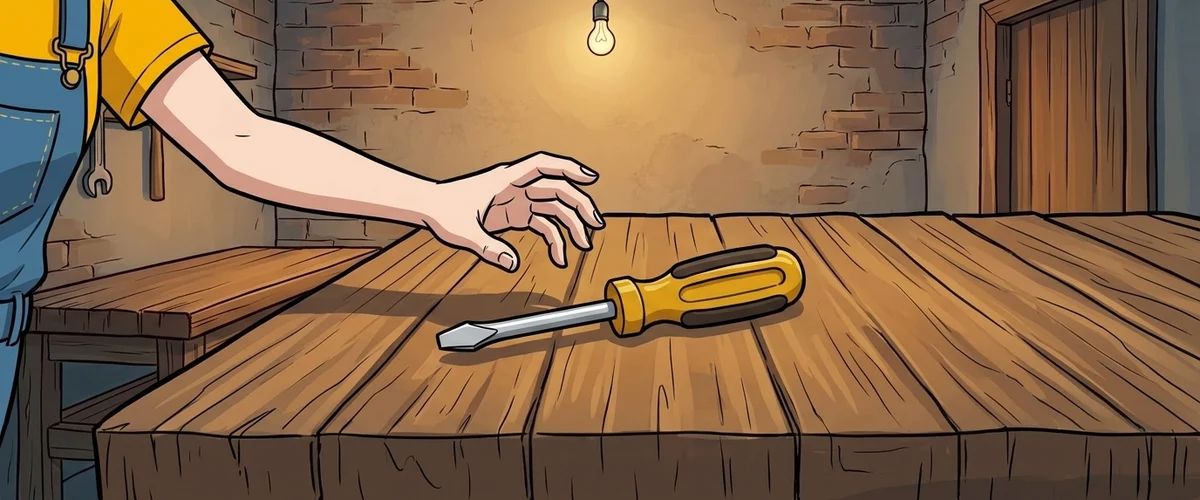
An object in the scene and an item in the inventory are two different things in Visionaire. That is why two things happen when you pick something up: the object disappears from the scene, and an item lands in the inventory.
Creating the item
Behind the "Items" icon you create screwdriver and key. Each one gets a name and an image for the inventory.
Making the object disappear
For this you use a condition, a switch with the values true and false.
- Create the condition
screwdriver_on_benchwith the initial value true. - Link the object
screwdriverto this condition in its properties. The object is then only visible while the condition is true.
The take action
On the object screwdriver, create an action for the take command with these action parts:
- "Add/Remove item": add the screwdriver to Pia
- "Change condition": set
screwdriver_on_benchto false - "Display text": "I'll take that."
Test it: the screwdriver disappears from the workbench and shows up in the inventory.
Using an item
Using is set up on the target, not on the item. For "screwdriver on grate" you therefore create an action on the object grate:
- Execution type: "Executed command on object"
- Command: the use command
- Item: screwdriver
What happens in this action is built in the next chapter.
Rule to remember
In Visionaire, picking up means: add the item and hide the object with a condition.
Your task
Create both items and make the screwdriver pickable. Test it.



