

Sound & music
Combine voice recordings, sound effects and music. Use actions to control playback and support the atmosphere of your scenes.
Built for adventure games
Create scenes, puzzles, conversations and character movement in one visual editor. Start with your artwork and build the interactions that turn it into a playable game.
No programming experience needed to get started.
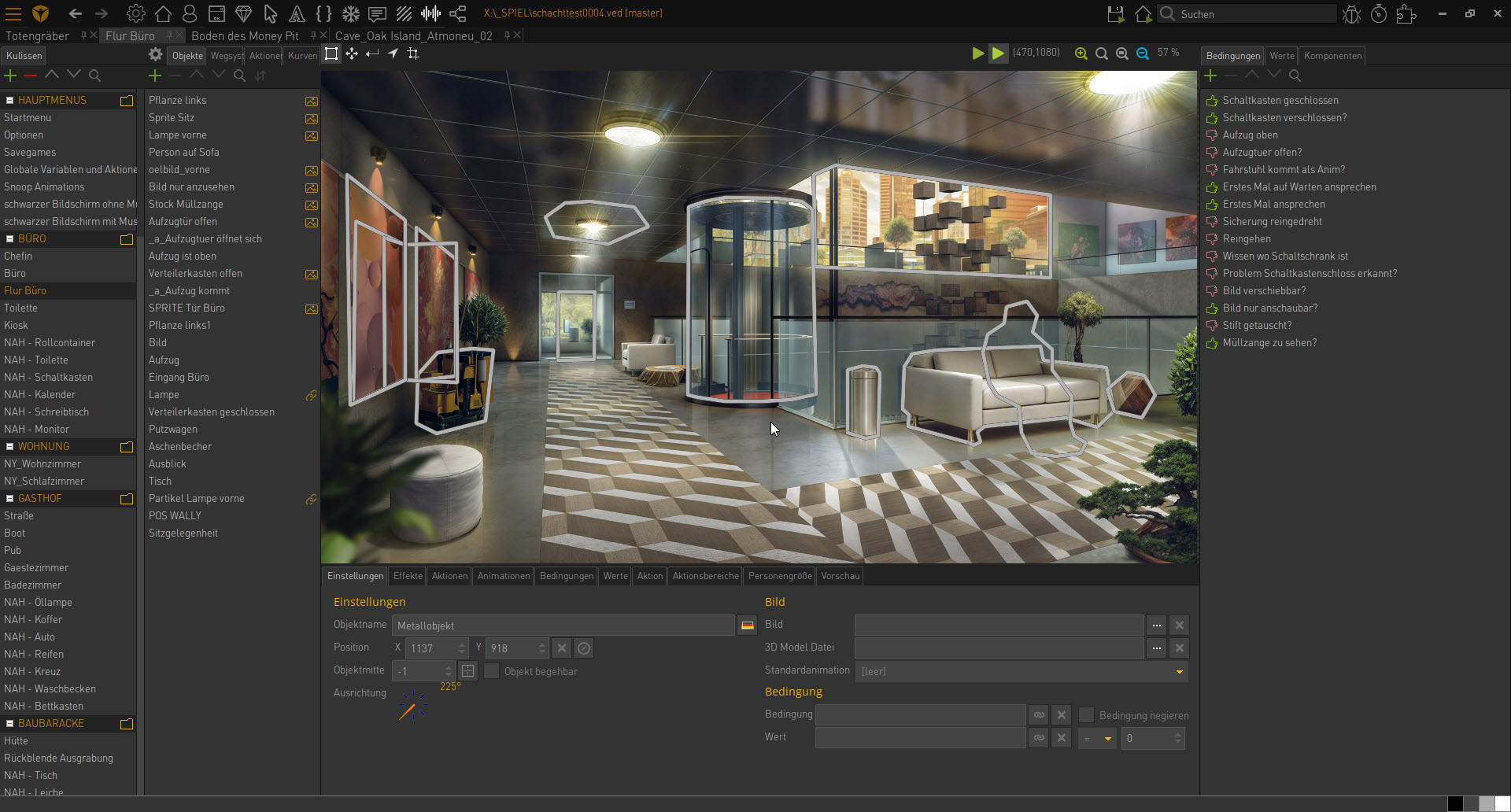
Bring your backgrounds into the editor, place objects and define clickable areas. Use actions, conditions and object states to control what happens when a player explores your scene.
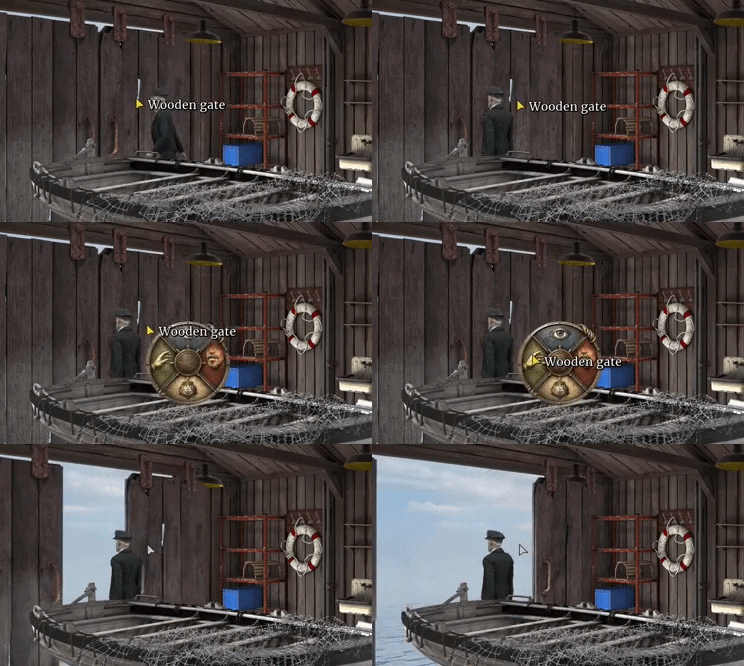
Create inventory items, combine objects and connect them to actions and conditions. Build anything from a single locked door to a puzzle that unfolds across several scenes.
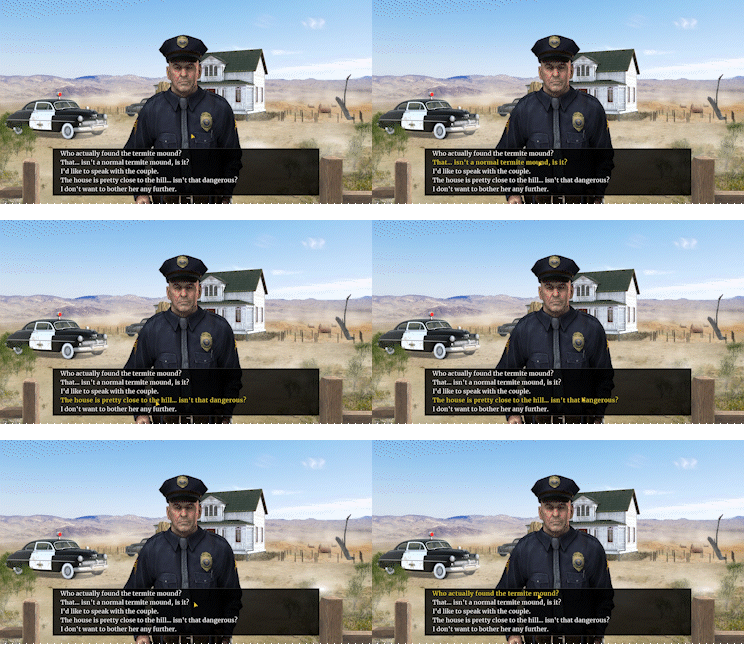
Write conversations with choices and connect them to conditions and actions. Add voice recordings and character animations to bring your conversations to life.
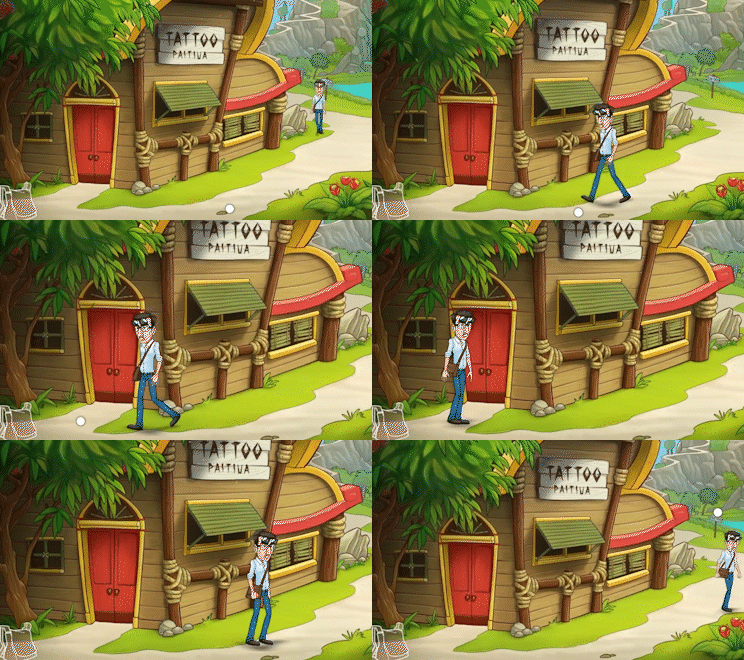
Set up walking, idle and talking animations. Define walkable areas and obstacles so your characters can find their way through the scene.
Hand drawn worlds, pixel art or prerendered scenes: these Visionaire Studio games showcase different visual styles.
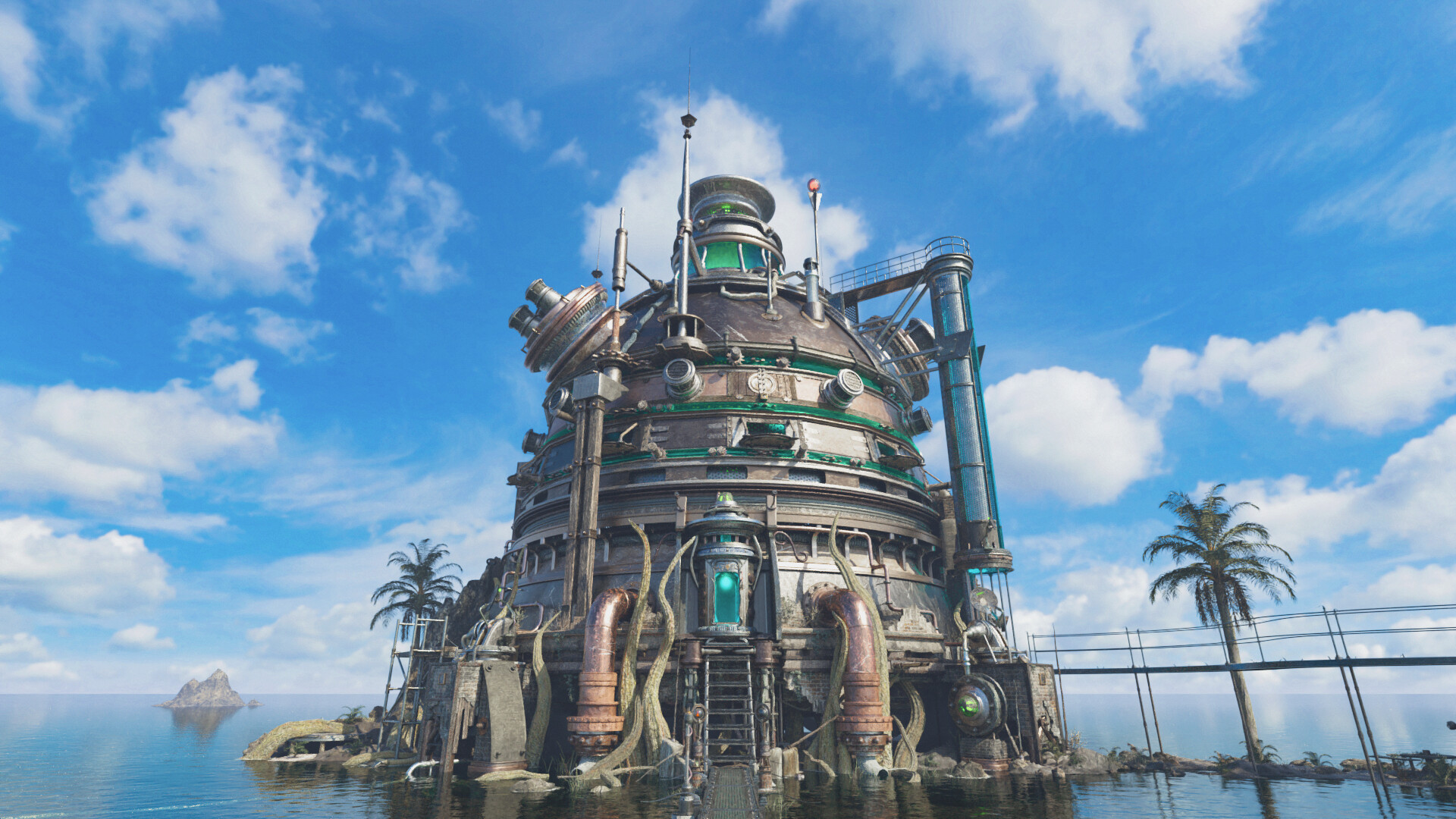
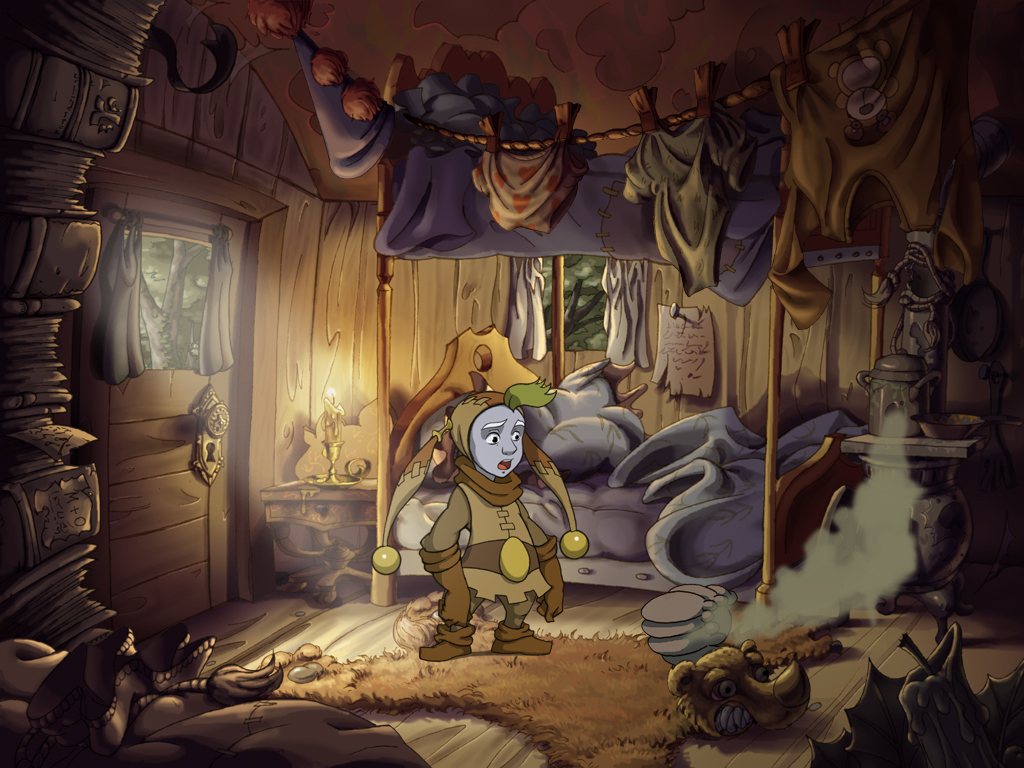
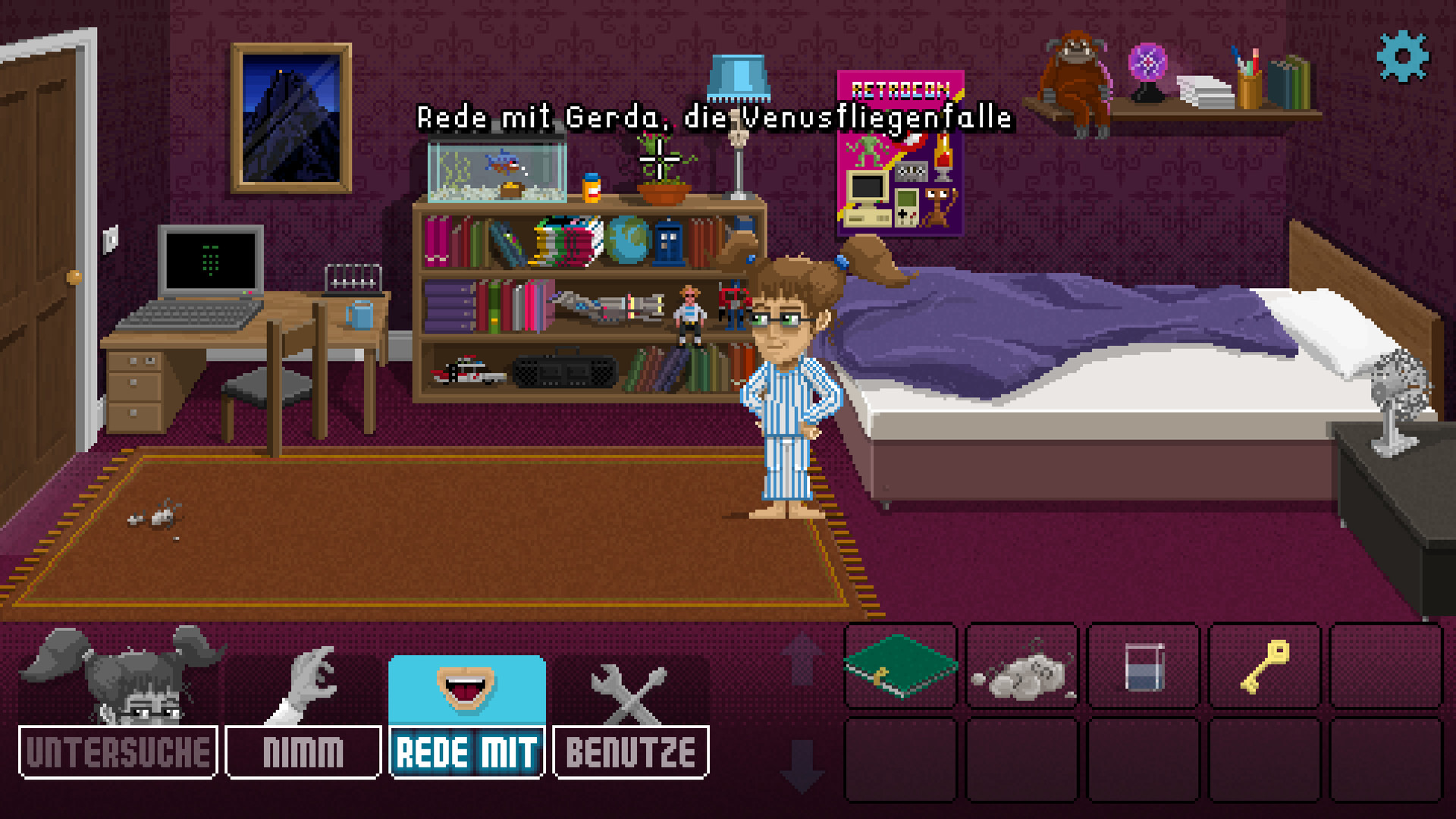

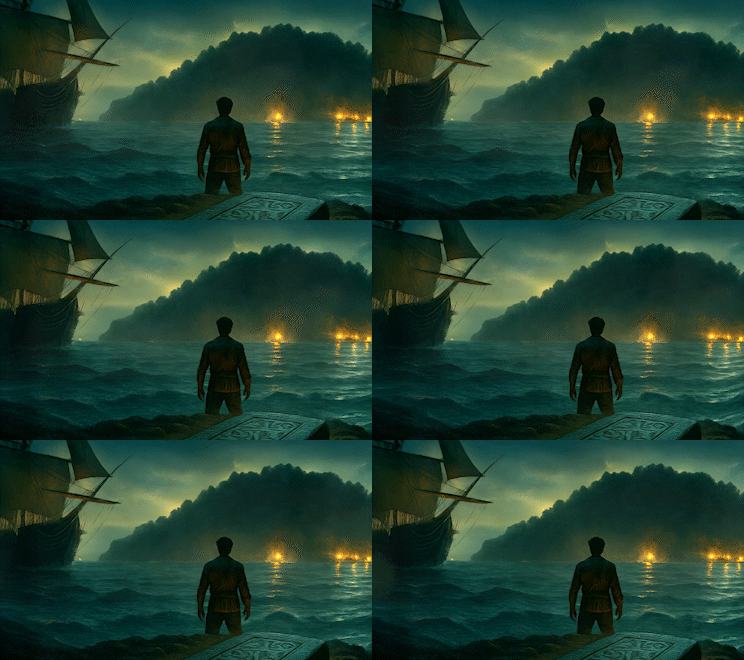
Add depth with parallax layers and shape the atmosphere with particles and shader effects. Combine your artwork with fog, rain, fire or light to give each scene its own mood.
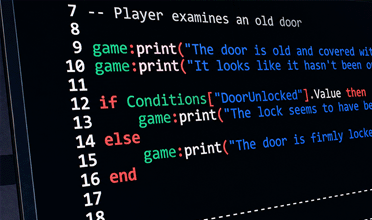
Build game logic with visual actions and conditions. Use Lua for custom behaviour and systems when your project needs additional control.
Visionaire Studio
Build scenes, connect interactions and test your adventure directly in the editor.
Arrange backgrounds, objects and characters visually in the editor.
Connect events with actions and conditions to shape your game logic.
Try your adventure as you build it and adjust the details step by step.
Combine voice recordings, sound effects and music. Use actions to control playback and support the atmosphere of your scenes.
Manage the text and voice recordings for multiple languages within your project. Prepare your adventure for players in different markets.
Publish for Windows, macOS and Linux. Mobile and console releases depend on the appropriate distribution license, supported export modules and platform approvals.
Beyond scenes and puzzles, these systems support interfaces, sound design, voice acting and collaboration.
Create your own command interfaces, inventory layouts and menus. Savegame areas provide a basis for save and load screens that match your game’s visual style.
Organise sound using audio containers, volume channels and automation. Assign sounds to scenes or control them through actions to build a structured sound design workflow.
Use TSV timing data, for example generated externally with Rhubarb Lip Sync, to connect speech recordings to prepared mouth-shape animations. Lip sync needs suitable animation frames and timing data.
Export game texts as PO or CSV for external translation and re-import them afterwards. Exported dialogue also helps you prepare material for voice actors.
Distribute team files, work on agreed scenes or objects and merge the changes back into the master project. This is a file-based workflow; work areas and revisions need coordination, and scripts cannot be merged automatically.
Use components to add video, text, shaders and particle effects to objects and interface elements. Video components allow embedded video rather than only fullscreen cutscenes.
Plan your project resolution around your artwork and the devices you want to reach. Pixel art and high-resolution backgrounds place different demands on assets, readability and memory. Visionaire provides resolution and fullscreen settings for the game display.
Illustrative examples, not a list of fixed export presets.
Display scaling and changing the project resolution are different tasks. A later change to the project resolution may require adjustments to graphics, object positions and walkable areas.
Resolution & export
Choose the platforms for your adventure: desktop, mobile, consoles or the browser.
Adventures for Windows, macOS and Linux.
Bring your adventure to smartphones and tablets.
Publish for Nintendo Switch, PlayStation and Xbox.
Export your adventure for the web with HTML5.
Available targets depend on your license and supported export modules. Console releases also require the platform holder’s approval, development hardware and certification. Check these requirements when planning your release.
Pricing & licenses ↗Plan your assets around these documented formats and encoding options.
PNG and WebP for artwork and animation frames; Ogg Vorbis and Opus for audio. The documented video workflow uses Matroska (MKV) or WebM with VP8/VP9. Recent releases also support AV1 and VP9 with an alpha channel. Container, codec, engine version and target platform determine the usable combination; test your encoded files in the intended export.

People behind the adventures
Your story, your characters, your game world. Visionaire brings scene building, dialogue and inventory together in one editor, so small teams and solo developers can focus on their adventure.
Explore the game ↗If your project revolves around exploration, conversations and inventory puzzles, the way its systems work together matters. Visionaire brings these systems into one adventure-focused editor.
Connect scenes, objects, inventory items, dialogue and character movement within the same project. Focus on how your game plays, using the systems the editor already provides.
Define interactions with actions, conditions and object states. This makes Visionaire a useful choice for artists, writers and small teams who want to create classic adventure mechanics visually.
Use Lua when you need custom behaviour. Start with the adventure systems and extend them where your game needs something individual.
| Engine | Focus | Typical workflow |
|---|---|---|
| Visionaire Studio | Point and click adventures | Adventure editor with integrated systems, visual actions and conditions; Lua for custom extensions. |
| Adventure Game Studio | Point and click adventures | Adventure-specific editor; scripting is an important part of handling game events and custom logic. |
| Godot / Unity | General 2D and 3D development | General scene and game tools. Your workflow depends on code, visual tools and any additional adventure frameworks you choose. |
This compares approaches, not every available feature. Godot and Unity can also be used for adventures; Unity offers visual scripting. Choose according to your project and preferred workflow.
A compact overview of the systems available for your adventure. Use the examples above to see how you can work with them.
Download the free version and explore the editor with your own artwork. The free version supports up to 25 scenes per project.

Bring your stories to life.


