

2. Setting up the project
Setting up the project
Start Visionaire Studio. On the start screen you can create an empty project or use a template. Take the project with the minimal configuration. It already contains everything a game needs to run: a playable character, an interface with an inventory, mouse cursors and fonts.
Folders and saving
- Create a folder of its own for the game and save the project there.
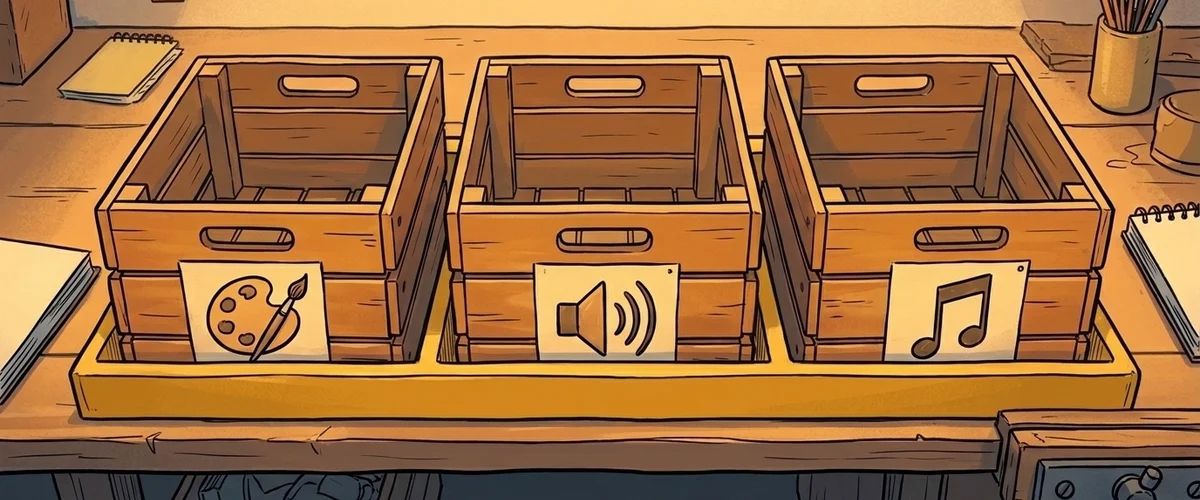
- All images, sounds and videos belong in this folder or its subfolders, for example
graphics,sound,music. Visionaire only stores relative paths. - Save often. With "Save as 'filename0001.ved'" you create numbered backups along the way.
A first test run
Start the game right away: with "Run game" (F9) or with Ctrl+F9, which saves first ("Save and run"). If the character walks through the template room, everything works. From now on, test after every step. Small mistakes are found quickly, big piles of mistakes are not.
The most important game settings
In the game settings (gear icon) you will later set:
- "First scene": the scene the game starts with
- "Active character": the character the player controls
- Game name and company name: they determine the folder for saved games
Rule to remember
Start with a template and test after every step.
Your task
Create the project with the minimal configuration, set up the folder structure, run it once.



