

6. Keeping the project tidy
Keeping the project tidy
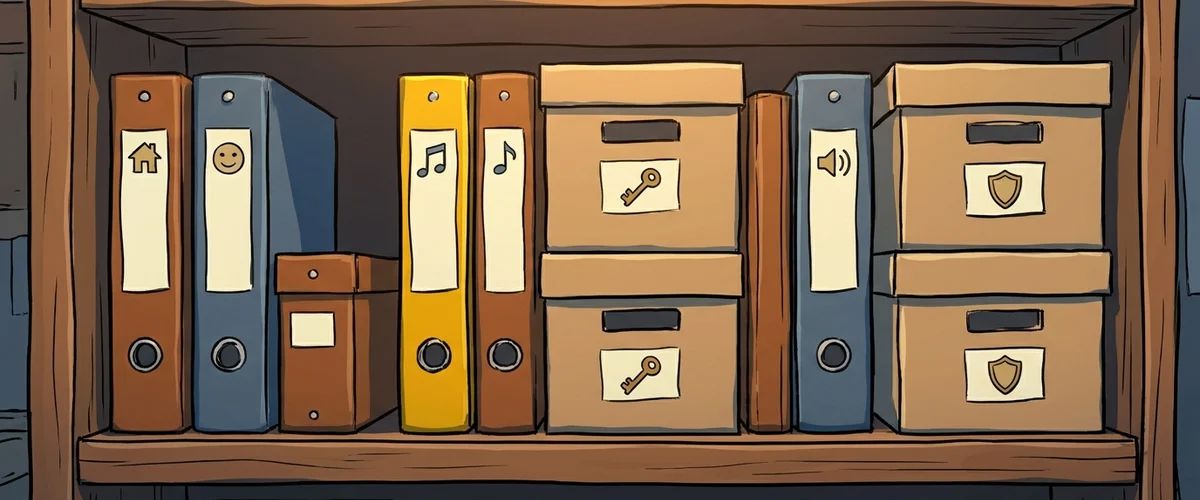
An adventure quickly consists of thousands of files. Order from the start prevents chaos.
Folders and file names
mygame/
  mygame.ved
  graphics/scenes/cellar/
  graphics/characters/pia/
  graphics/items/
  sound/effects/
  sound/music/
  sound/voice/en/
- All files live inside the project folder. Visionaire only stores relative paths.
- File names in lower case, without spaces or special characters:
pia_walk_left_01.png. That avoids trouble on Mac and Linux.
More in the wiki under Naming conventions and project structure.
Backups and version control
- Backups: Regularly save numbered versions of your project and keep a copy on a second drive or in the cloud.
- Version control: With Git and a service like GitHub or GitLab you see every change and can undo it. That pays off as soon as the project grows.
- In a team: Visionaire can export team files that several people work on at the same time. See the wiki: Team files.
Rule to remember
Clear folders, clear names, and a backup that is not on the same computer.
Your task
Tidy up your project folder following the scheme above and set up an automatic backup.



