

3. Animation
Animation
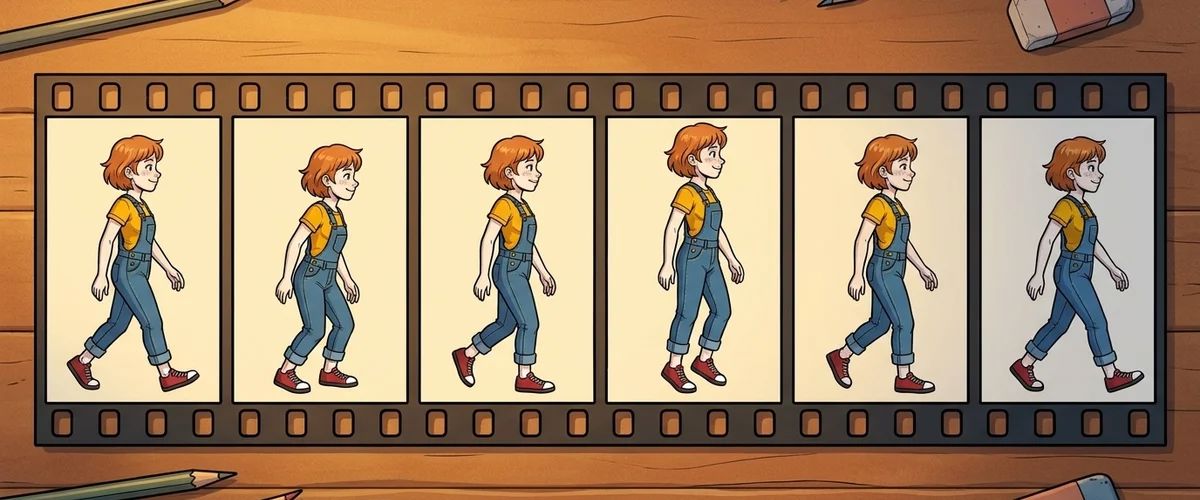
Characters walk, talk and grab things. There are three ways to do that, and you can mix them.
| Approach | Tools | Fits |
|---|---|---|
| Single frames (frame by frame) | Krita, Pixelorama, LibreSprite, Aseprite | Pixel art and hand drawn styles |
| Skeletal animation | DragonBones (free), Spine (paid) | Painted characters with lots of movement |
| 3D models | Blender (free) | Characters that walk in every direction |
Tips
- Start small. For a first game, standing, walking in four directions and talking are enough.
- Number single frames:
pia_walk_left_01.png,pia_walk_left_02.png. Then they load into Visionaire in the right order. - Pauses instead of duplicate frames. In Visionaire you can give individual frames of an animation their own display time.
How Spine, DragonBones and 3D models are used in Visionaire is described in the wiki under Spine, DragonBones and 3D characters.
Rule to remember
A few animations done well beat many done halfway. Clean file names save hours.
Your task
Animate a walk in one direction with eight frames at most and add it to a test project.



