

Introduction
What this guide is about
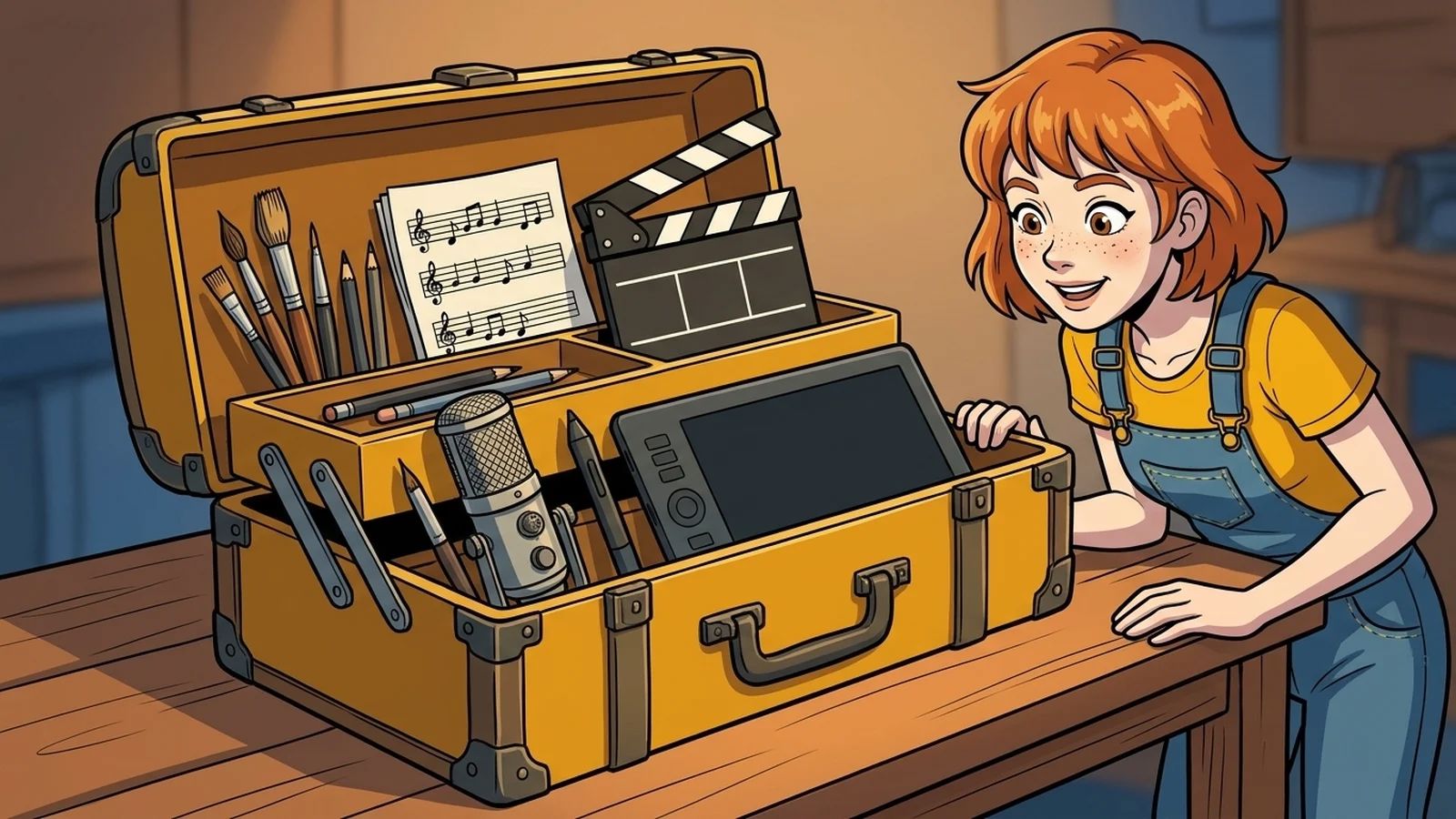
Visionaire Studio puts your game together. Images, animations, music and texts, however, are made in other programs. This guide shows you a toolbox you can start with without spending much money. For every area there is a free choice and, where it is worth it, a paid alternative.
Three ground rules first
- Start free. There are very good free programs for almost every area. You can buy later, once you know what you are missing.
- Watch the formats. Visionaire works best with PNG or WebP for images, Ogg or Opus for sound and WebM or MKV for video. Every program in this guide can produce these formats, some via an extra step.
- Check licences. For third party graphics, sounds and fonts, the licence decides whether you may use them in a game you sell.
Prices and licence terms change. Always check them on the maker's website before you commit.



