
Login / Registrieren
DE EN FR ES IT CZ
Zurück Nach oben

Visionaire 5 released

  • #20, by afrlme 9 years ago Zitieren
    Thank you so much and congratulations grin

    A little problem...

    Downloaded and installed but every time I open visionaire my antivirus (Avast) blocks it and sends the file to their labs. 
    I don't want to disable the antivirus. Can you tell me why this happens? roll
    Thanks
    Probably a false positive to do with the cert signing or something? I dunno. Just allow it in your anti-virus.

  • #21, by SimonS 9 years ago Zitieren
    Where can i find the installed action parts? I don't see them after installing. Is it also possible to write own plugins?
    All the way at the bottom or if you type their names on add.
    To write your own plugins, go to the folder plugins next to your ved that the engine creates if you install a plugin. There is all the code just copy one folder and edit the files.
    Will the bug with not working shader exclude state 2 fixed at some point? Pretty please. 
    Please explain. I'm not sure what you mean here.
  • #22, by afrlme 9 years ago Zitieren

    Will the bug with not working shader exclude state 2 fixed at some point? Pretty please. 
    Please explain. I'm not sure what you mean here.
    Think he's talking about this
    '2' (eShaderExcludeTextsAndCursor): exclude text on top, cursor.

    option for game.ShaderExclude.

    I believe he's referring to a script he wrote a while back that controlled the viewport camera & when moving it around the displayed texts went a little bit wonky or something.
  • #23, by dionous 9 years ago Zitieren
    btw guys, can anyone provide any more info on the masking plugin? how masking on objects/characters works?
  • #24, by ke4 9 years ago Zitieren
    All the way at the bottom or if you type their names on add.

    To write your own plugins, go to the folder plugins next to your ved that the engine creates if you install a plugin. There is all the code just copy one folder and edit the files.
    Thank you.
    Please explain. I'm not sure what you mean here.
    game.ShaderExclude = 2 (eShaderExcludeTextsAndCursor)
    Currently are working only:
    eShaderExcludeNothing 0 
    eShaderExcludeInterfaces 1 
    eShaderExcludeCursor 3 
  • #25, by TinTin 9 years ago Zitieren
    Thanks for release final version. It's great.

    Two issue :
    1) I import iOS exporter but after that, it said folder is not ready. Does iOS export only possible with MAC version?

    2) sound Footsteps doesn't work too


  • #26, by SimonS 9 years ago Zitieren
    I'll look at the texts.

    @TinTin: The wrong file was uploaded, fixed now. I'll check on the footsteps later.

    @atrus: Add a layer with the mask image, which is used to colorize your target object and also the transparent areas are removed. Rotation and scaling are also applied.
  • #27, by sebastian 9 years ago Zitieren
    can confirm that the footstep sound file gets not played.
  • #28, by Paupasia 9 years ago Zitieren
    Yeah .. Lee I know I can make an exception for Visionaire, but in my PC exceptions are not allowed grin
    However, Avast Labs have confirmed that Visionaire is safe. What a news! Lol grin
  • #29, by Lebostein 9 years ago Zitieren
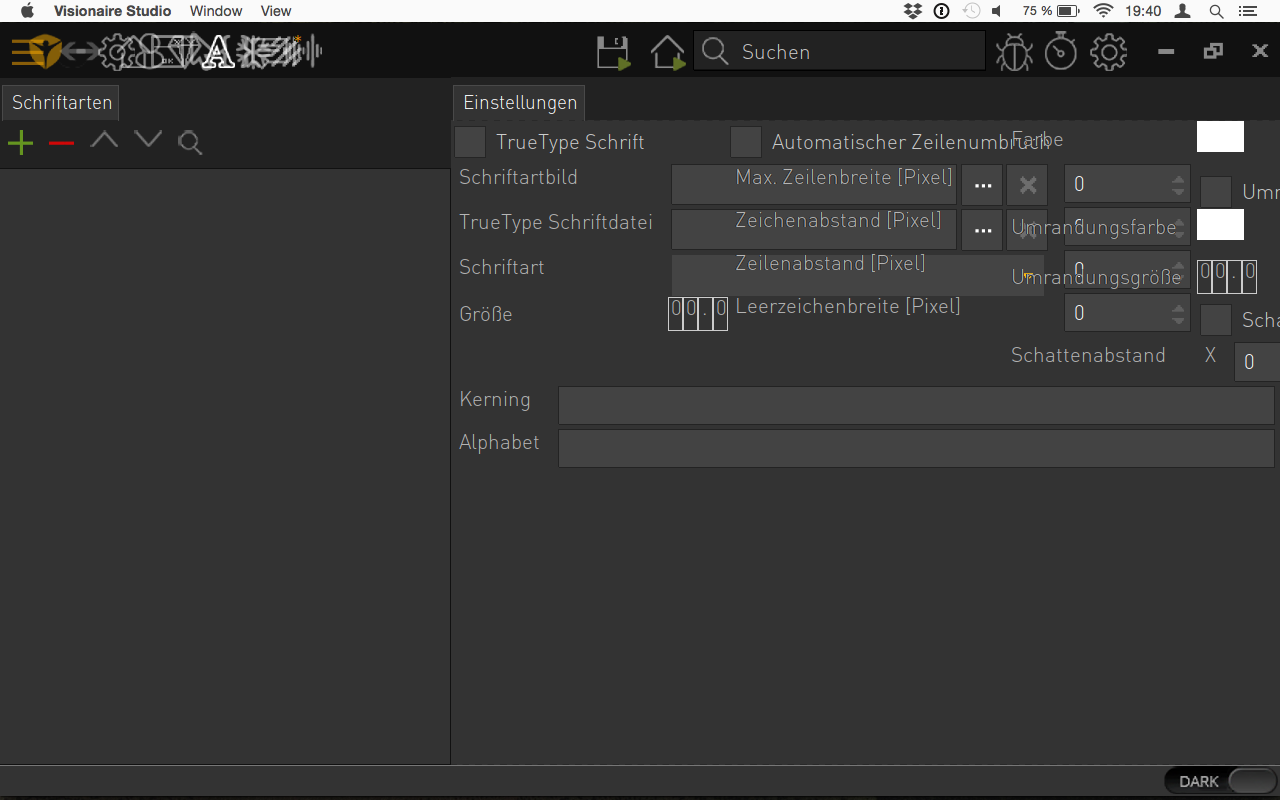
    Hey. Cool. But how I can scale down the editor font? The font size is very, very large...

  • #30, by sebastian 9 years ago Zitieren
    Hey. Cool. But how I can scale down the editor font? The font size is very, very large...


    The scale in the mac version is wrong atm. Simon is looking at it.