Login / Registrieren
DE EN FR ES IT CZ
Zurück Nach oben

Visionaire 5.0.4 update released

  • #30, by esmeralda 8 years ago Zitieren
    Thanks for fixing the values in the dialog parts! :-)

    I have no clue how to use the sound system. I coulndn't figure out how to apply an effect to a sound, let alone what to do with the "events". So I will have to wait for the instruction video...  ¯\_(?)_/¯


    And thank you for this: "- animation center position controls limited to 1000"! 
  • #31, by wischnik 8 years ago Zitieren
    vielen dank für das update!

    anyways:
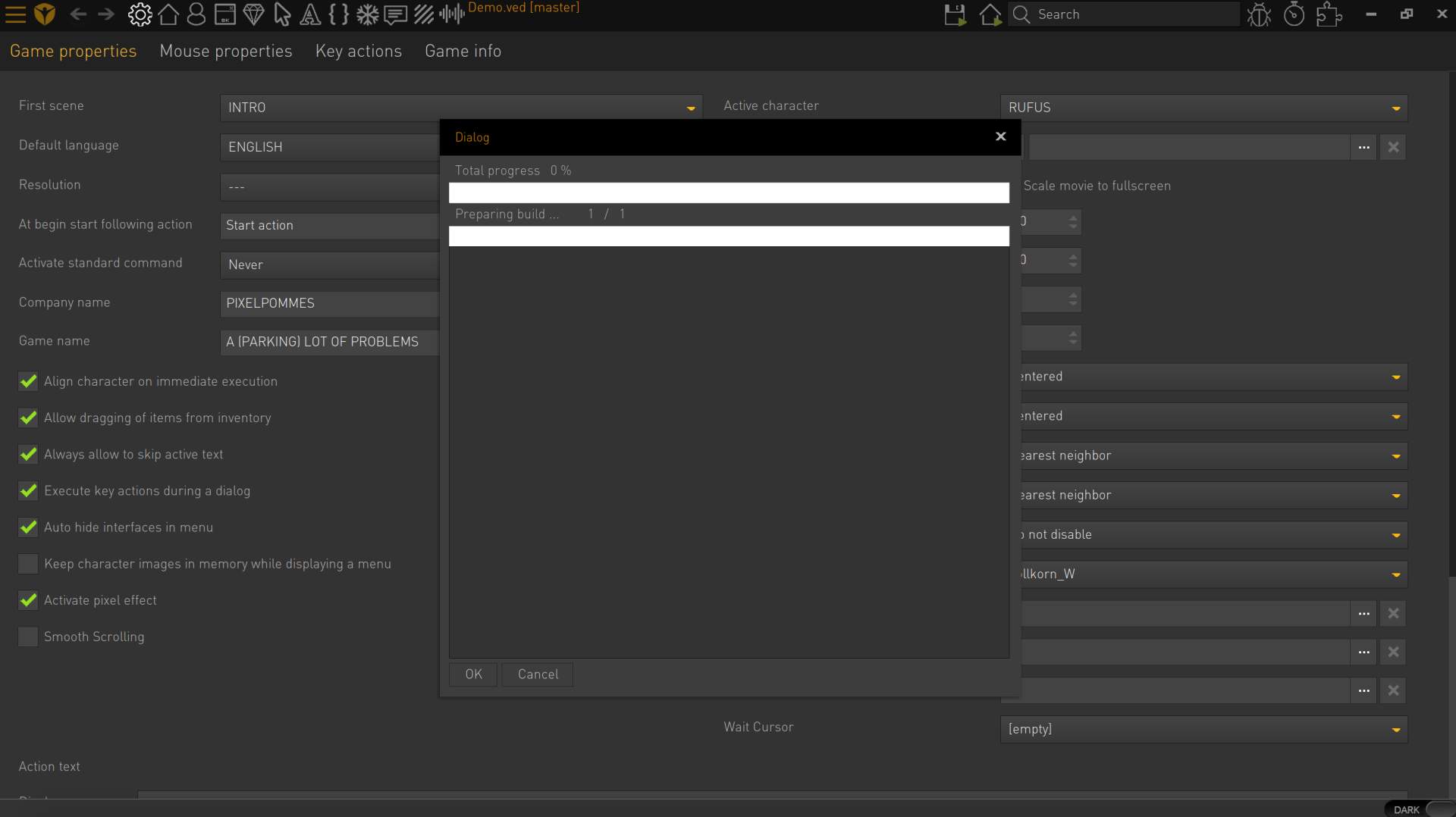
    is it only me, or is anyone else having problems with compiling a game? the moment i start building, nothing happens and the progress bar stays at zero percent — no increased cpu activity either. i work on a mac. i tried compiling to windows and mac.
  • #32, by wischnik 8 years ago Zitieren
    is it only me, or is anyone else having problems with compiling a game? the moment i start building, nothing happens and the progress bar stays at zero percent — no increased cpu activity either. i work on a mac. i tried compiling to windows and mac.
    anyone?
  • #33, by SimonS 8 years ago Zitieren
    Please post a screenshot of your problem and the logs.
  • #34, by wischnik 8 years ago Zitieren
    Please post a screenshot of your problem and the logs.
    hello simon,

    first screenshot is what happens when i "build" the game.

    and that's it. nothing is compiled. nothing moves. i can x out the progress window and proceed, but i can't actually cancel the "build". where would i find the logs for this?

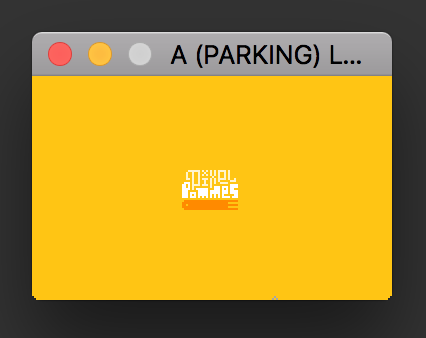
    also i only now noticed another problem correlating with the update. the full-screen player is not working anymore — only the window-based player. (i'm using a custom resolution of 180 to 112.) could this have to do with my retina display? using the buggy fullscreen display i'm also not able to use my mouse — it seems to be stuck on the right site of the screen.

    also added screenshots of working player in window and faulty fullscreen player.


    thanks in advance.
  • #35, by Lebostein 8 years ago Zitieren
    Please, please, please add a possibility to move/pan the screen/scene for systems without a middle mouse button!!!
  • #36, by afrlme 8 years ago Zitieren
    Please, please, please add a possibility to move/pan the screen/scene for systems without a middle mouse button!!!
    +1 seconded. Either add a keyboard shortcut (spacebar) or a hand tool option on the toolbar above any of the preview windows that allow canvas dragging.

  • #37, by Lebostein 8 years ago Zitieren
    @AFRLme: Thanks. Yes, a hand tool was a good idea....

    By the way: there is a bug with the "animation center" in animation editor (it seems for Spine files only), if the canvas was moved with the middle mouse button. In that case, setting the "animation center" produces wrong values an the crossed lines for marking the point are out of sight...
  • #38, by denis- 8 years ago Zitieren
    For me it's not so bad using the middle mouse button...
    maybe can choose the modality  from the setting menu should be an idea...

    Thanks
  • #39, by afrlme 8 years ago Zitieren
    For me it's not so bad using the middle mouse button...
    maybe can choose the modalyty  from the setting menu should be an idea...

    Thanks
    Aye, we meant as an optional toolbar button or keyboard shortcut for those people that are using a mac or laptop & don't have access to a middle mouse button. Magic mouse/pad doesn't have a middle mouse button. Some laptop touchpads only have left & right mouse buttons.

  • #40, by SimonS 8 years ago Zitieren
    @wischnik It seems like you don't have write access to your export folder or it doesn't exist. I'll check on the retina issue later, have a high dpi display myself.