Menu
Login
Language
DE EN FR ES IT CZ
Back

Spine import

  • #1, by david-bell Friday, 13. December 2019, 01:52 6 years ago Quote
    Hello all,
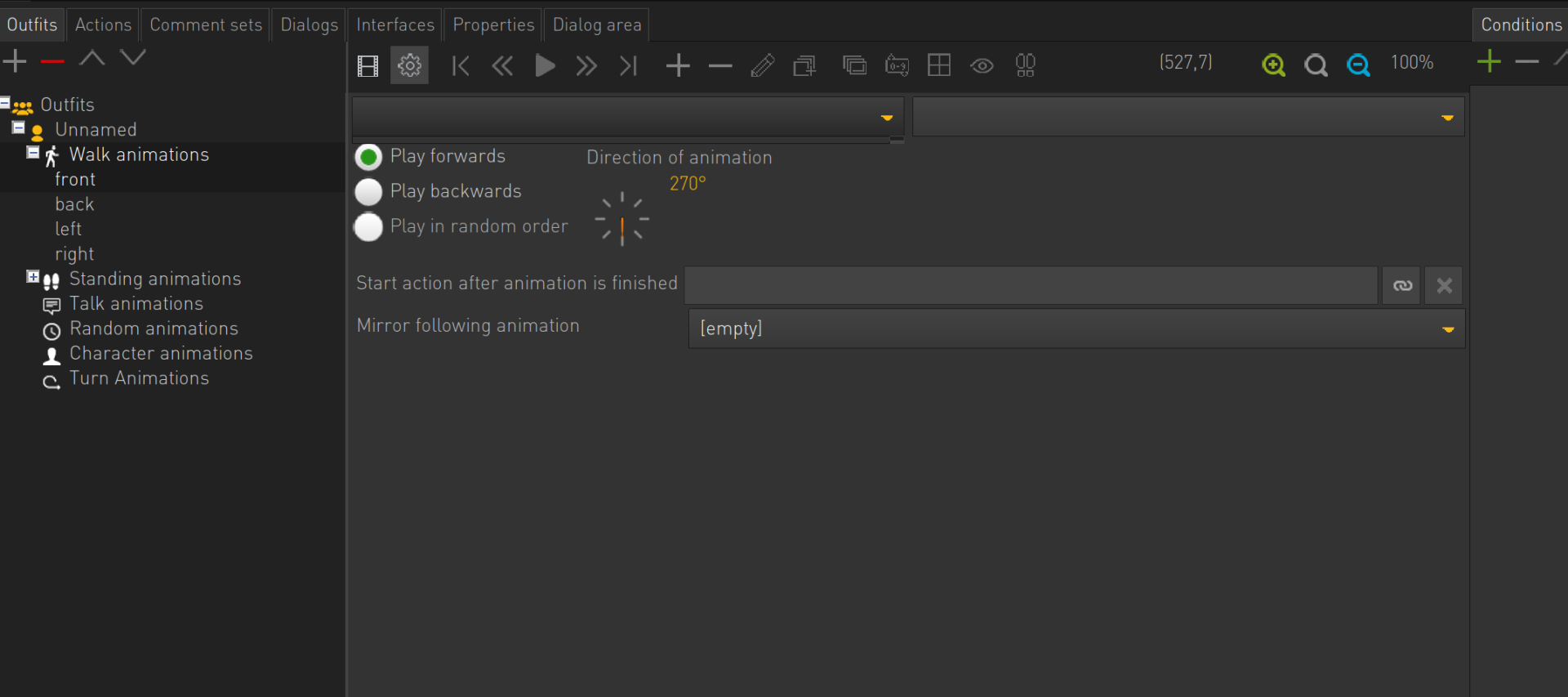
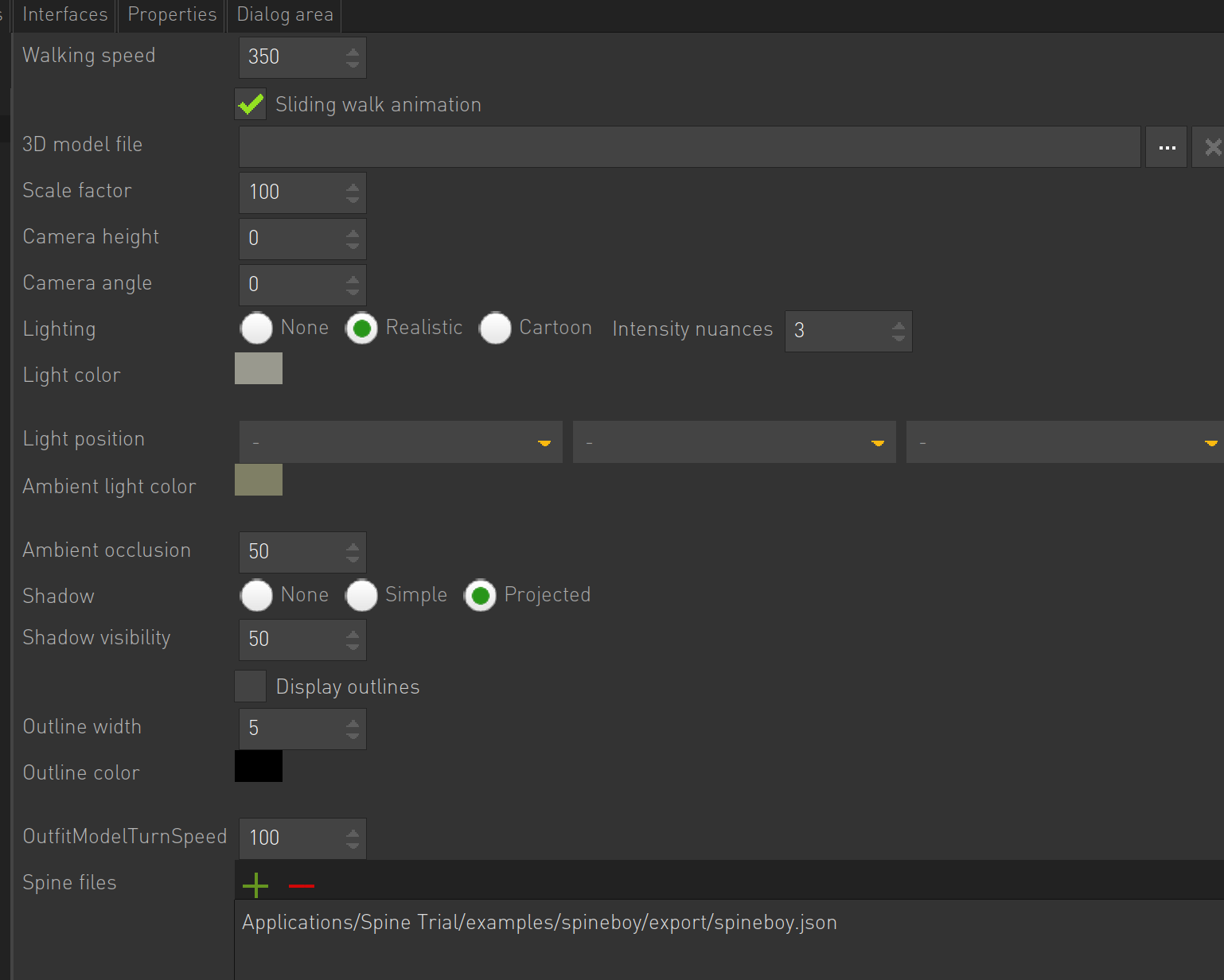
     I am trying to workout if I can successfully import spine animations into Visionaire studio before we commit to the platform. I have looked at other posts but cant seem to get this to work. I am trying to import the example spineboy json from the spine trial. However I get an empty dropdown box when selecting animations.
    spineboy.json, spineboy.atlas and spineboy.png are all in the same directory

    Newbie

    1 Posts

  • #2, by afrlme Tuesday, 17. December 2019, 11:16 6 years ago Quote
    Sorry, thought someone would have replied sooner. Yes Visionaire has native support for Spine, I don't know why the model you have tried isn't working - possibly down to the runtime version?

    I would recommend joining our discord server ( https://discord.gg/g5zFejW ) & asking on there as you will likely get a much faster response.

    Sorry again, for the late reply.

    Imperator

    7290 Posts

  • #3, by Lebostein Friday, 03. January 2020, 22:10 6 years ago Quote
    Simon has confirmed that it is not working. But we wait for a bugfix since more than a year...

    Key Killer

    621 Posts

  • #4, by la-machine-factory Sunday, 05. January 2020, 23:25 6 years ago Quote
    Hello,

    Same problem here, spine importation result with either crash or no animation in timeline.
    Spine intergration was a feature that was important for me, I'm a little disapoitned and hope there will be  a solution to support it again smile

    Does anyone know if can work with an older versions of Spine ?
    Maybe somebody got an old spine file to test with ?

    Newbie

    2 Posts

  • #5, by Lebostein Sunday, 05. January 2020, 23:36 6 years ago Quote
    With an earlier version of Visionaire (5.0.6 - 1.5 years ago) it worked. I created some test examples with 4 characters (exported from Dragonbones) and all worked. But all higher versions crash while importing spine files...

    Problem is, you can only download the last version of Visionaire 5 in Download section.

    PS: Here you can find my first bug report for 5.0.7 from October 2018, that Spine import no longer works: https://www.visionaire-studio.net/forum/thread/visionaire-up...
    Since then nothing has changed... :-(

    Key Killer

    621 Posts

  • #6, by la-machine-factory Friday, 10. January 2020, 00:06 6 years ago Quote
    Thanks for the informations Lebostein smile

    I hope there will be a fix someday.
    ii'd like to make a lot of animations, but with "one image per frame" system it's going to ask too much ressources.

    Newbie

    2 Posts

  • #7, by charles Monday, 09. March 2020, 16:57 6 years ago Quote
    I wish I had seen this thread before buying Spine today...
    Ive just tried with vs 5.0.9 and it doesnt work. 
    Is there any plans to fix it?

    Newbie

    11 Posts

  • #8, by SimonS Monday, 09. March 2020, 16:58 6 years ago Quote
    It's updated and working in version 5.0.10.

    Thread Captain

    1622 Posts

  • #9, by charles Monday, 09. March 2020, 18:16 6 years ago Quote
    It's updated and working in version 5.0.10.


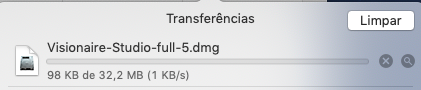
    Thanks for the info, SimonS, but Ive been trying to download the latest version for the last two days and for some reason the download from your servers, at least for me, hasn't been working properly. Is there any other way to get the updated version?

    Newbie

    11 Posts

  • #10, by SimonS Monday, 09. March 2020, 23:01 6 years ago Quote
    There must be something wrong with your internet connection. I can download it just fine.

    Thread Captain

    1622 Posts

  • #11, by charles Tuesday, 10. March 2020, 05:49 6 years ago Quote
    Ok but even on the latest version, I'm still facing some problems when I try to add Spine files… The json file apparently works without any issues but, unfortunately, the app crashes when I try to import the atlas (png image file) from the exported spine animation folder. I've also tried several different export settings but couldn’t make it work.


    Newbie

    11 Posts