Login / Registrieren
DE EN FR ES IT CZ
Zurück Nach oben

Visionaire 5.0.4 update released

  • #40, by SimonS 8 years ago Zitieren
    @wischnik It seems like you don't have write access to your export folder or it doesn't exist. I'll check on the retina issue later, have a high dpi display myself.
  • #41, by trepn 8 years ago Zitieren
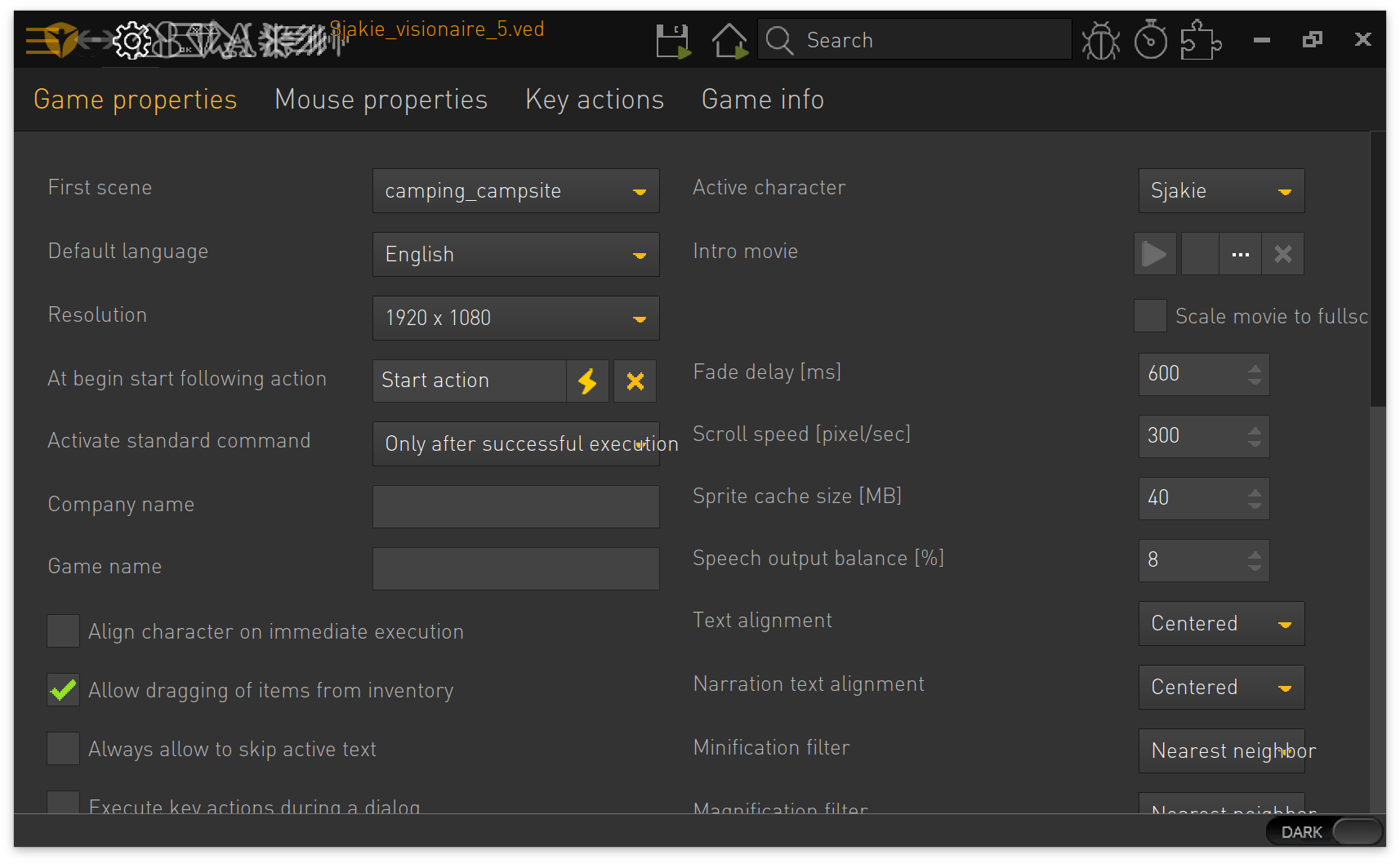
    The scripting screen also seems to be affected by the retina display. This is on my Macbook's  retina display:


    Looks fine on my non-retina iMac
  • #42, by caligarimarte 8 years ago Zitieren
    Eversince I've installed this Update, the Audio has been playing in a torn and choppy Manner (specifically the Music is where I noticed this) -- I suppose it has something to do with the recent Changes to the Audio-System.
  • #43, by SimonS 8 years ago Zitieren
    @trepn: You can zoom with apple+scroll, I haven't multiplied the text size with dpi scaling yet.

    @caligarimarte: Which audio format are you using ? Can you send me some sample files where it happens ?
  • #44, by caligarimarte 8 years ago Zitieren
    @caligarimarte: Which audio format are you using ? Can you send me some sample files where it happens ?

    For the Music, I use Stereo .ogg Files.
    Here's a File which sounds particularily bad: https://www.dropbox.com/s/az4cqwqh81cf39p/fatumcaesaris02.og...
  • #45, by SimonS 8 years ago Zitieren
    What is your configuration/os ? I tested on Mac and Windows and no noise or such.
  • #46, by wischnik 8 years ago Zitieren
    @wischnik It seems like you don't have write access to your export folder or it doesn't exist.

    jupp, das war's. vielen lieben dank.
  • #47, by trepn 8 years ago Zitieren
    @SimonS: Tnx, that works for now. The scaling is also not switching for the entire app when it is dragged to a retina display from an external display. So it starts up on the external display with the correct scaling, then when dragged to the retina display the entire screen content scales to half the size (see attach).
  • #48, by trepn 8 years ago Zitieren
    This also happens the other way around. So when starting Visionaire Studio without an external display, then attach external display and drag it to the display. Now Visionaire Studio is no longer controllable because all the button positions are on half the position of the interface.
  • #49, by caligarimarte 8 years ago Zitieren
    What is your configuration/os ? I tested on Mac and Windows and no noise or such.

    Windows 7 Home Premium (2009)
    Service Pack 1
    Modell: TMP453-MG
    Prozessor: Inter(R) Core(TM) i5-3230M CPU @ 2.60GHz 2.60 GHz
    Systemtyp: 64 Bit
  • #50, by afrlme 8 years ago Zitieren
    This also happens the other way around. So when starting Visionaire Studio without an external display, then attach external display and drag it to the display. Now Visionaire Studio is no longer controllable because all the button positions are on half the position of the interface.
    Isn't it possible on mac to toggle high dpi scaling per app in it's properties section like on windows?