

4. Accessing the game
Accessing the game
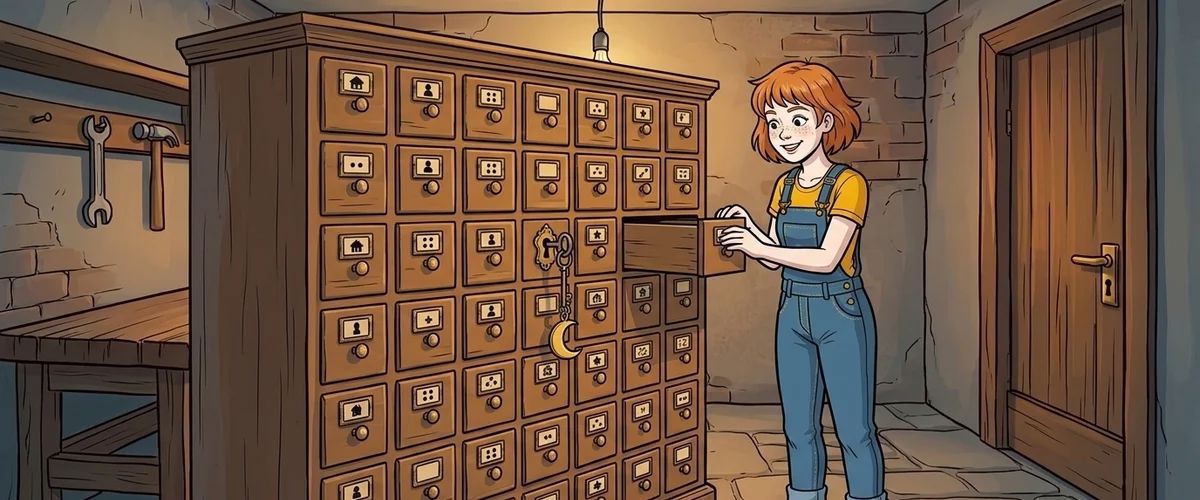
Everything you create in the editor is an object for Lua: scenes, characters, items, conditions, values, interfaces. Objects of the same kind sit in tables that are always available.
| Table | Contains | Example |
|---|---|---|
Scenes | Scenes | Scenes["cellar"] |
Characters | Characters | Characters["pia"] |
Conditions | Conditions | Conditions["grate_open"] |
Values | Values | Values["failed_attempts"] |
Interfaces | Interfaces | Interfaces["inventory"] |
The square brackets contain the internal name from the editor, not the name the player sees in the game.
Reading and setting fields
-- condition: field Value (true or false)
if Conditions["grate_open"].Value then
  print("The grate is open")
end
Conditions["grate_open"].Value = true

-- value: field Int for the number, field String for the text
local n = Values["failed_attempts"].Int
Values["failed_attempts"].Int = n + 1

-- the game object is always there
print(game.CurrentScene.name)       -- internal name of the current scene
print(game.CurrentCharacter.name)   -- internal name of the controlled character
Not every field may be changed by a script. Which fields exist and which are writable is listed in the wiki under Data structures.
When a name exists twice
If two characters have a value called coins, Values["coins"] is not unique. Then you go through the object path:
local c = Characters["pia"].Values["coins"].Int
You don't have to type the path: the object lists of the editor have the menu item "Copy Lua Path".
Rule to remember
Give unique internal names in lower case. Then every access stays short and readable.
Your task
Print the name of the current scene with



