

Login / Registrieren
DE EN FR ES IT CZ
Zurück Nach oben

scene import from Aseprite problems

  • #1, by fallacies_fallacies 11 years ago Zitieren
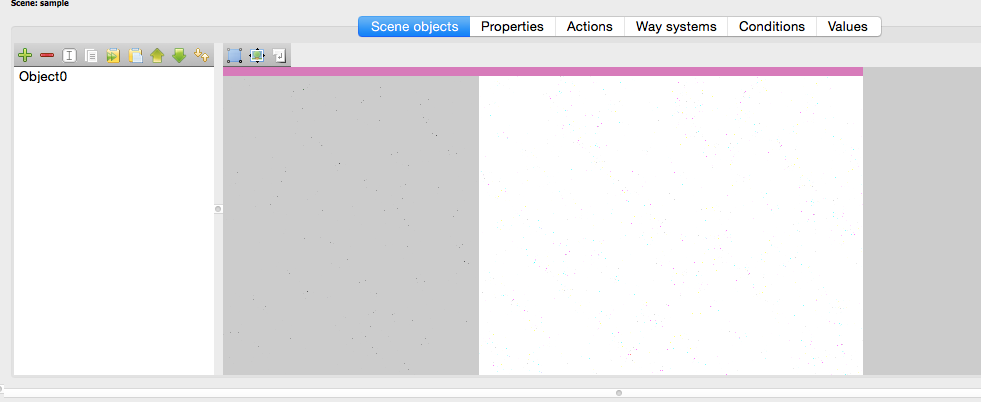
    I'm using a mac. When I import a background image for a scene, the image is just a messy blur of random coloured pixels. I've tried with multiple sizes. Please help.
  • #2, by sebastian 11 years ago Zitieren
    In what format do you export the image? Does it show correctly in image viewers?
  • #3, by fallacies_fallacies 11 years ago Zitieren
    Thanks for the reply.

    I'm trying with .png files and yeah, the images show up properly in every other program. It seems like the same problem this guy was having.

    http://www.visionaire-studio.net/forum/thread/background-image/
  • #4, by tristan-kang 11 years ago Zitieren
    Is your image 8 Bits or 16 Bits or 32 Bits?

    VS only accepts 8 Bits.
  • #5, by fallacies_fallacies 11 years ago Zitieren
    Pretty sure Aseprite uses 8 bit.

    "Aseprite is a sprite editor that features animation, pixel art drawing and editing, and exporting into gamedev-friendly formats. Aseprite is a large, feature-rich program that offers many excellent features for making 8 bit sprites, including layers, sprite previews, and preset palettes. Aseprite costs $10, and there is a free trial version."

    Any other way I can double check this?

    Thanks again everyone.
  • #6, by sebastian 11 years ago Zitieren
    could you post such an wrong rendered image?
    We all here then could try to add this image on our VS and see if its a OS related, Version related or whatever problem.
  • #7, by fallacies_fallacies 11 years ago Zitieren
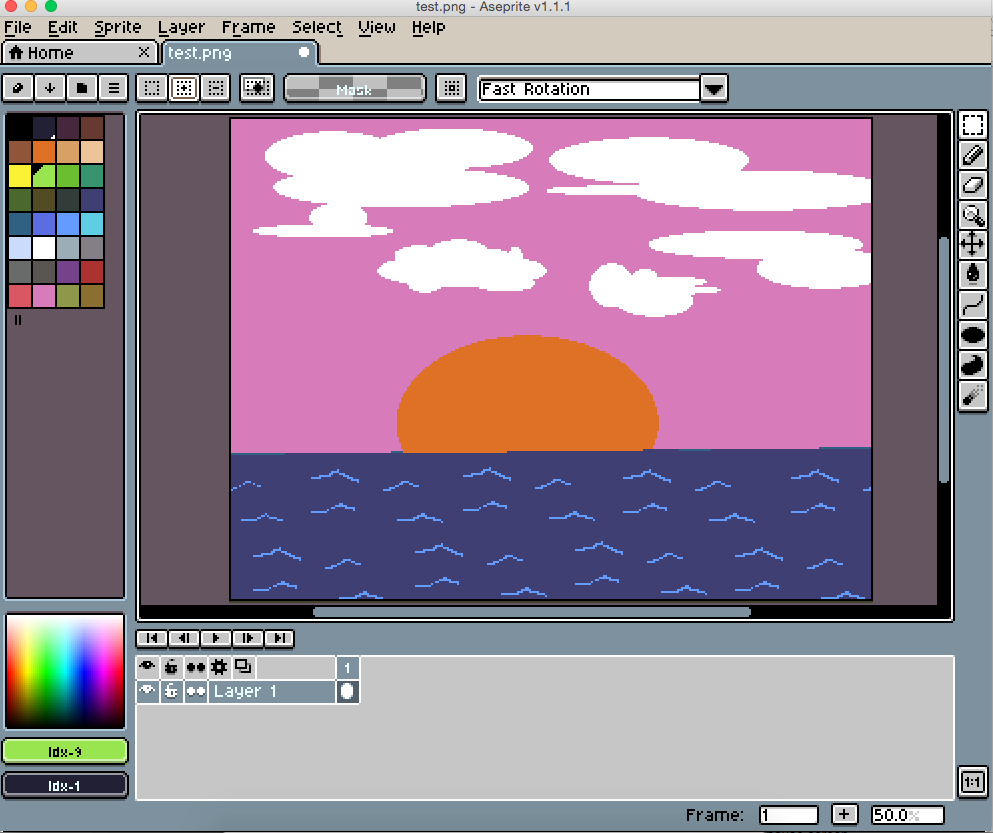
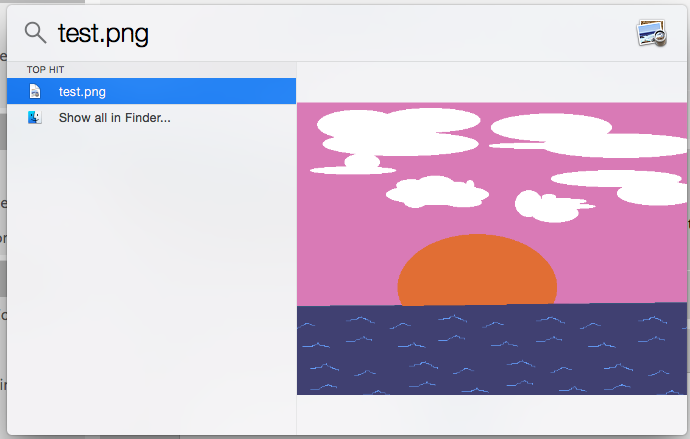
    Hey sorry for the delay and pardon the sample art. I don't really want to upload any images that I plan on using just yet. Here is the image as a .png, and a few screen captures to show that it works just about everywhere except in visionaire.

    Thank you.
  • #8, by tristan-kang 11 years ago Zitieren
    I think the problem is related to your game's default resolution rather than image itself.
  • #9, by fallacies_fallacies 11 years ago Zitieren
    I've tried in multiple resolutions with both the image and the game settings. I don't really understand why that would cause a problem like this, though admittedly there is quite a bit I don't understand as I'm a noob.
  • #10, by marvel 11 years ago Zitieren
    I think it might has to do with the export settings in Aseprite. It is probably a specific or higjly compressed type of PNG images that cannot be used with Visionaire Studio.

    Please go and try a different software like Adobe Photoshop. This is pretty much of a standard software for image works... and there are even free versions available. smile Most of the game developers use Photoshop and I don't know of any problems with its PNG Export.

  • #11, by SimonS 11 years ago Zitieren
    Can you send me your raw png ? What you uploaded is working in Windows.