
Login / Registrieren
DE EN FR ES IT CZ
Zurück Nach oben

iOS build no longer working

  • #1, by trepn 8 years ago Zitieren
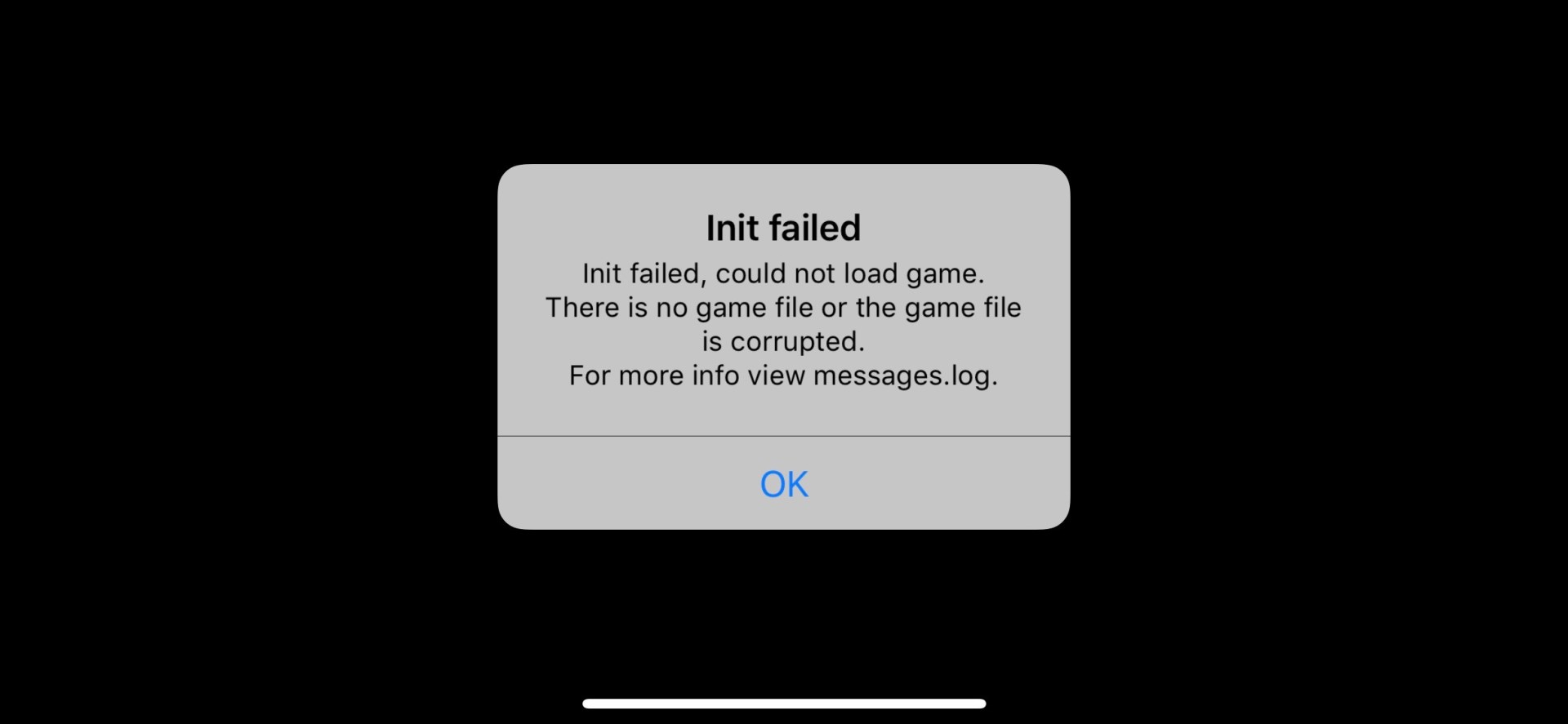
    I'm not sure what changed but my iOS version is no longer initializing. I get te following message. I'm using Visionaire Stuidio 5.06.  Any ideas?

    I've also tested with a simple project, same result.
  • #2, by Nigec 8 years ago Zitieren
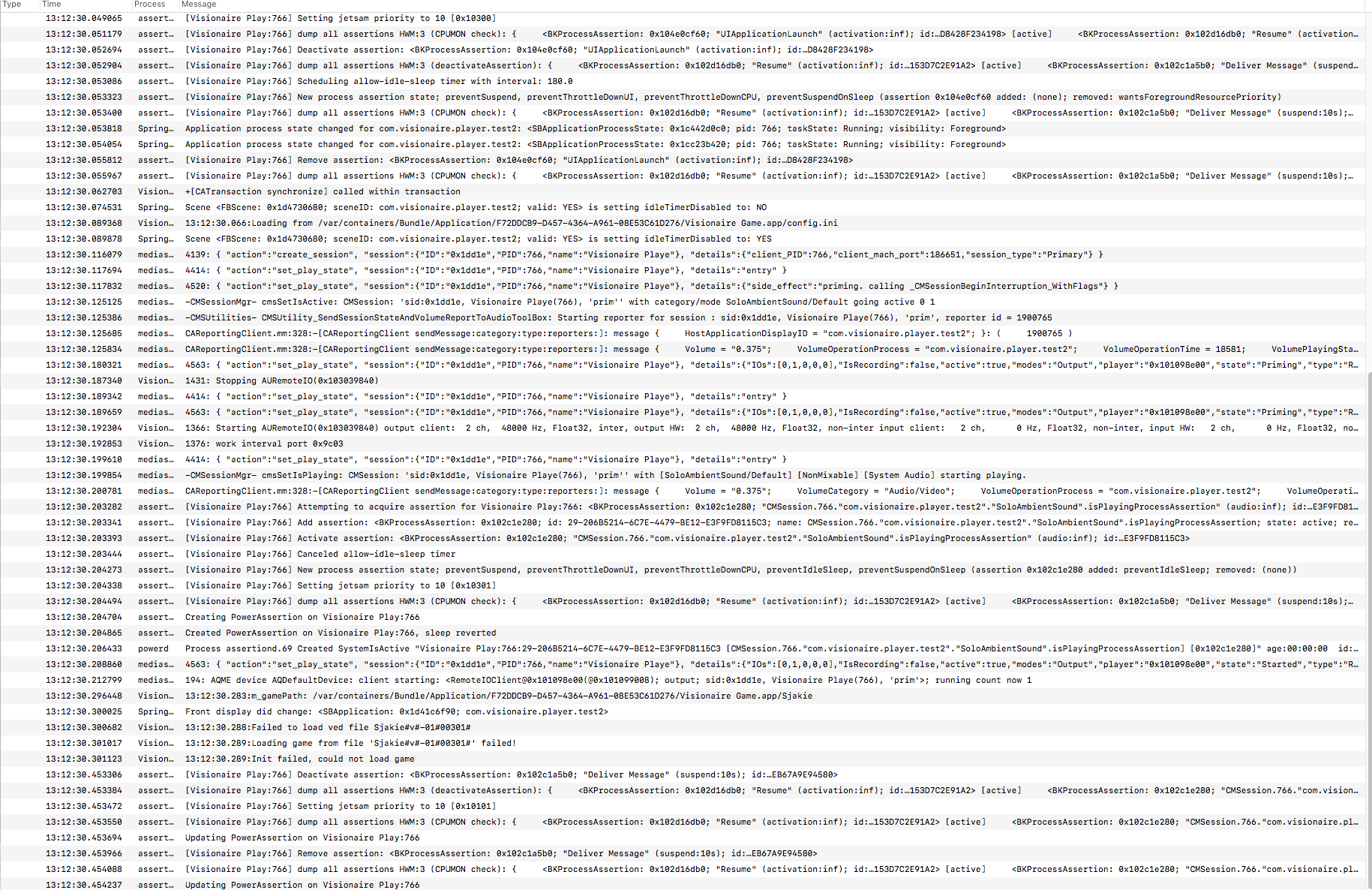
    it says its failing to load the ved file
    If you are doing this on Mac for some reason the ved extension wasn't been added but you would of thought any build would fail unless you've only tried ios
  • #3, by trepn 8 years ago Zitieren
    I'm charging my Android device, lets see what it does there
  • #4, by trepn 8 years ago Zitieren
    No problems on Android
  • #5, by Nigec 8 years ago Zitieren
    its just dawned on me (I'm very slow!) why is it looking for a ved file? shouldn't it be a vis?
    around line 13 up from the bottom of the message log image
    I don't have a ios or any mac products so I can't test sadly
  • #6, by trepn 8 years ago Zitieren
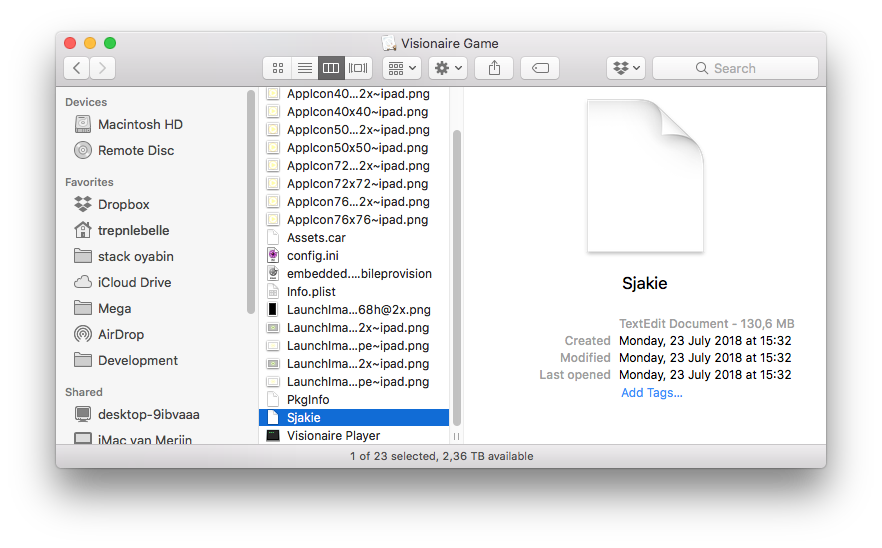
    The file has no extension, I tried adding both .ved and .vis but didn't help. If I look at older ipa's it also has no file extension here (and these do run).
    The screenshot is the ipa unpacked and the show package contents on the Visionaire app. 
  • #7, by Nigec 8 years ago Zitieren
    on windows it automatically names the file as a *.vis
    Before you build it in the Build Game dialog make sure the output file as the vis extension and see if that works
    I can build for ios and it has the vis extension
  • #8, by trepn 8 years ago Zitieren
    on windows it automatically names the file as a *.vis
    Before you build it in the Build Game dialog make sure the output file as the vis extension and see if that works
    I can build for ios and it has the vis extension

    With or without doesn't seem to matter, same error. I can reproduce it with the FantasyQuest adventure
  • #9, by Nigec 8 years ago Zitieren
    If you change it after you build the config file is different.. with that in mind what is the config.ini looking for?

    Hopefully Simon will cast some light, I'm only guessing smile

  • #10, by trepn 8 years ago Zitieren
    @development: Is there a download link for older v5 versions? I was able to make workable ipa's before, maybe I can check from which version it stopped working.
  • #11, by trepn 8 years ago Zitieren
    If you change it after you build the config file is different.. with that in mind what is the config.ini looking for?

    Hopefully Simon will cast some light, I'm only guessing smile


    Tried both, before and after