Menu
Login
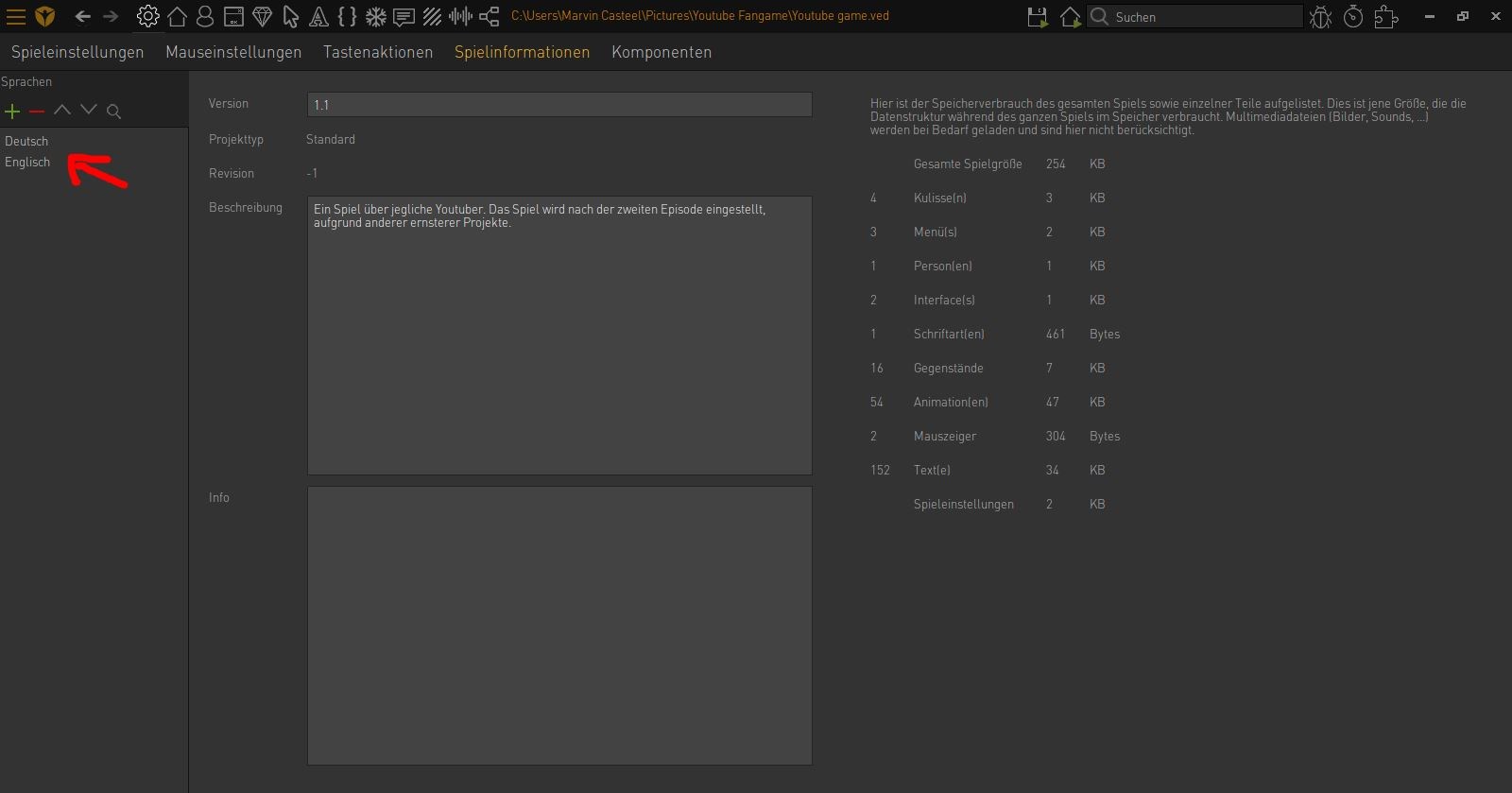
Language
DE EN FR ES IT CZ
Back

How to change subtitles in-game?

  • #1, by marvincasteel Saturday, 02. January 2021, 15:03 5 years ago Quote
    Hey, I would like to add several subitles in my game. Some without audio. How is it possible to change the subtitles in-game, without an effect on the audio? For example that you change the subtitles to english, but you want the audio in german. I hope someone can help me.

    Newbie

    13 Posts

  • #2, by SimonS Saturday, 02. January 2021, 15:14 5 years ago Quote
    There are different fields for audio and for text language. There is game.SpeechLanguage and game.StandardLanguage. They can have different values, so for example:

    game.StandardLanguage = Languages["english"]
    game.SpeechLanguage = Languages["german"]

    Thread Captain

    1622 Posts

  • #3, by marvincasteel Saturday, 02. January 2021, 15:37 5 years ago Quote
    There are different fields for audio and for text language. There is game.SpeechLanguage and game.StandardLanguage. They can have different values, so for example:

    game.StandardLanguage = Languages["english"]
    game.SpeechLanguage = Languages["german"]

    And how can I add the audio and subtitles seperatley? Because I only saw the action to set the audio und with that the subtitles. For example "output text". There you can add audio and subtitles together.

    Newbie

    13 Posts

  • #4, by SimonS Saturday, 02. January 2021, 16:34 5 years ago Quote
    The language can only be changed separately via lua scripting as I did in the example. There is no action part for it.

    Thread Captain

    1622 Posts

  • #5, by marvincasteel Tuesday, 05. January 2021, 17:07 5 years ago Quote
    The language can only be changed separately via lua scripting as I did in the example. There is no action part for it.
    I tried it, but it doesnt work. Do I have to define the languages somehow? If yes, how does it work? Im a noob in programming.

    Newbie

    13 Posts

  • #6, by afrlme Tuesday, 05. January 2021, 17:43 5 years ago Quote
    You have to use the names of the languages you created in game info section of the Visionaire Studio editor.

    Quick note: names are case sensitive.

    Imperator

    7290 Posts

  • #7, by marvincasteel Tuesday, 05. January 2021, 19:10 5 years ago Quote
    You have to use the names of the languages you created in game info section of the Visionaire Studio editor.

    Quick note: names are case sensitive.

    I did exactly the same you told me, but nothing happens. What could be the problem?

    Newbie

    13 Posts

  • #8, by afrlme Tuesday, 05. January 2021, 20:04 5 years ago Quote
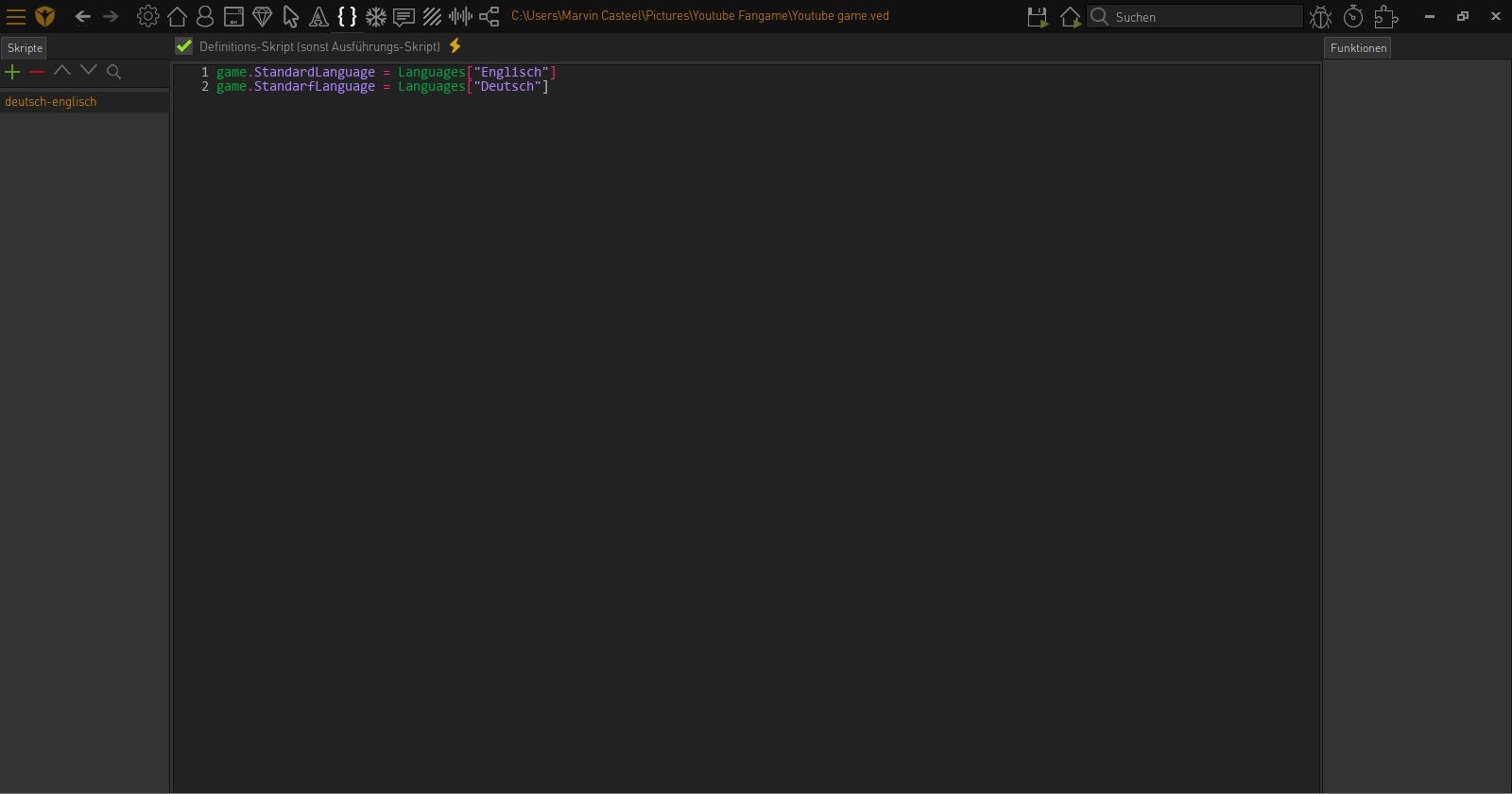
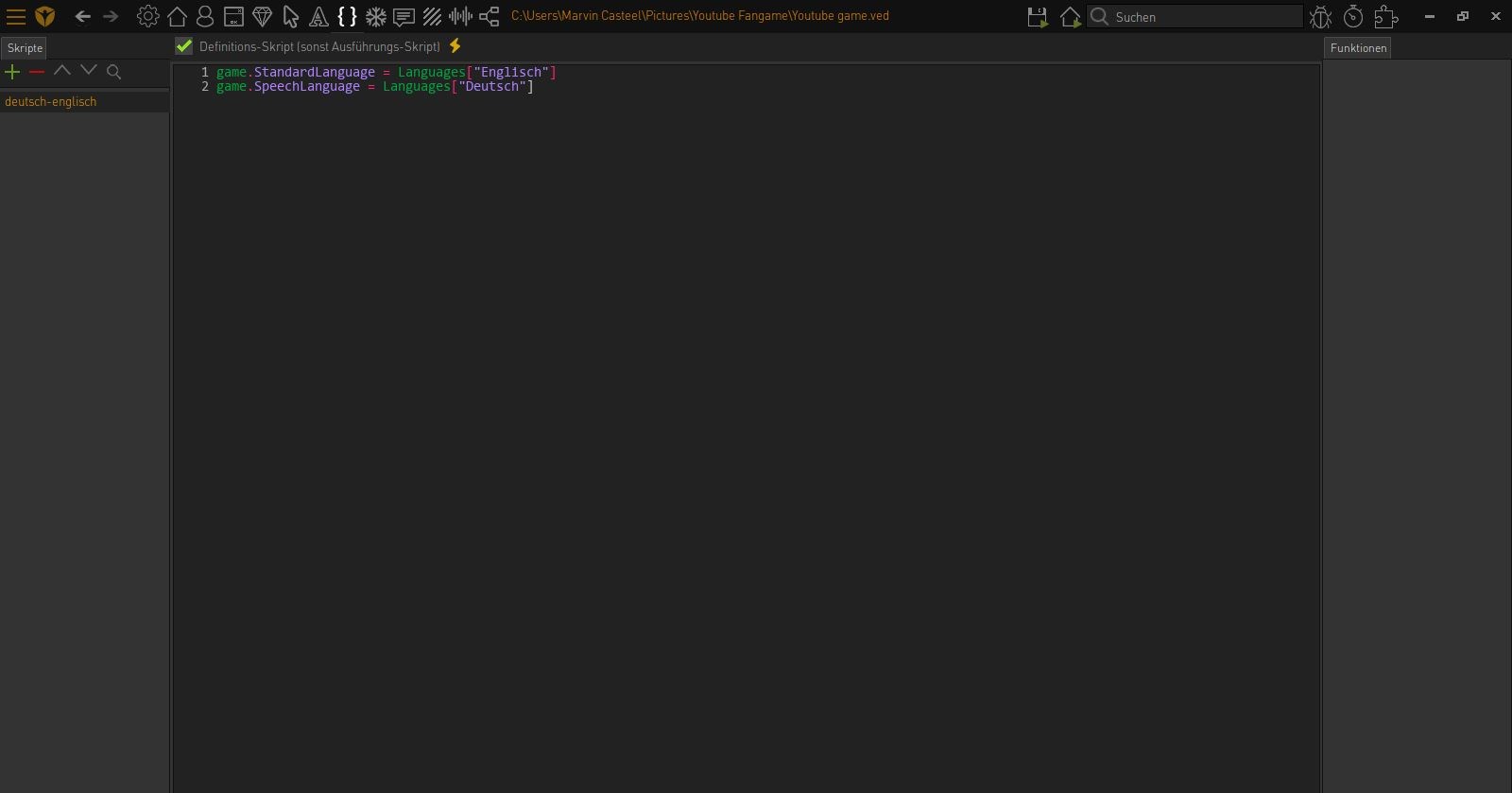
    You have made a typo in the second line. game.StandarfLanguage.

    Also one of the lines should be referring to SpeechLanguage.

    game.StandardLanguage is the global active language for both speech & texts, unless game.SpeechLanguage has a language assigned to it.
    Imperator

    7290 Posts

  • #9, by esmeralda Tuesday, 05. January 2021, 20:50 5 years ago Quote
    Should this script be a definition script? Then it will be executed all the time, right? So you can't change the language.

    I'm not sure what you want to do, but if you want to create options to change language of text and speech seperately then you should execute these lines whenever the specific options button is pressed and according to the selected language.

    Key Killer

    567 Posts

  • #10, by marvincasteel Tuesday, 05. January 2021, 20:51 5 years ago Quote
    You have made a typo in the second line. game.StandarfLanguage.

    Also one of the lines should be referring to SpeechLanguage.

    game.StandardLanguage is the global active language for both speech & texts, unless game.SpeechLanguage has a language assigned to it.
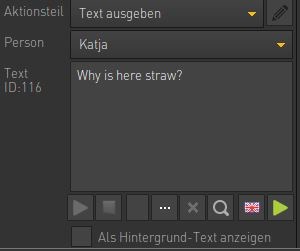
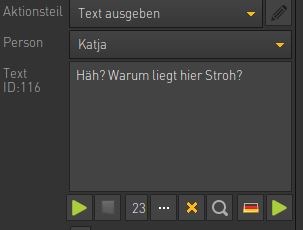
    How yeah, right. But now I corrected the typo, but nothing happens. Just to show, how I wrote the dialog...maybe theres a mistake:

    Newbie

    13 Posts

  • #11, by marvincasteel Tuesday, 05. January 2021, 20:55 5 years ago Quote
    Should this script be a definition script? Then it will be executed all the time, right? So you can't change the language.

    I'm not sure what you want to do, but if you want to create options to change language of text and speech seperately then you should execute these lines whenever the specific options button is pressed and according to the selected language.
    Oh yes, so I wanted to set these languages as the "normal" languages if you start the game. Later you should change the language in the options if you want. Im not quite sure how to solve this. I set this as a definition script just to see if it works, i hope this was right. I also translated just one sentence, just to see if it works, like a test. But I think this isnt bad.

    Newbie

    13 Posts