Choose license
DE EN FR ES IT CZ
Zurück Nach oben

How do I make a dialogue box?

  • #1, by stinkysmelly 3 months ago Zitieren
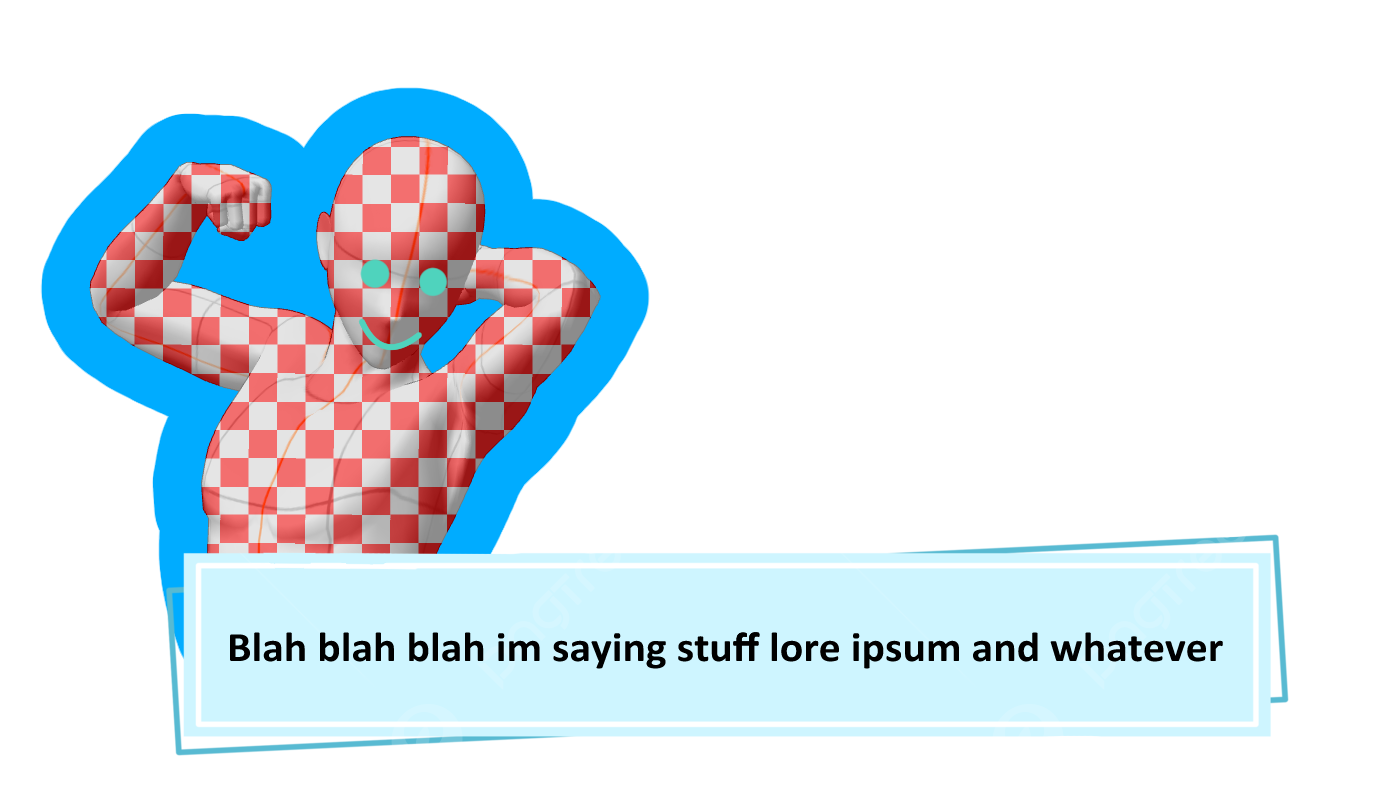
    I tried finding this topic but every example I found was people talking about displaying the text above the characters head while they walk around, my project is in a first person pov and I want a text box to pop up when they interact with things such as looking at things or using them. I included a quickly made reference for what im talking about. Im pretty new to Visionaire and to game development as a whole so I dont know all the technical words or anything so any help would be appreciated.
  • #2, by naofumi-sama A month ago Zitieren
    you're doing a first-person point-of-view, the standard "character overhead text" definitely won't work for you. The easiest way to achieve this classic visual novel/first-person pop-up box without getting too deep into the coding weeds is by combining an Interface with Narration Text.


    1. Set Up Your Text Box Graphic
    • First, we need to tell the engine that your text box exists as a piece of the screen's UI.
    • Head over to the Interfaces section in the editor and create a new interface (let's name it Text_Box).
    • Set your blue pop-up design as the background image for this interface.
    • Position it exactly where you want it to appear on the screen (e.g., bottom center).
    • Leave it hidden by default (don't set it to show permanently).

    2. Build the Object Interaction
    • Now, when you want the player to "Look at" or "Use" something, go to that object's action list and add these action parts in this exact order:
    • Show/Hide Interface: Set this to Show your Text_Box interface.
    • Display Narration Text: Instead of using "Display Text" (which tries to attach to a character), use the "Narration" version. This action part lets you manually punch in the X and Y coordinates. Tweak those numbers so the text perfectly overlays your blue box.
    • Show/Hide Interface: Set this to Hide your Text_Box interface.

    Regards, nullsbrawl

  • #3, by max-johnson 3 weeks ago Zitieren
    You can use a message or dialogue box instead of character speech. When the player interacts with an object, simply trigger a text message to appear on the screen with the description or comment you want.

    I'd start with the built-in message system and customize the look later. It's much easier when you're still learning the basics. Good luck with your project!  vici bet casino 
  • #4, by john-hargen 3 weeks ago Zitieren
    Thanks for sharing this solution! As someone who is also fairly new to game development, I really appreciate explanations that break everything down step by step instead of assuming everyone already knows the technical terms.

    Using a separate interface for the dialogue box and showing narrative text inside it seems like a clean and practical approach, especially for first-person games. I'll definitely keep this method in mind for future projects.

    By the way, while browsing online recently, I came across https://betmarket.com.gr/ and found it quite easy to navigate.

    Good luck with your game development journey, and thanks again for the helpful advice!

  • #5, by elonmusk 2 weeks ago Zitieren
    If you're making a first-person game, what you're looking for sounds more like an interaction or inspection text box rather than floating character text. A common approach is to trigger a UI dialogue box whenever the player interacts with an object, so descriptions or hints appear directly on the screen. Since you're new to game development, don't worry—this is a feature many beginners implement early on. I recently experimented with similar mechanics while building a small AI-assisted game project, and testing different interaction systems taught me a lot. If you enjoy game development and custom game experiences, you can also check out Null's Brawl(https://null-brawl.io/), which has some interesting gameplay ideas and features.