
Login / Registrieren
DE EN FR ES IT CZ
Zurück Nach oben

Help with dialogs

  • #10, by Dogghy 14 years ago Zitieren
    Thank you for your patience.
  • #11, by afrlme 14 years ago Zitieren
    aye could do that but I still think nicest method would be to use an interface with actions & values to determine what the yes & no images do when clicking on them smile

    but aye there will be many other work-around choices for achieving your goal - always is apparently wink

  • #12, by Dogghy 14 years ago Zitieren
    I did a custom interface too but i am able to select the first answer (yes) but not the second one (no). I messed up with conditions! I am at work now, later i will post my problem on a demo!
  • #13, by afrlme 14 years ago Zitieren
    ok sounds good smile
  • #14, by Nigec 14 years ago Zitieren
    OK you don't need the door as a character, but the text displays in the top corner, also the dialog option repeats Its designed to have the dialog options in one place (along the bottom), then the dialog displays above the characters, when you select an option ie "open the door" the player says this and the other character responds

    Me, I'd use a pop up options window at least then there's a lot more control, otherwise you'd need to use a way system to lock the character in a location, without it the character will just move to the left top corner, set the dialog on the first part so it disappears in micro seconds and live with the options in one place

  • #15, by Dogghy 14 years ago Zitieren
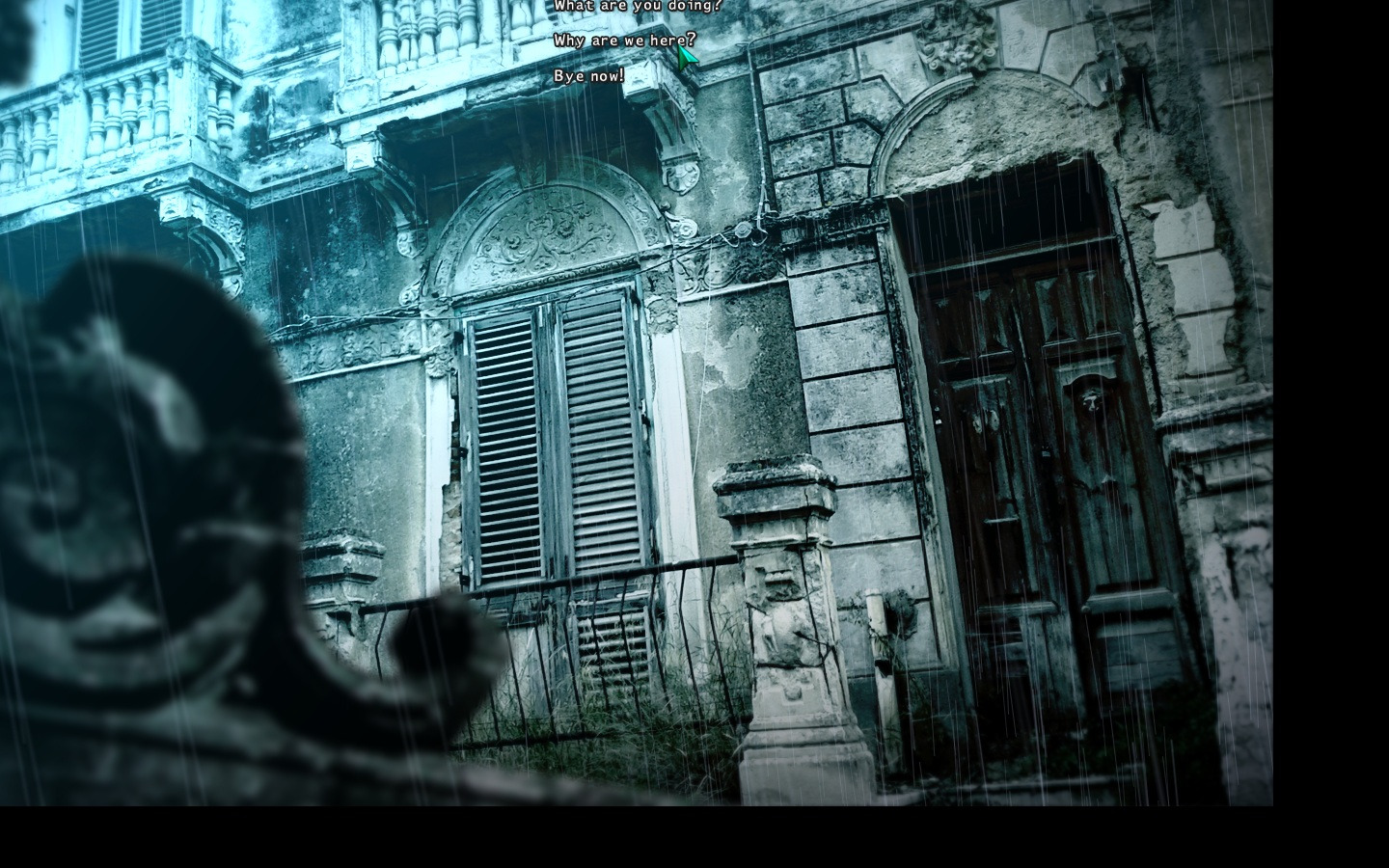
    OK this is the demo, can someone fix it? When you click the second option "allontanati" the interface must disappear.

    https://dl.dropbox.com/s/wejy2hysf25pipf/demo%20door.rar?dl=1
  • #16, by afrlme 14 years ago Zitieren
    give me a wee bit wink
  • #17, by Dogghy 14 years ago Zitieren
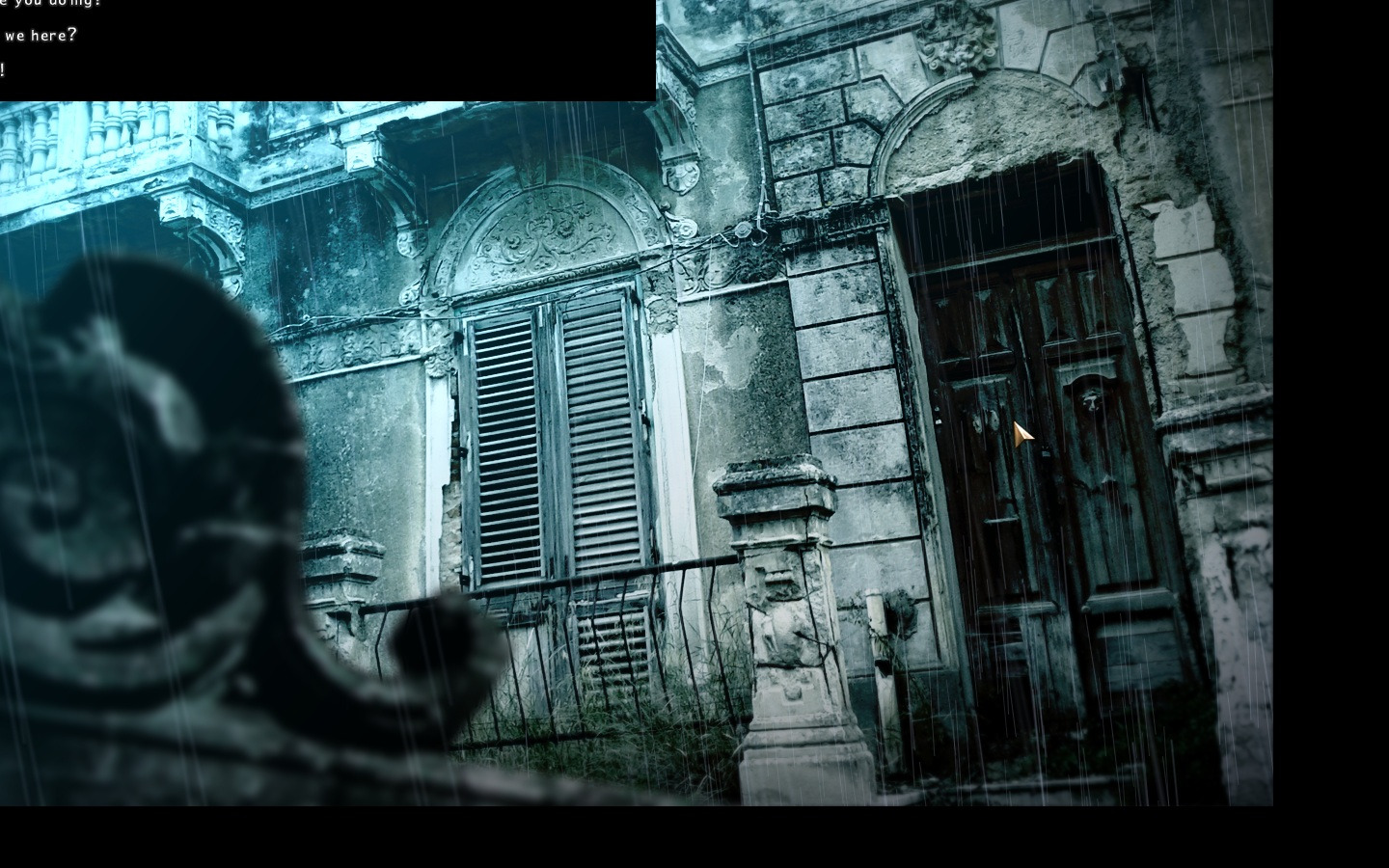
    Meanwhile I made a classic A/Q dialogue (finally!) but text always appear on top center of the scene window and the interface won't load! Damn! Look the screen!
  • #18, by Nigec 14 years ago Zitieren
    The problem is as soon as you enter the button area the button is switching off, you need to make a seperate hit area that enables as the window pops up
  • #19, by Dogghy 14 years ago Zitieren
    Nigec are you talking about my custom dialogue box?

    Anyway, I was able to show up the black interface on my standard Q/A dialogue but it's cut off from the screen!

    EDIT - Resolved. I am waiting anyway for AFRLme reply smile
  • #20, by afrlme 14 years ago Zitieren
    http://alternatingfrequencies.com/vs/demo_door_int_senti_edi...

    I cut out your door & created a open version too ... created an interface but it only works for this atm you could add infinite amount of animation images to the text thing on interface & say which is shown via a condition or value - same goes for what the yes/no buttons do.

    to center your interface you have to use absolute positioning & work out half width of resolution - half width of interface image same for height.
