Yes, actually.
By default the character is set to the slide option which is basically same as the old method, in that the characters slide between positions. This creates the vibration/stutter. This option is ideal for characters on/in some form of transport such as a car, bike, train etc as it doesn't matter so much about the sliding, moonwalking or vibration. If you go into the character properties tab (where the 3d options are - daft place I know) then you can turn sliding mode off.
The other mode updates the character position on each frame. It involves a bit more work on your part as you have to specify the distance traveled between each frame but it is worth it as you end up with a pretty decent ground to contact walk cycle, which doesn't stutter, vibrate or moonwalk across the screen.
http://wiki.visionaire-tracker.net/wiki/Characters_Tab 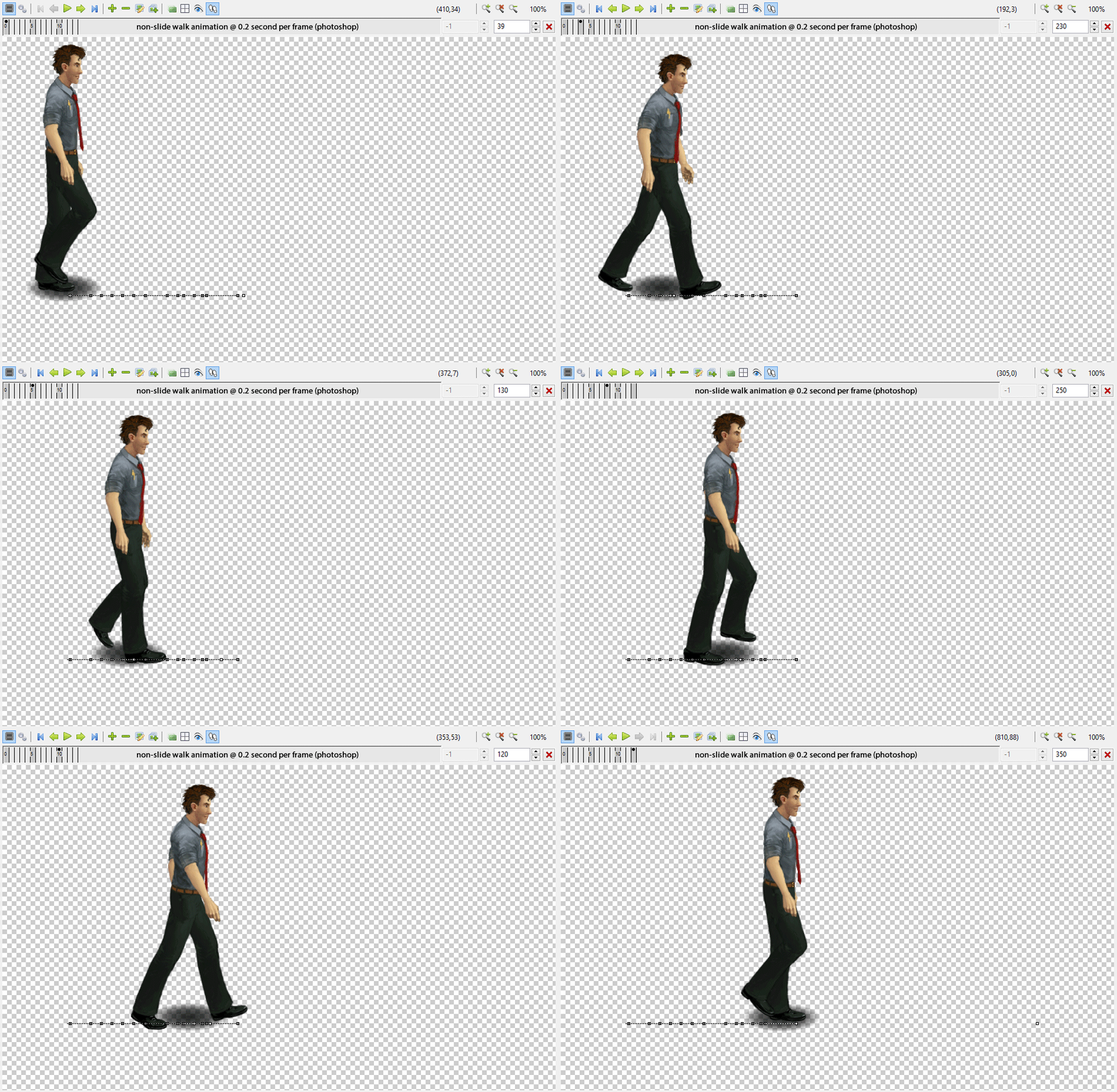



 i was talking about a framerate setting which possibly avoids this VIS animation glitch, and since most lcds are 50/60 or 100hz, instead of tvs with 24/25/50/60/100, the use of "film and tv" framerates seems counterproductive... "??"





