Menu
Login
Language
DE EN FR ES IT CZ
Back

Wrong character positioning

  • #1, by Philipp Stumpp Wednesday, 27. September 2017, 20:49 8 years ago Quote
    Hi,

    i was working with VS 5 learning with Sebastians tutorial how to get a character to move from one point to another. But this is what happens after all:

    1) The character does not start at the Character_starting_position i created

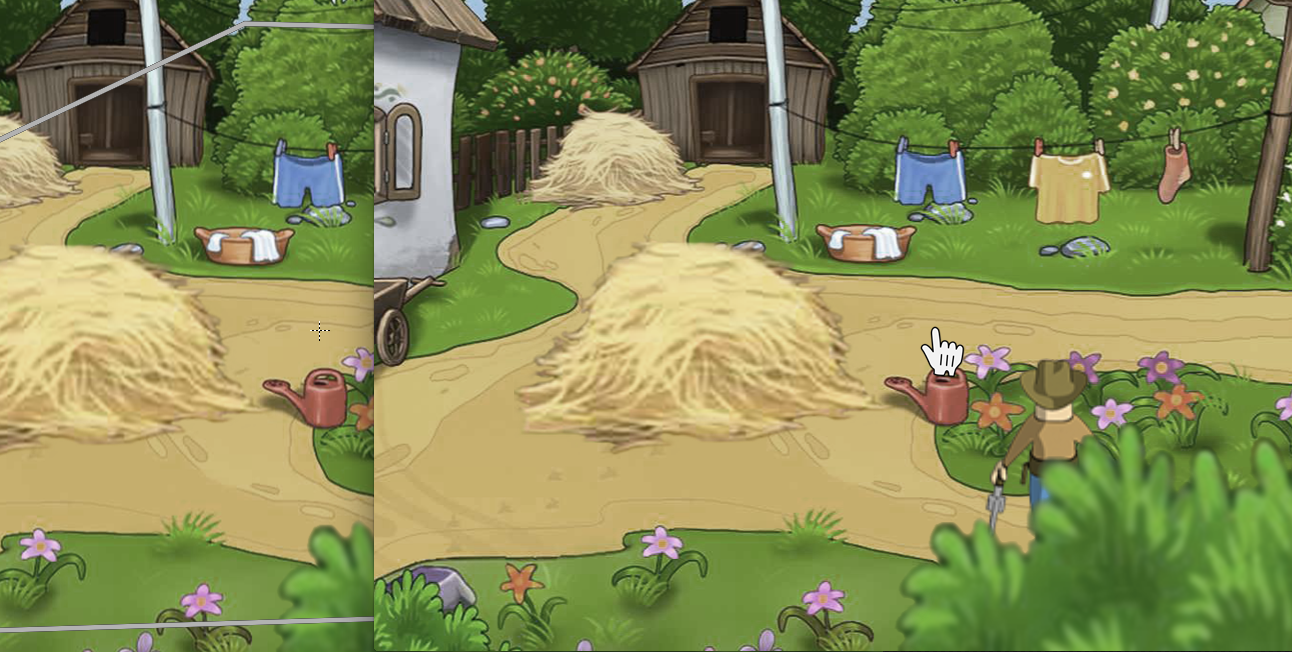
    2) Whenever i click somewhere the characters starts to move. But this is what happens: the character jumps to his "i should be here" position. Than he moves to his new position. When he gets there the image of the character jumps back to where he originaly started from. 

    In the picture you can see his starting position and where this should be, according to VS 5.

    Thanx for your help!

    Phil

    Newbie

    54 Posts

  • #2, by afrlme Wednesday, 27. September 2017, 21:12 8 years ago Quote
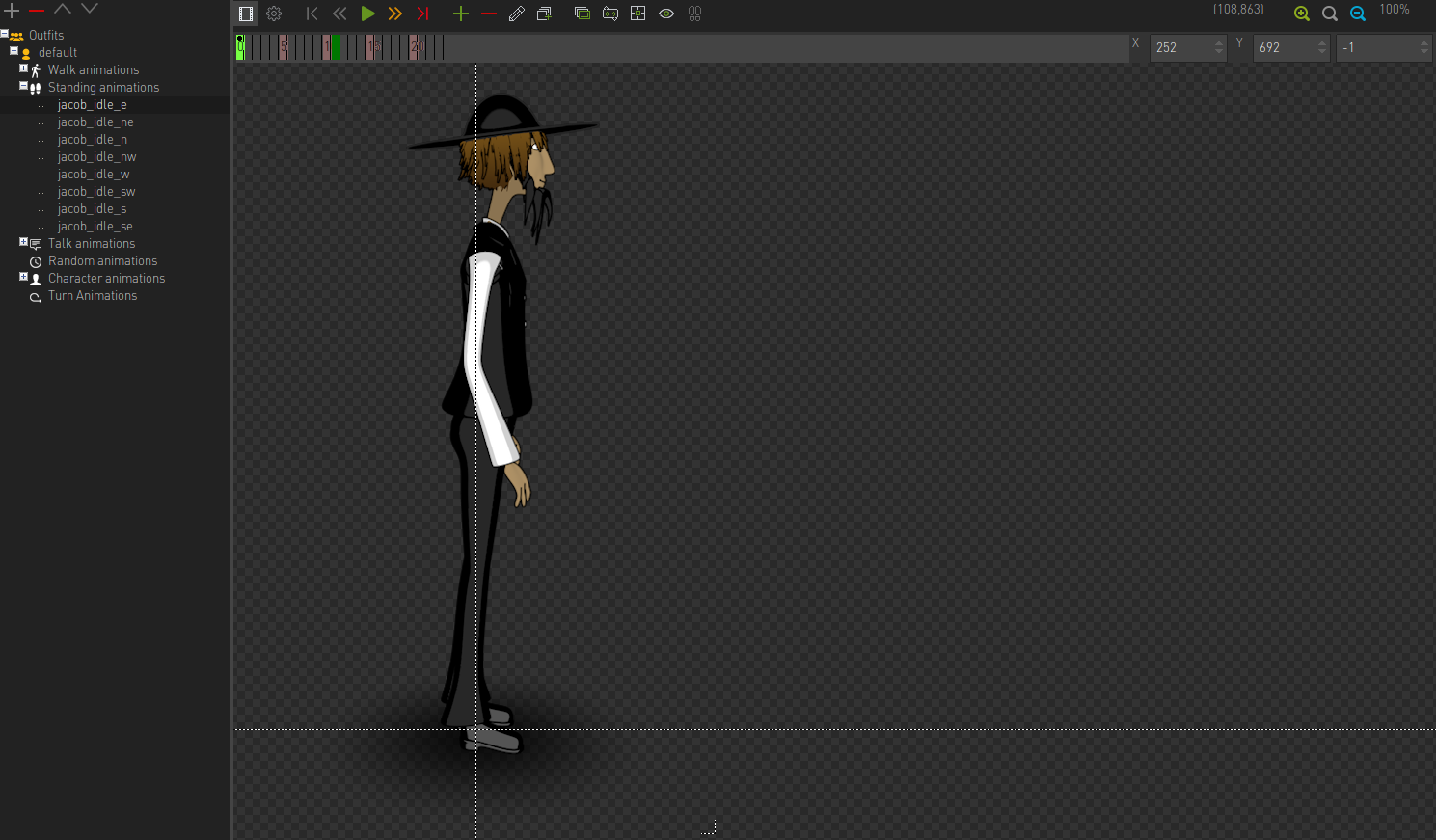
    Have you set the animation center for each of animations for your character? These determine the character in relation to the current specified position in the scene. Ideally the animation center should be set somewhere near the characters feet & even more ideally the animation center should be the same for all of the animations belonging to your character otherwise you are going to have to manually line up each character animation using harmonizer animation tool.

    https://i.gyazo.com/2a95022149787820cebf7c50d5d31aae.png

    https://i.gyazo.com/602777fd3590992f66429981ccbb70e2.png

    Imperator

    7290 Posts

  • #3, by Philipp Stumpp Wednesday, 27. September 2017, 21:20 8 years ago Quote
    Oh you are my hero!

    I had the animation center set for the walking animations but not for the standing animations. Yes, that's it!


    AFRLme, you are great!!!

    Greetings!

    Newbie

    54 Posts