Menu
Login
Language
DE EN FR ES IT CZ
Back

The Stupid Case Files: Cursed Nuts

  • #1, by benworks-creations Wednesday, 17. July 2019, 02:07 6 years ago Quote
    November 2nd, 2017
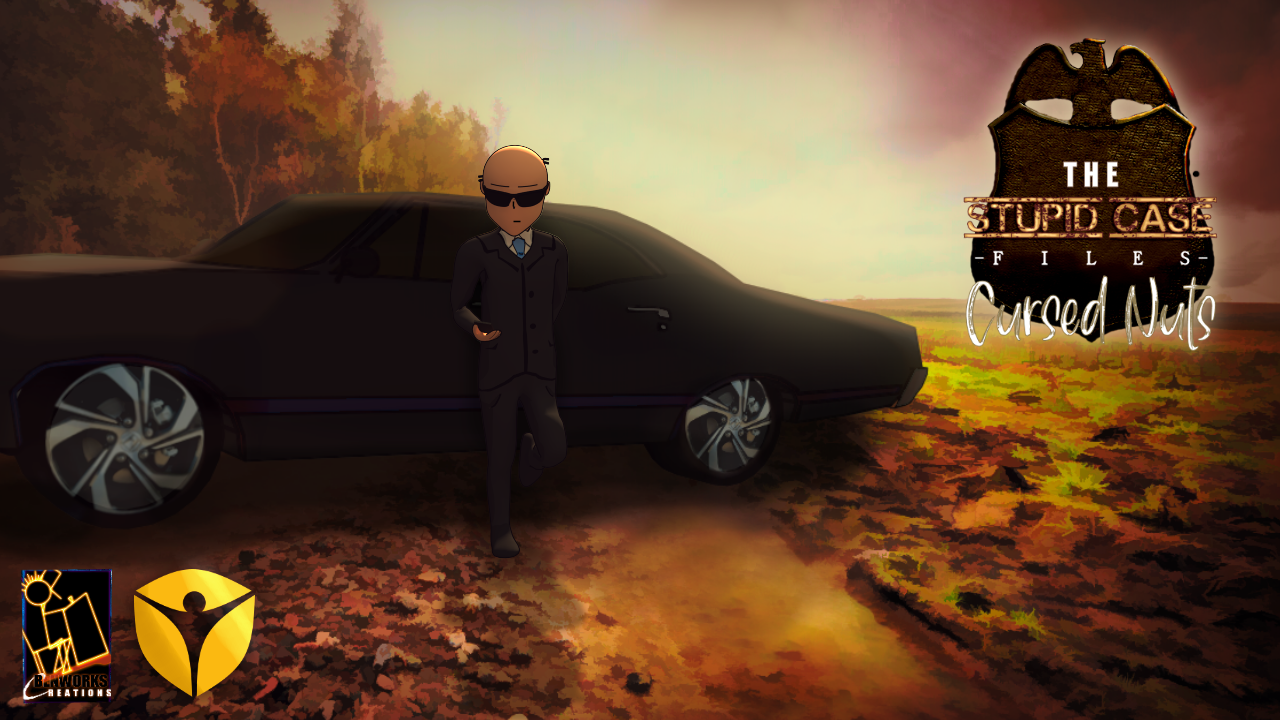
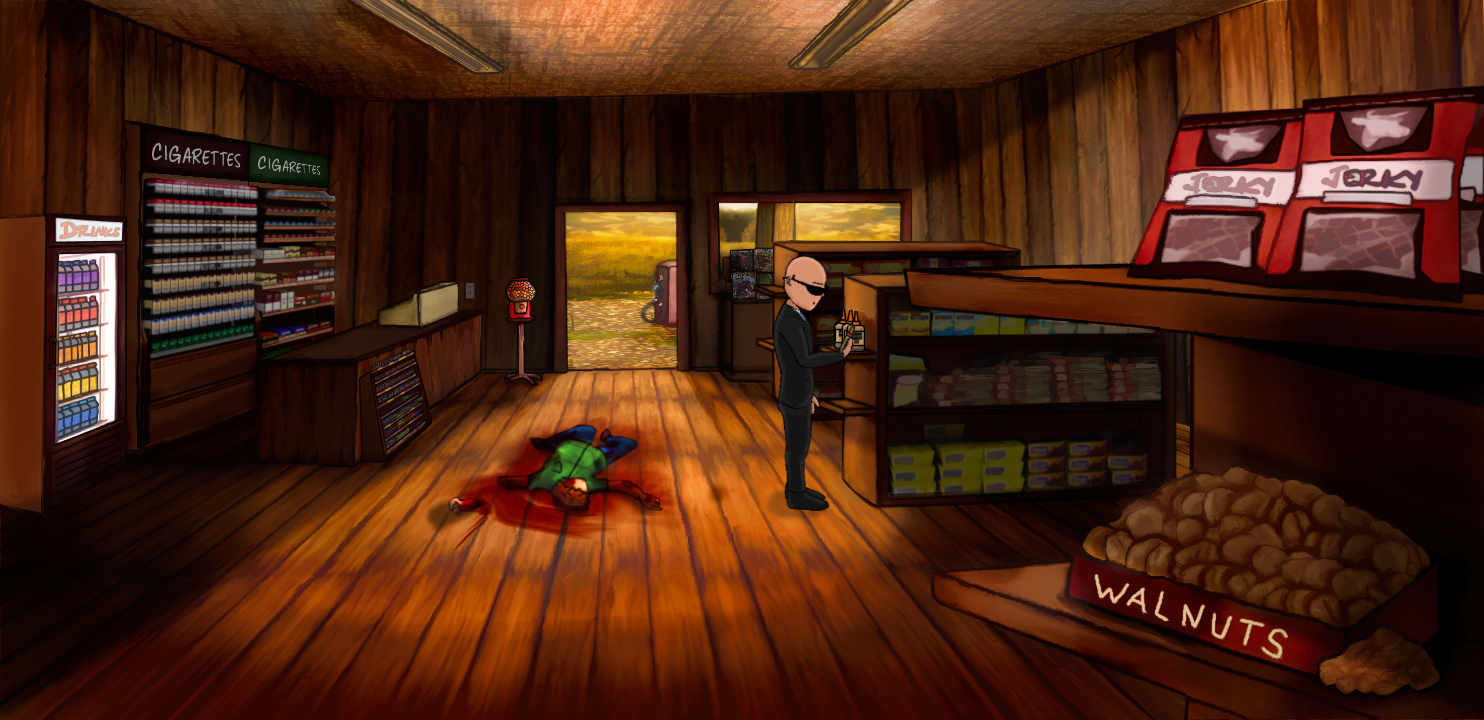
    F.B.I agent Peat M. Vault on his way to a meeting
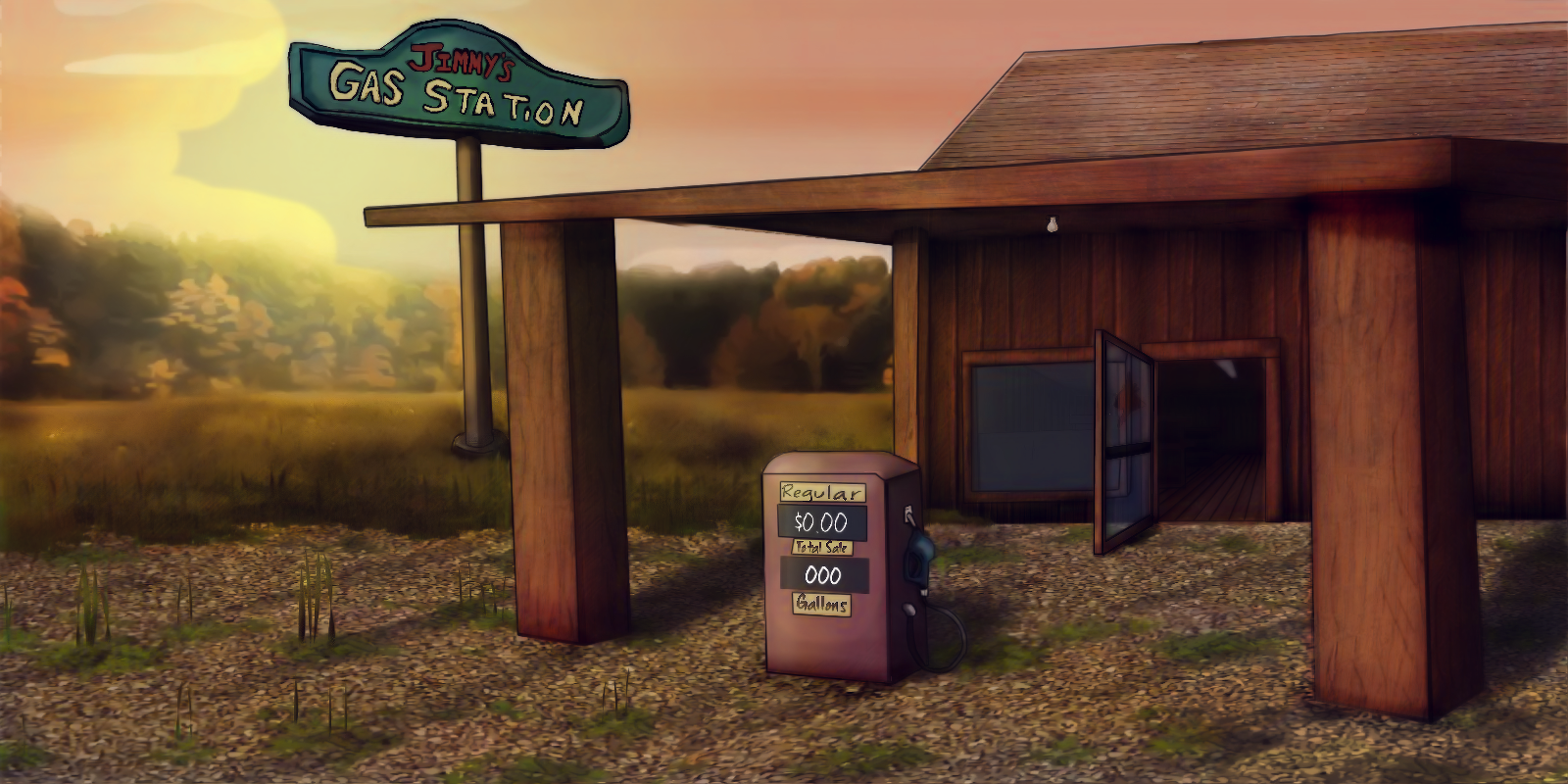
    stops at a gas station.
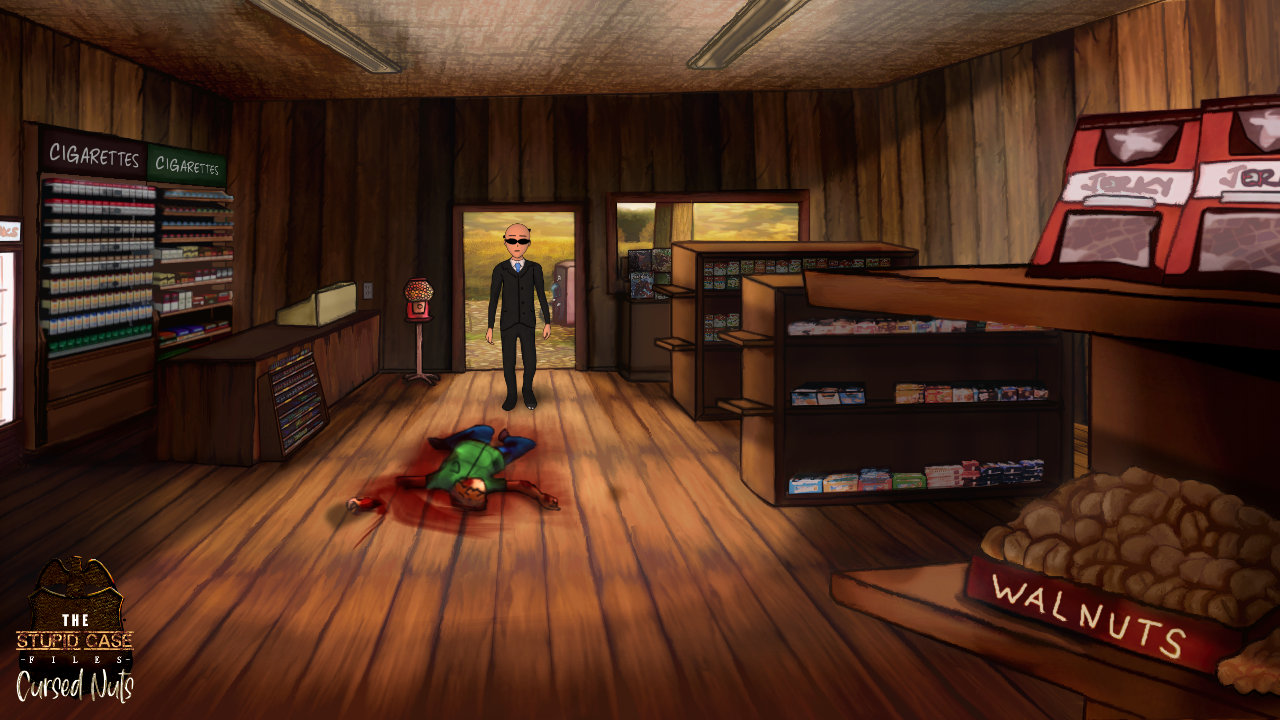
    Upon entering, he discovers a dead body ripped apart across the floor.
    With nothing but a letter he finds in the dismembered hand and small animal tracks leading in and out of the store.
    Agent Vault prepares for an investigation beyond this world and his intelligence.
    Benworks Creations Presents:
    The Stupid Case Files: Cursed Nuts
    [ Curently in development ]
    Release date: TBA

    Newbie

    6 Posts

  • #2, by denis- Wednesday, 17. July 2019, 07:49 6 years ago Quote
    Wow!Seems funny! 
    Nice job mate,and welcome to the Visionaire forum!

    Newbie

    74 Posts

  • #3, by benworks-creations Wednesday, 17. July 2019, 22:41 6 years ago Quote
    Thank you very much!

    Newbie

    6 Posts

  • #4, by Nigec Thursday, 18. July 2019, 10:41 6 years ago Quote
    looking good, I like your art style smile
    Keep going I'd like to see more

    Key Killer

    640 Posts

  • #5, by benworks-creations Wednesday, 31. July 2019, 01:38 6 years ago Quote
    Progress is coming along great!

    Newbie

    6 Posts

  • #6, by Nigec Wednesday, 31. July 2019, 20:34 6 years ago Quote
    nice work smile

    Your penguin game also looks interesting.. I like the footprints in the snow, nice touch

    Key Killer

    640 Posts

  • #7, by benworks-creations Monday, 16. September 2019, 05:41 6 years ago Quote
    Our Patreon has been updated.
    A new tier has been added. As a premium you will recieve full copies of our retail finished titles along with all other things we toss in.


    Newbie

    6 Posts

  • #8, by benworks-creations Monday, 16. September 2019, 05:48 6 years ago Quote
    by the way...How do I update my profile picture? lol.

    Newbie

    6 Posts

  • #9, by afrlme Monday, 16. September 2019, 11:45 6 years ago Quote
    click on the avatar above your name, then go to your profile & you should be able to tweak some options from there - also you can access the settings section via the right hand most icon on the menu (next to letter icon).

    Imperator

    7290 Posts

  • #10, by benworks-creations Monday, 16. September 2019, 12:24 6 years ago Quote
    click on the avatar above your name, then go to your profile & you should be able to tweak some options from there - also you can access the settings section via the right hand most icon on the menu (next to letter icon).
    Thank you very much!

    Newbie

    6 Posts