
Login / Registrieren
DE EN FR ES IT CZ
Zurück Nach oben

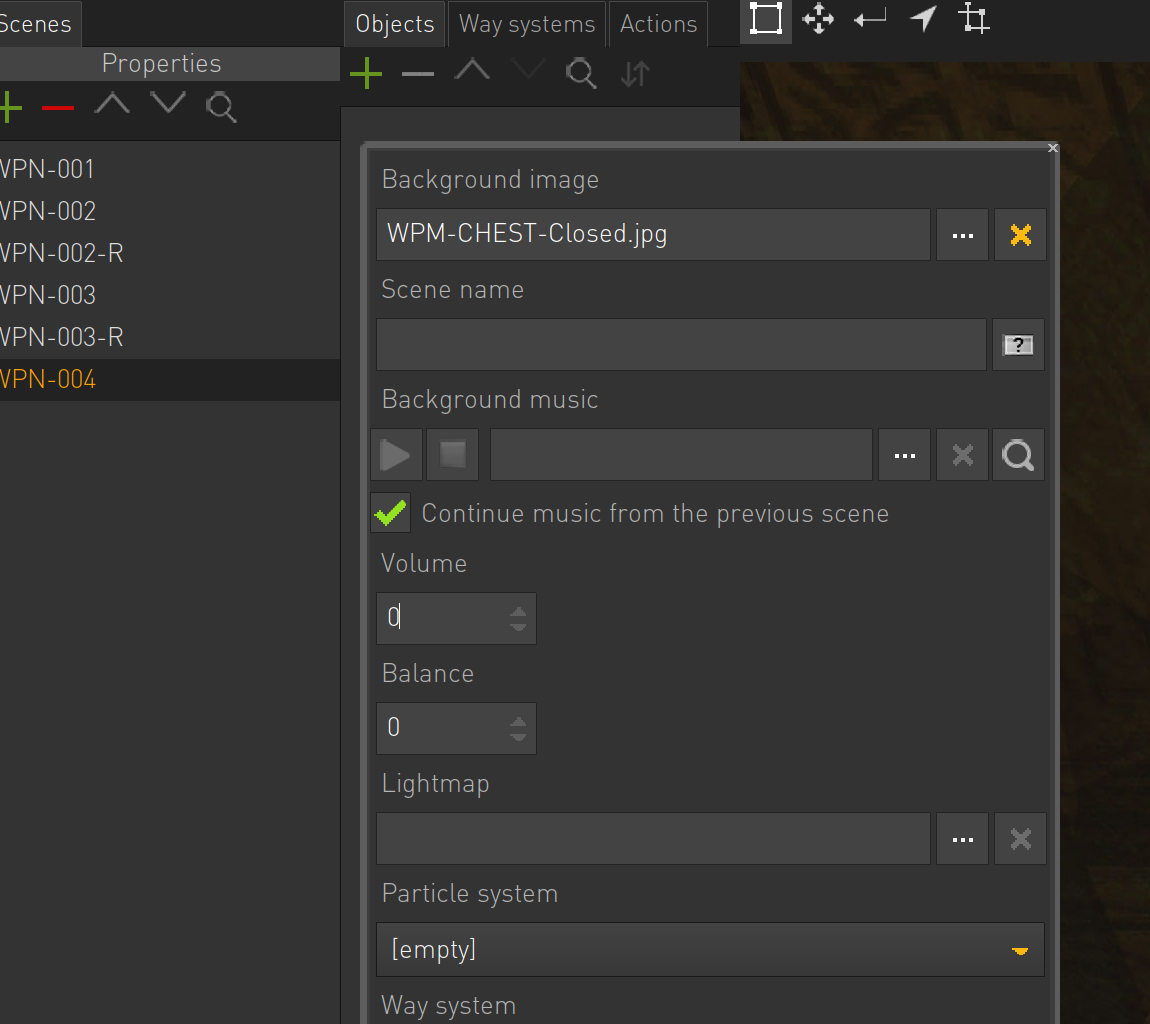
Scene > Properties > Volume resets to 0 - can't change it back

  • #1, by jeff 8 years ago Zitieren
    If I click to change the Scene > Properties > Volume field (which defaults to 100), it resets to 0 and will only then accept negative integers. I can not type in a value, nor can I use the up arrow to display positive integers.

    I'm using the Mac evaluation copy. Is this is bug or am I missing something?
  • #2, by SimonS 8 years ago Zitieren
    All volumes are in dB now, 0 - full volume, -6 half, -12 quarter
  • #3, by jeff 8 years ago Zitieren
    All volumes are in dB now, 0 - full volume, -6 half, -12 quarter

    Thanks Simon, totally makes sense now. But I think the fact that it starts out at 100 might confuse others like me smile Or maybe that's just in the eval copy?
  • #4, by sebastian 8 years ago Zitieren
    All volumes are in dB now, 0 - full volume, -6 half, -12 quarter

    Thanks Simon, totally makes sense now. But I think the fact that it starts out at 100 might confuse others like me smile Or maybe that's just in the eval copy?
    Yeah, seems to be a little display bug and leftover when Simon decided to change the percentage fields to dB.
