Login / Registrieren
DE EN FR ES IT CZ
Zurück Nach oben

Room Composition

  • #1, by priabudiman 12 years ago Zitieren
    Hey guys!

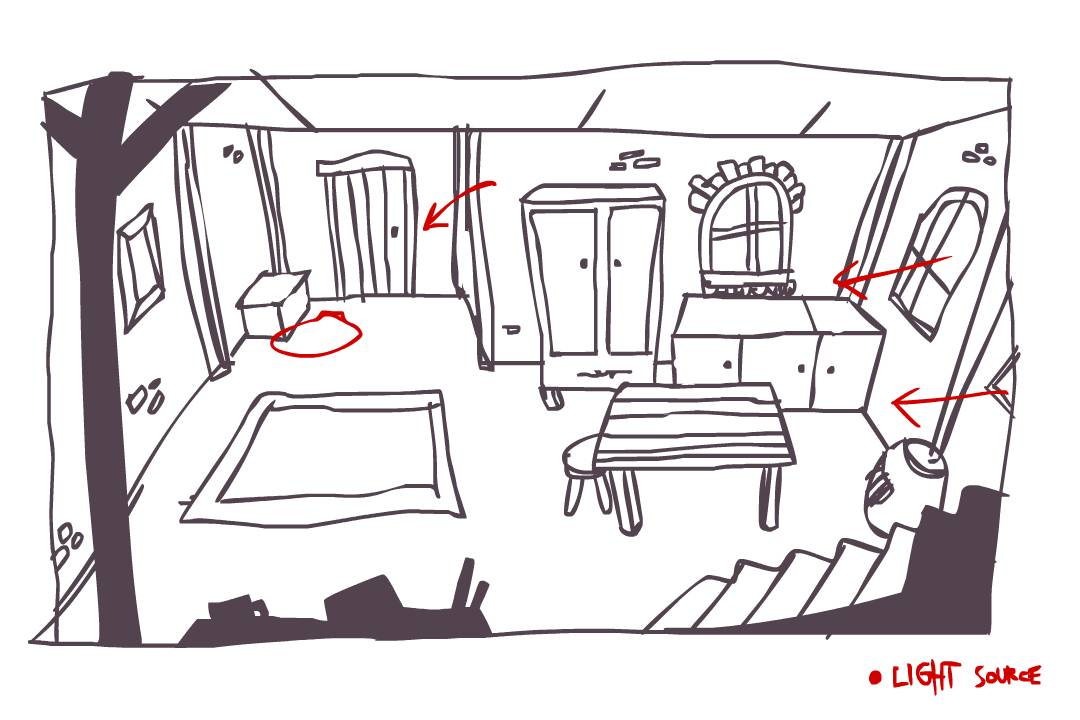
    I have this WIP, attached is the very rough sketch of a current room im going to work on, i need some suggestions & comments regarding room composition and placements. what to improve / remove / add

    Thank you,

  • #2, by Marian77 12 years ago Zitieren
    Hi Priabudiman,

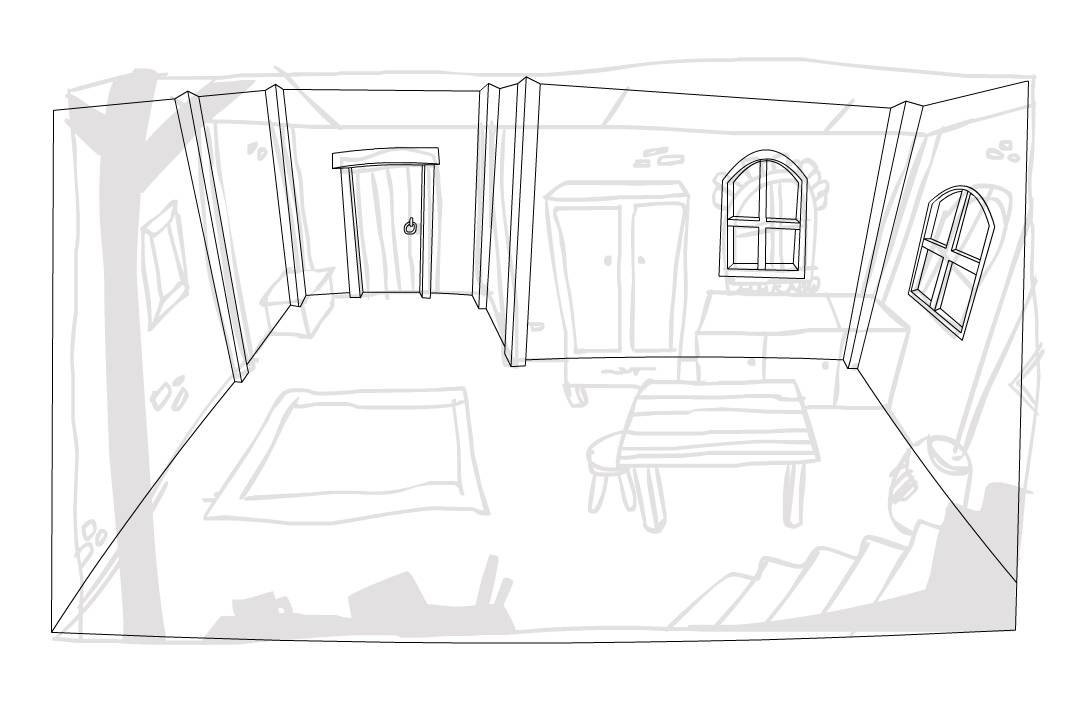
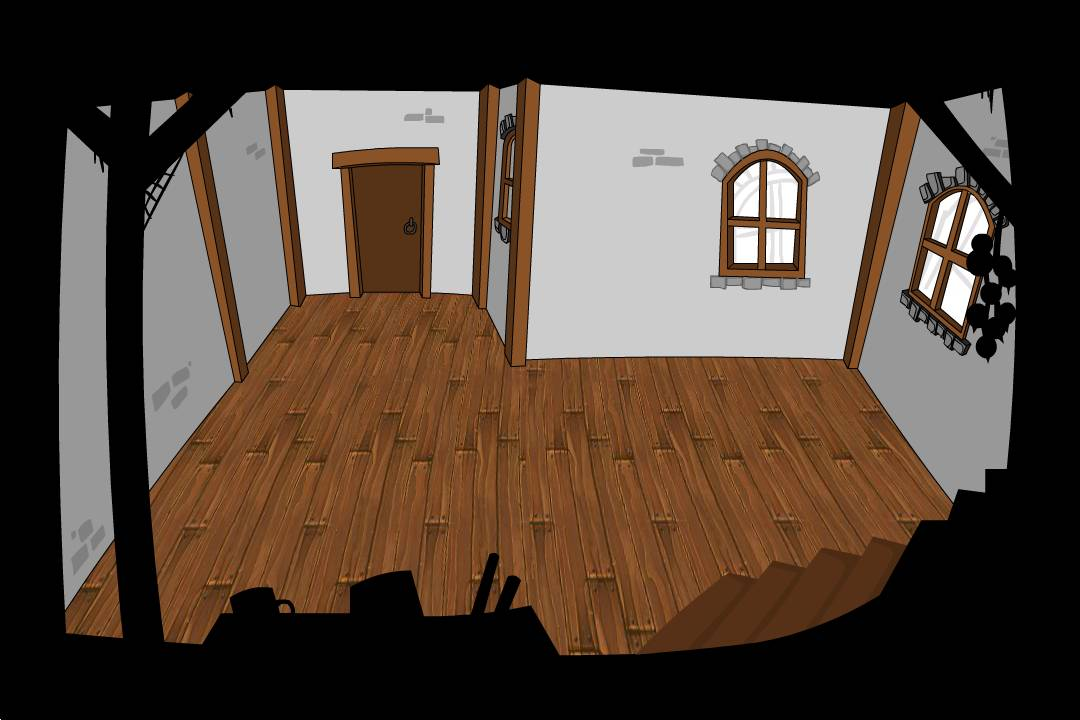
    I can't tell you too much about the composition of the room, since this would depend on what puzzles you want there to be and which objects you need to have in there. But I actually quite like the Sketch you did. In fact, I would not try to redo it "nicer" with straight lines and correct perspective and so on, I'd prefer to keep it as it is and just do a nice lighting and coloration, which might look very good. Only thing I'd do is add some more details. no more big Objects, just small stuff that makes the scene look more alive. Maybe a vase, some bottles or a mirror on the sideboard, a piece of cloth on the table, maybe with a wooden board with a bread and knife on it, hang some garlick or dried chilies from the beam in the foreground, add some contours to the furniture and maybe visible hinges, cobwebs here and there, nail a horesshoe above the entrance door, have the barrel on the right open and show the content, a mousehole, some stuff forgotten on the big wardrobe, just to name some suggestions. Will you colorate by hand?

    Cheers,
    Marian

  • #3, by priabudiman 12 years ago Zitieren
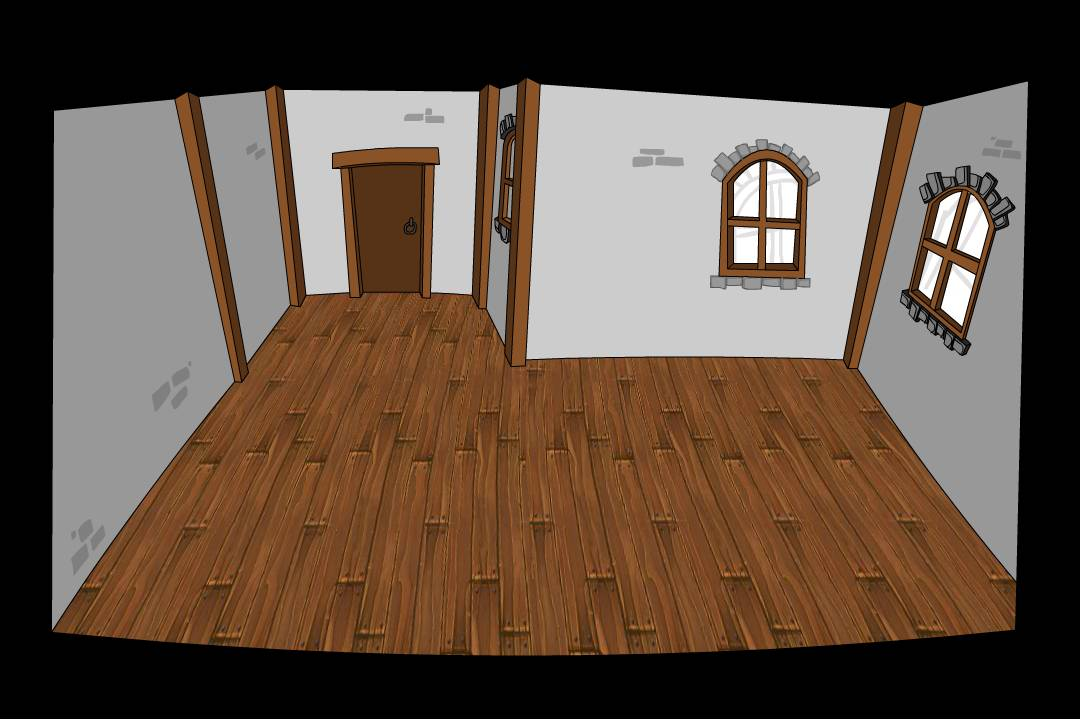
    @Marian77 Thank you so much for the input. for now I'm trying to lay down some flat colors first and later will go deeper to the detailing. About the foreground.. awesome tips, ill play around with that.
  • #4, by andiliddell 12 years ago Zitieren
    Coming together really nicely!, its looking great.

    One tip, be careful with your view position. Don't make it too high or you'll find the walk cycle animations you have for the character might not fit the perspective of the room.

    Use the waysystem, and waypoints option in a VS scene to "test" your character across various scalings in the room.

    keep up the good work!
  • #5, by priabudiman 12 years ago Zitieren
    I will keep that in mind! thank you so much for the input!
  • #6, by afrlme 12 years ago Zitieren
    Wow, coming along really quick! wink

    One thing I would say is to watch camera perspective of each room - as Andi said - otherwise the character might not seem to fit the screen & you will end up having to make additional character outfits with different perspective viewpoints, which I guess wouldn't be too much of an hassle if you are making the character in a 3D program.

    Also I believe you should be careful in your placement of objects around scenes, as you need to make sure you leave enough room for your character to comfortably walk around things without overlapping, as character position is based on the pixel underneath the character center you set, which is usually in the center (width) of the character & often placed near the feet.
  • #7, by ikarus 12 years ago Zitieren
    One thing I would say is to watch camera perspective of each room - as Andi said - otherwise the character might not seem to fit the screen & you will end up having to make additional character outfits with different perspective viewpoints, which I guess wouldn't be too much of an hassle if you are making the character in a 3D program.


    +1

    ...or a completely mind-blowing work in 2D.