Login / Registrieren
DE EN FR ES IT CZ
Zurück Nach oben

OSX Yosemite: Display Letter Areas Crash

  • #1, by redspark 12 years ago Zitieren
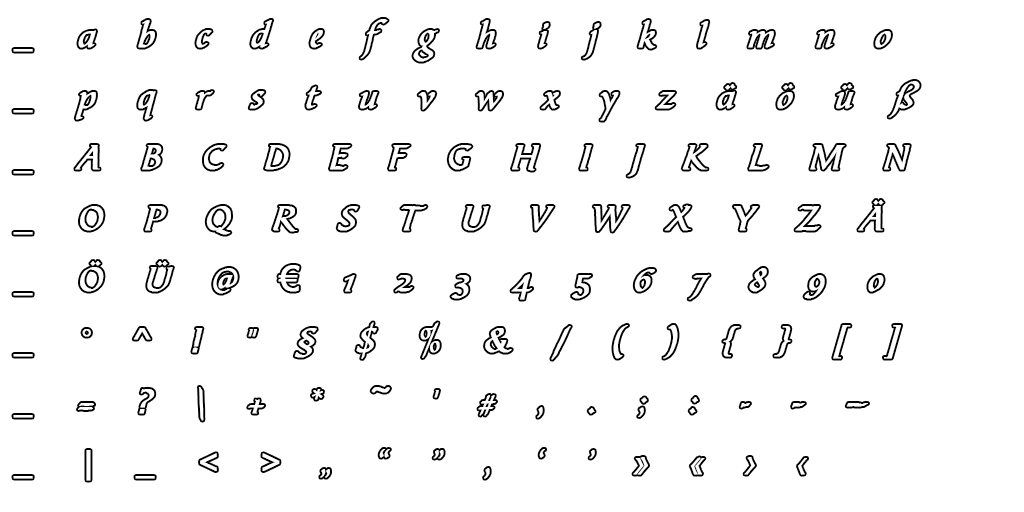
    In build 1178, I have a consistent crash using the Display Letter Areas every time I click the button after adding a new bitmap font. Font that I'm using is attached. The funny thing is that it identifies all of the proper areas and then crashes. The font set is based on the template in the resources section of the shop.

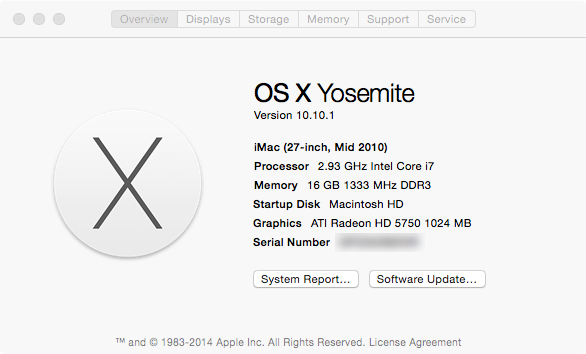
    I'm using a 2010 iMac. See attached image for specs.
  • #2, by patoland 12 years ago Zitieren
    I have the same problem under yosemite too...
  • #3, by afrlme 12 years ago Zitieren
    It's probably wxwidget related. If it generated a .dmp file then I recommend sending it to David (BigStans).
  • #4, by redspark 12 years ago Zitieren
    Thanks. I'll send BigStans a note.

    I can still use the bitmap font within Visionaire but the Display Letter Areas just doesn't work completely.

    Thanks, patoland. Sometimes I wonder if it isn't my own Mac. It's pretty old and due for a clean install. So a second opinion is always appreciated. smile
  • #5, by patoland 12 years ago Zitieren
    No, it's not your Mac. My workaround is to load the fonts, crash, and then restart the engine. It works but don't check the fonts again...
  • #6, by BigStans 12 years ago Zitieren
    fixed in the next version smile
    It has to do with the tooltips on the text. If you enable "Display Letter Areas" then don't drive over the bitmap font.
  • #7, by redspark 12 years ago Zitieren
    Thank you! smile