Login / Registrieren
DE EN FR ES IT CZ
Zurück Nach oben

Object visibility

  • #1, z marianna-lapina hodinky 7 years ago Zitieren
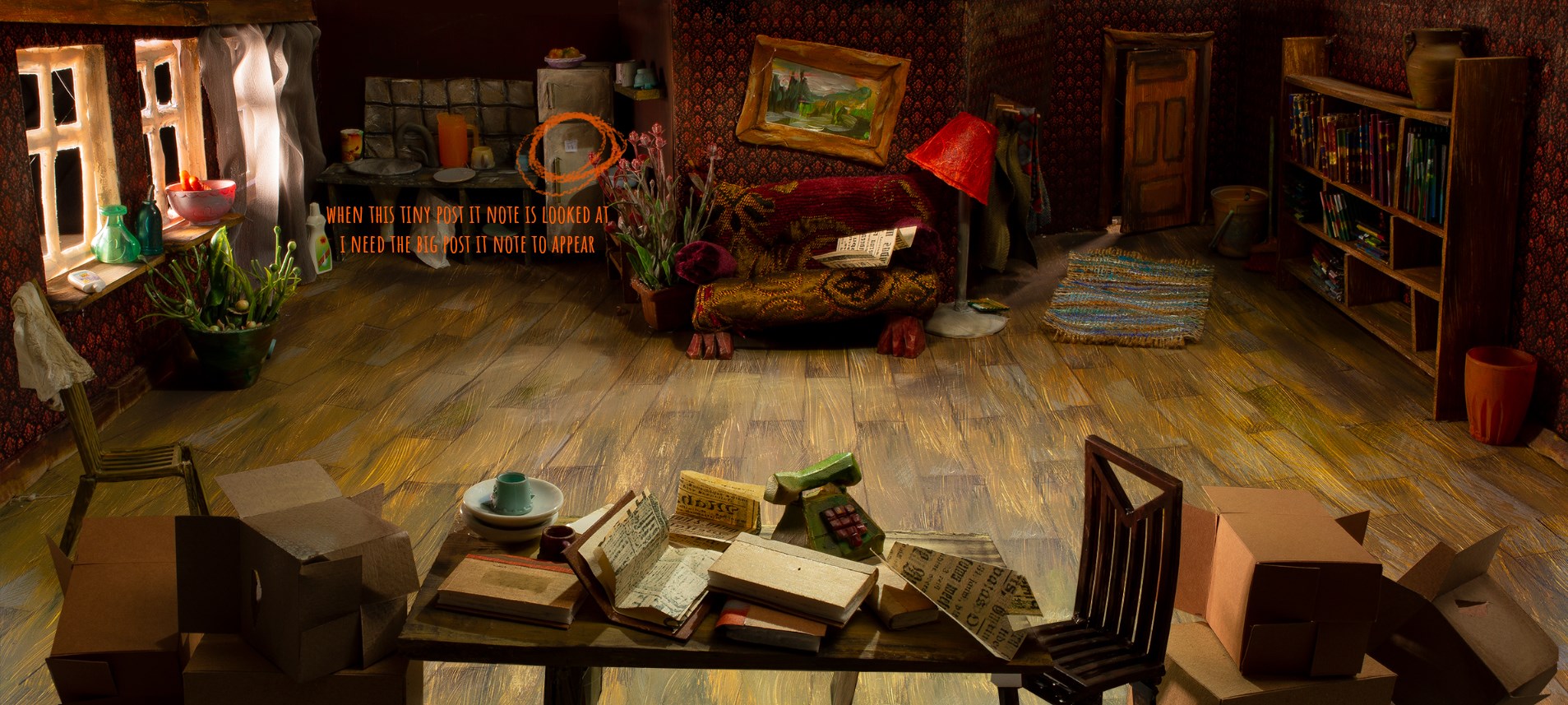
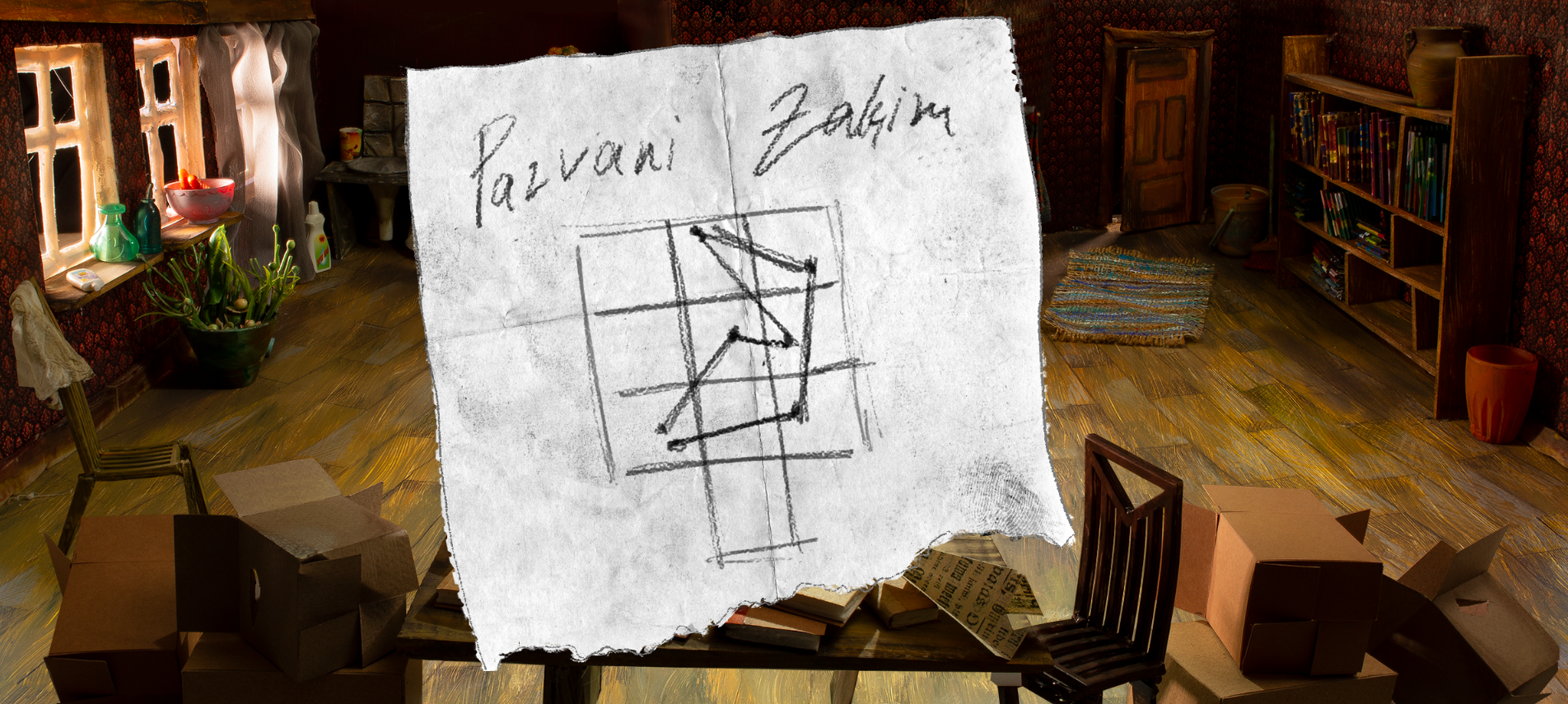
    I have an object on screen which, when looked at should trigger an object to show up.  I probably need to set object visibility of the big post it note to 0% and when 'looking at tiny post it note' is executed set big post it note visibility to 100%, but I don't understand where and how to do that exactly. And then when the cursor leaves the area of the big post it note the visibility should be set back to 0%. 
  • #2, z shico hodinky 7 years ago Zitieren
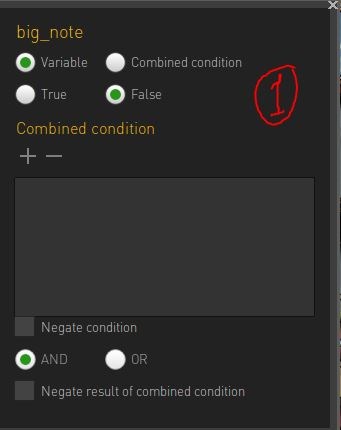
    1 - Create a conditon called  "big_note"  start "false"
    2- In "Big note"object properties link the big note object to the condition you create above.

    3- in "Big note" actions  add:
          Cursor leaves objects area 
              Change condition "big_note" to "false"

    4 - in "small note" actions:
           use execute command on object
            "look" executed ----> change condition "big_note" to "True"

    *don't forget to draw an object area for each object  


  • #3, z esmeralda hodinky 7 years ago Zitieren
    You can use interfaces for the close ups.

    Create an interface with the item you want to show as background and assign it to your character. Choose an interfaceclass you haven't already used. (or create a new one)
    Create an action on leaving the interface (in the properties of the interface)-> hide the interface (actionpart show/hide interface)
    You need to hide the interface at the beginning of the game (game properties). 
    In your look action you show the interface (actionpart show/hide interface). It will hide again when leaving the interfacearea because of the action you created in the properties.


    You could also create an image as big as your resolution as background of the interface. (transparent background, image in the middle) So clicking outside the image wouldn't cause the character to walk. 
  • #4, z marianna-lapina hodinky 7 years ago Zitieren
    Thank you a lot!!! I really appreciate it! 
  • #5, z afrlme hodinky 7 years ago Zitieren
    As Esmeralda said, you can use interfaces... check out this tutorial I wrote the other month - especially the bit about using an interface for close-up stuff.
  • #6, z shico hodinky 7 years ago Zitieren
    Thanks for the "Grid based scene" tutorial Lee! I wasn't aware it's available. I guess I got used too much to using "conditions" for everything!
  • #7, z Machtnix hodinky 7 years ago Zitieren
    It's OT, but your painting is wonderful. I hope to see more. Good luck!

    BTW: I remember you have only six  interfaces to create? Is this correct? I had a similar problem, because I used interfaces for every pop-up notes (like: do you want to save? Or: a treasure map to zoom), and at the end of the day all five or six interfaces were consumed. No more interfaces. But it was version 4.2.5, maybe it's better now?
  • #8, z sebastian hodinky 7 years ago Zitieren
    you can create new interface classes via the Explorer (ctrl+e / cmd+e) 
  • #9, z Machtnix hodinky 7 years ago Zitieren
    Really? Thanks.