It's probably because your scene objects are not in the correct order. click on the double yellow arrow icon to automatically organize the scene objects by their object center, save & run your game. Let me know if it fixes the issue.
Just have another question though (beacuse I'm so good with this software )
With object interaction and hovering over.. is there a way to make it inaccessible until a certain action is performed. (for example = you can't click/hover over the plank until the room is brighter)
Instead of assigning the actions to the object containing the image (if you added the scene object as an image & it's not part of the background) instead you could create another scene object for the actions & assign a condition to it. unless the condition is met, the object & actions will remain inactive. Or you can add if queries to the actions to determine if some condition is met etc... Hope this helps explain things a little bit?
I've tried to put it as a separate object with a condition but it's still active from the start, I don't think I'm selecting the right action for the object.. I can only find an action to change the object visibility which isn't making the object inactive at 0%. What action is it that would make it active/inactive?
inside of the objects properties tab you can assign a condition to it. if the linked condition is not true (or false if negate is selected) then the object will be inactive... but any assigned images/animations will also not be shown as well as all actions linked to the object will not be accessible either.



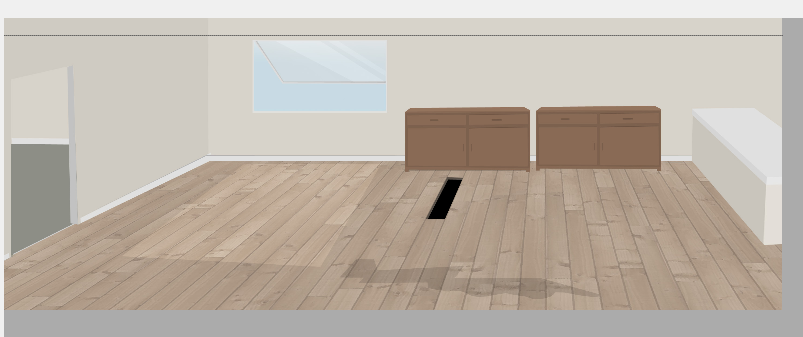
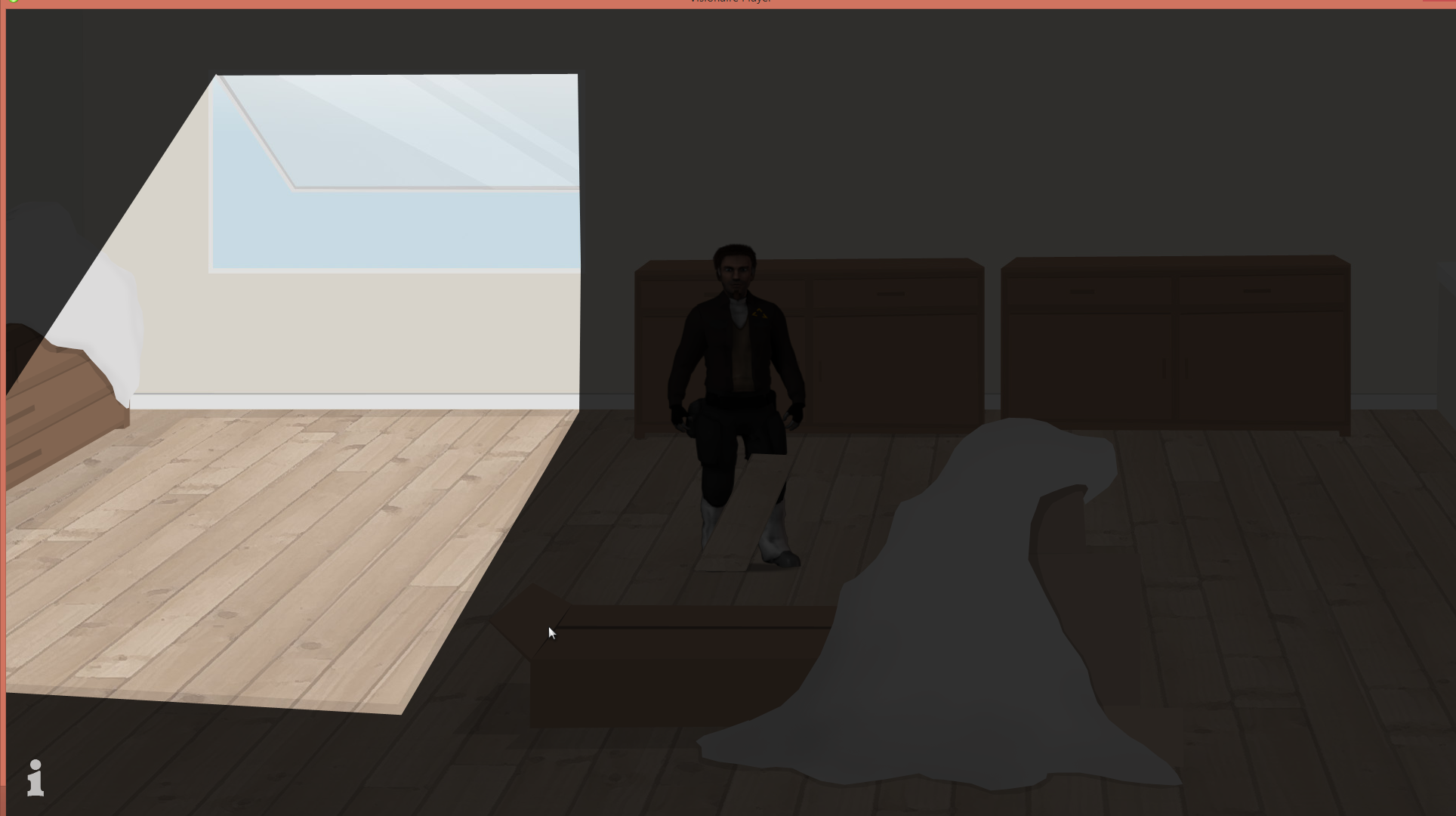


 )
)




