Menu
Login
Language
DE EN FR ES IT CZ
Back

Move Object to Actionpart not Absolute

  • #1, by dionous Sunday, 25. June 2017, 19:47 9 years ago Quote
    Hello to all,

    Have a scene where i'm trying out Move Object To actionpart but the object always moves in relation to the object (offset) and not to the absolute position. Can u confirm this pls?

    Using 5RC1.

    Rgrds

    Forum Fan

    250 Posts

  • #2, by sebastian Sunday, 25. June 2017, 19:52 9 years ago Quote
    THere are two action parts which can move an object

    move object to -> absolute
    move object (by) -> relative

    The normal "to" should move to an absolute position as far as i know. If not I would consider this as a bug^^


    Thread Captain

    2346 Posts

  • #3, by dionous Sunday, 25. June 2017, 22:58 9 years ago Quote
    Yes, basically 'move object to' should be absolute, but it's relative instead, so it looks like a bug indeed.

    Forum Fan

    250 Posts

  • #4, by SimonS Wednesday, 28. June 2017, 21:22 9 years ago Quote
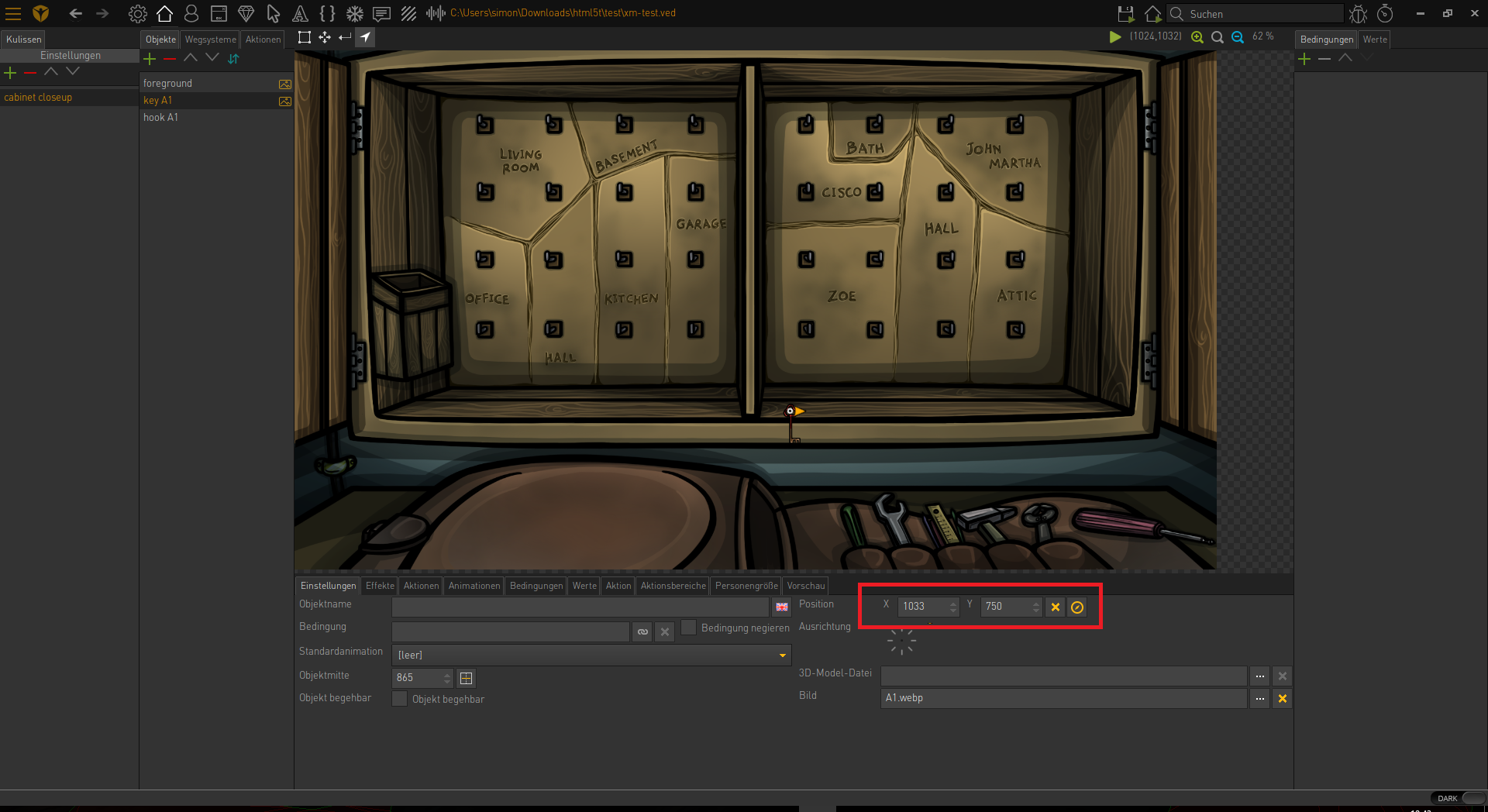
    The action part doesn't work as you might expect it, it uses ObjectPosition to calculate the absolute position, so set the ObjectPosition to the top left of the image if you want to use it on sprites.

    Thread Captain

    1621 Posts

  • #5, by dionous Thursday, 29. June 2017, 10:31 9 years ago Quote
    Thanks Simon,

    It's a bit strange, and i still think there is some issue so i've PM'ed you a test ved if you could take a look.


    Forum Fan

    250 Posts

  • #6, by SimonS Thursday, 29. June 2017, 10:44 9 years ago Quote
    Please set the position of the image and then try again.

    Thread Captain

    1621 Posts

  • #7, by dionous Thursday, 29. June 2017, 11:44 9 years ago Quote
    Now that's clear, thanks so much! Keep up the great work.

    Forum Fan

    250 Posts

  • #8, by dionous Thursday, 29. June 2017, 13:12 9 years ago Quote
    By the way, would it be possible to use this absolute movement with LUA?

    For now i can only remember ObjectOffset which is relevant movement.

    Thanks

    Forum Fan

    250 Posts

  • #9, by ke4 Thursday, 29. June 2017, 13:38 9 years ago Quote
    You can calc the absolute position based on the object position.
    For example your object is at position x 500,y 500 and you want to move it to absolute position x 250, y 750 then:

    Offset x = (Object.name.Position.x - wanted position x)*-1
    offset y = (Object.name.Position.y - wanted positon y)*-1


    Key Killer

    810 Posts

  • #10, by dionous Thursday, 29. June 2017, 16:10 9 years ago Quote
    Yeap, that's a good way to solve this , thanks!

    Forum Fan

    250 Posts

  • #11, by Machtnix Thursday, 29. June 2017, 16:39 9 years ago Quote
    Why don't set the character directly on the wanted position??

    Thread Captain

    1098 Posts