Login / Registrieren
DE EN FR ES IT CZ
Zurück Nach oben

Last item added to the inventory appears at the top left of the screen.[SOLVED]

  • #1, by blablo_101 9 years ago Zitieren
    Hi all!

    When I add an item to the inventory, it appears at the top left of the game screen.
    (You can see it in the attached image.)

    Could someone tell me how to deactivate it?

    Thank you in advance!
  • #2, by afrlme 9 years ago Zitieren
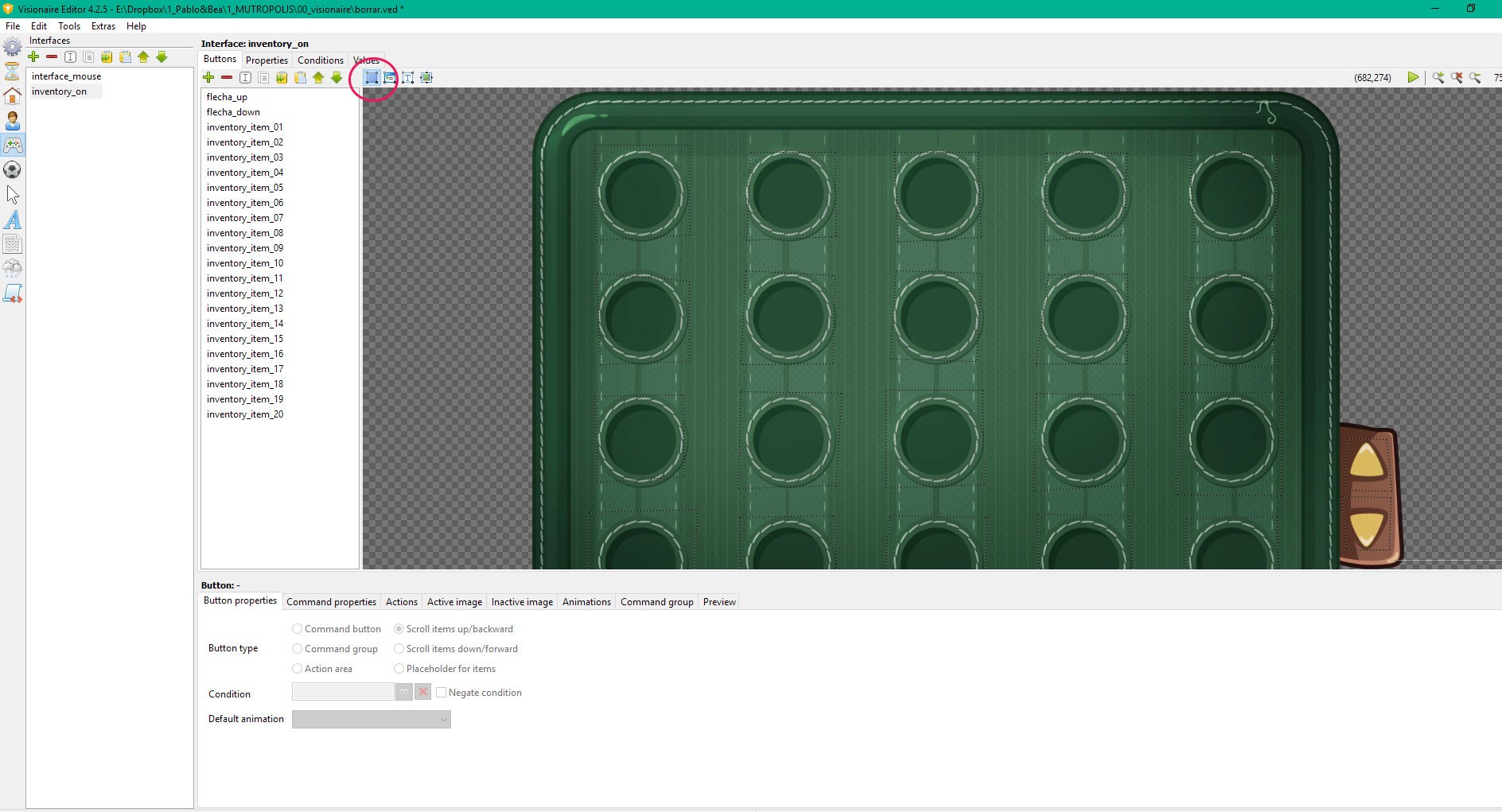
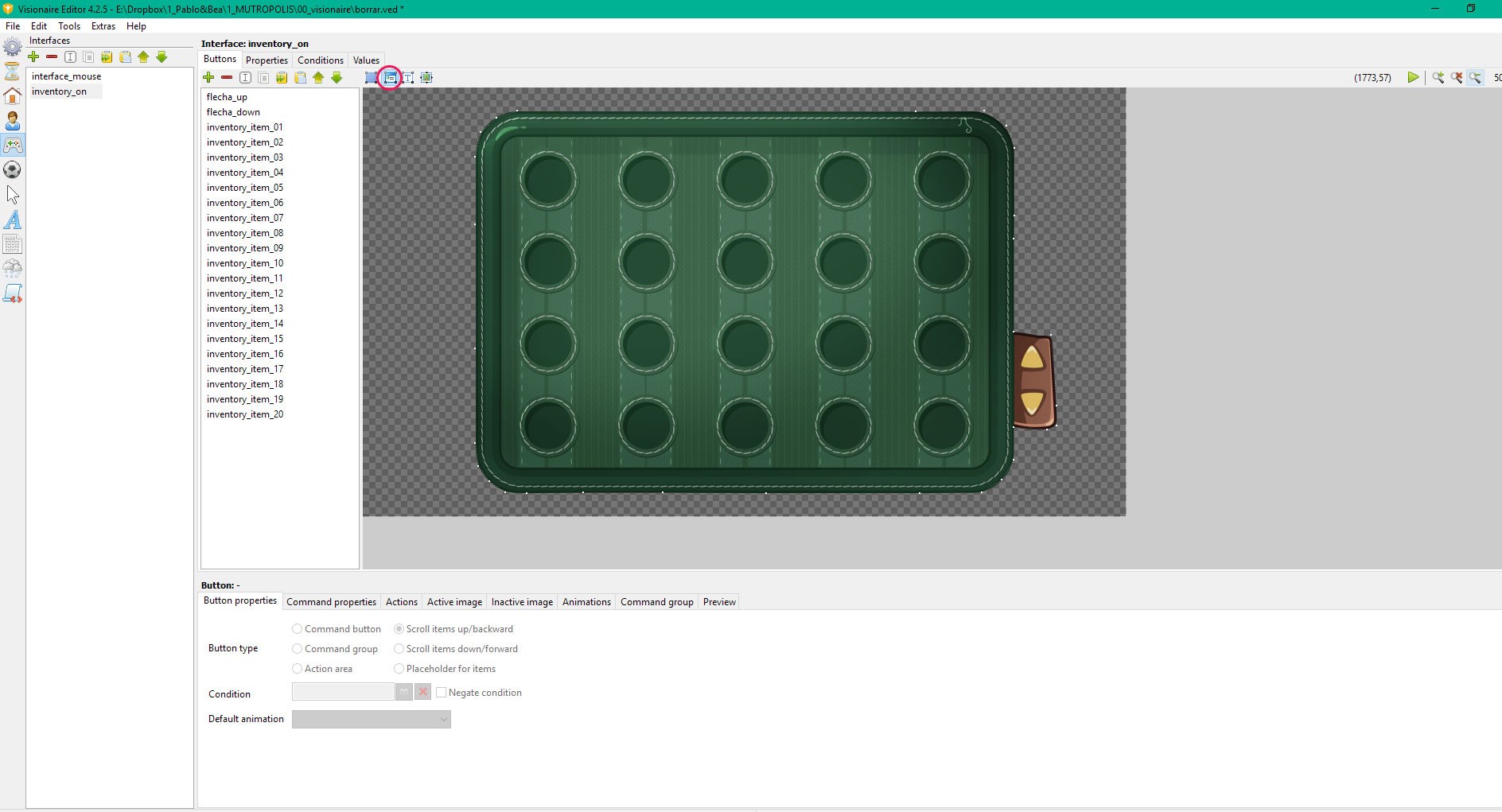
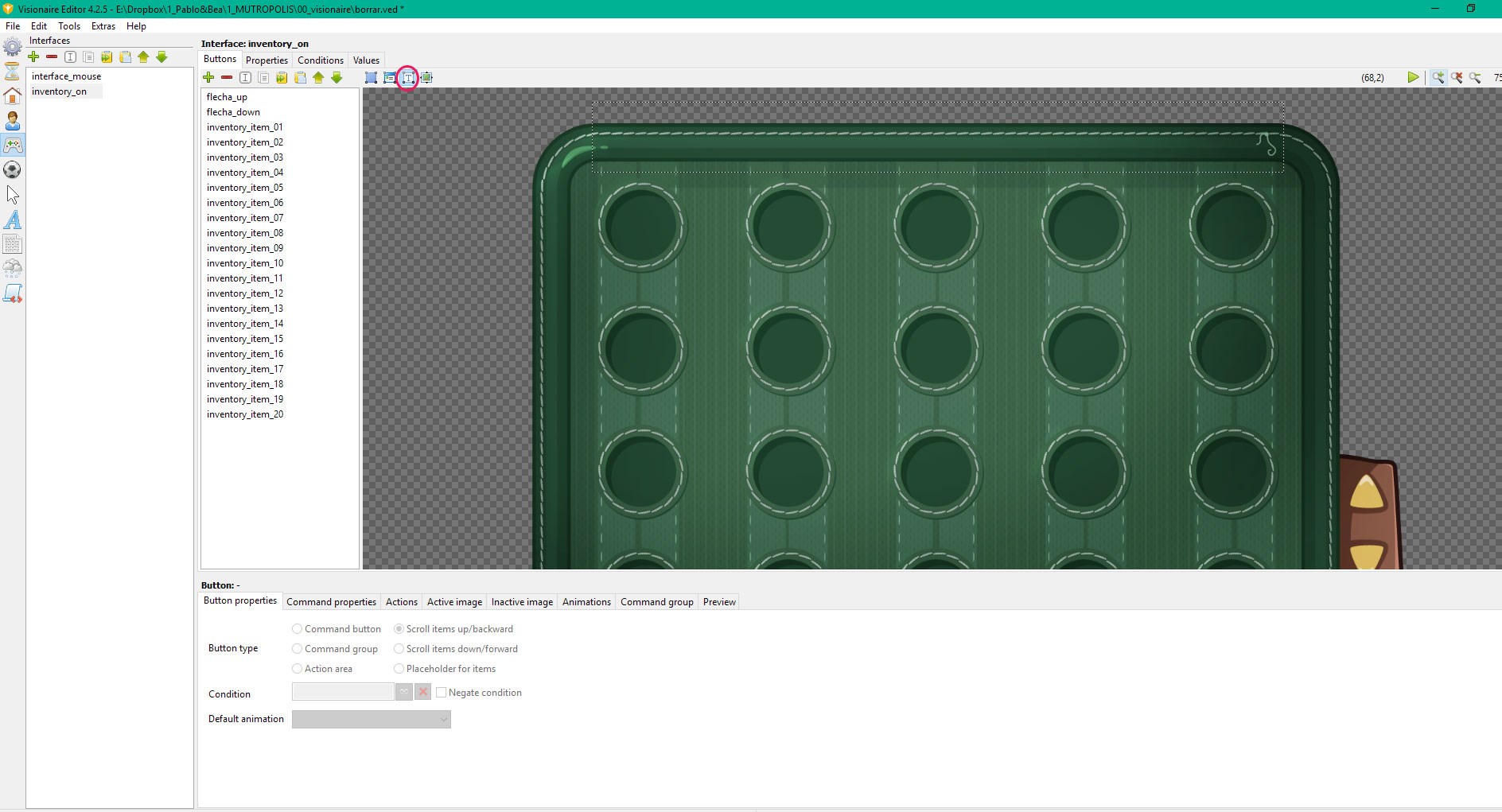
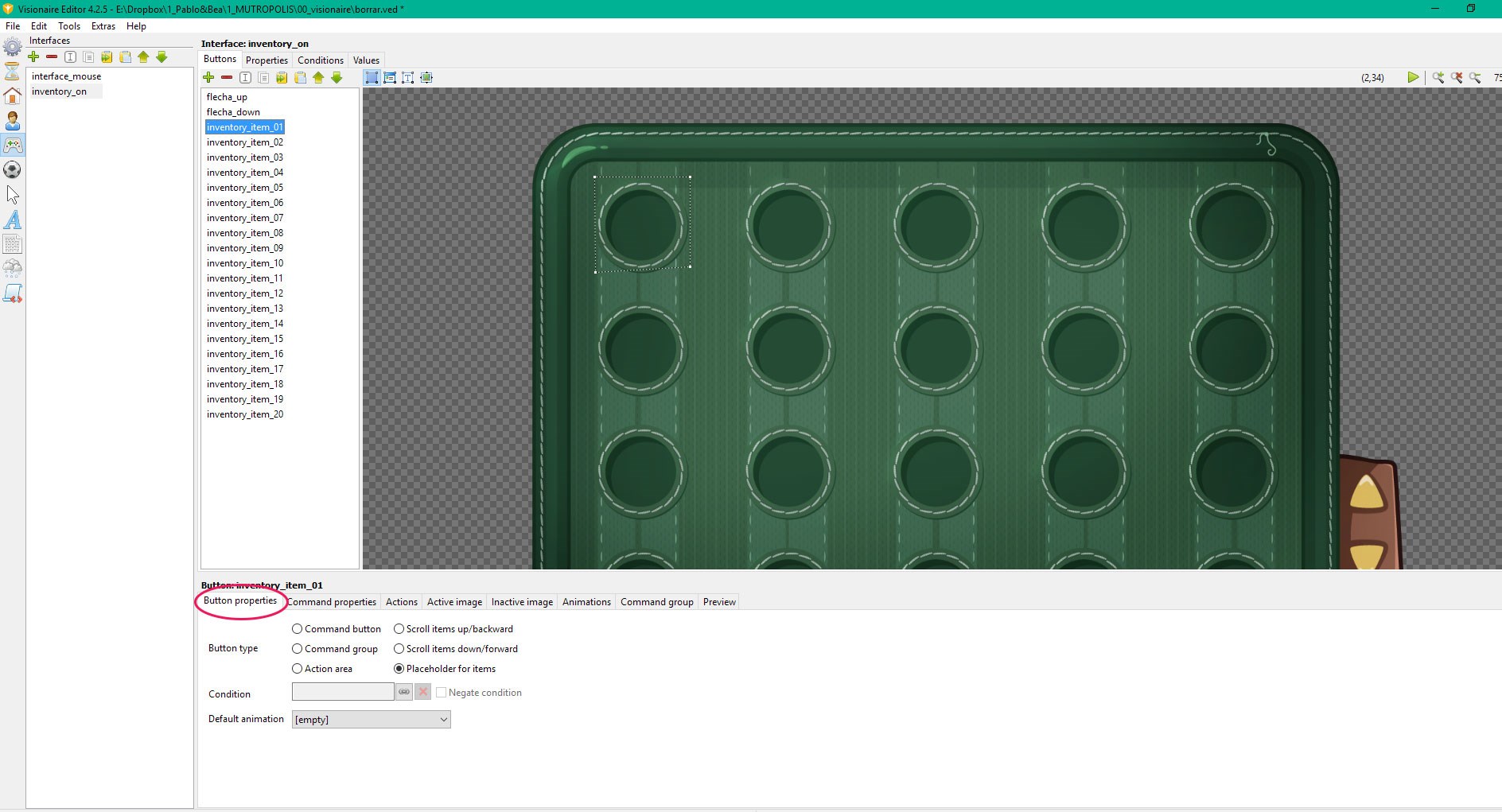
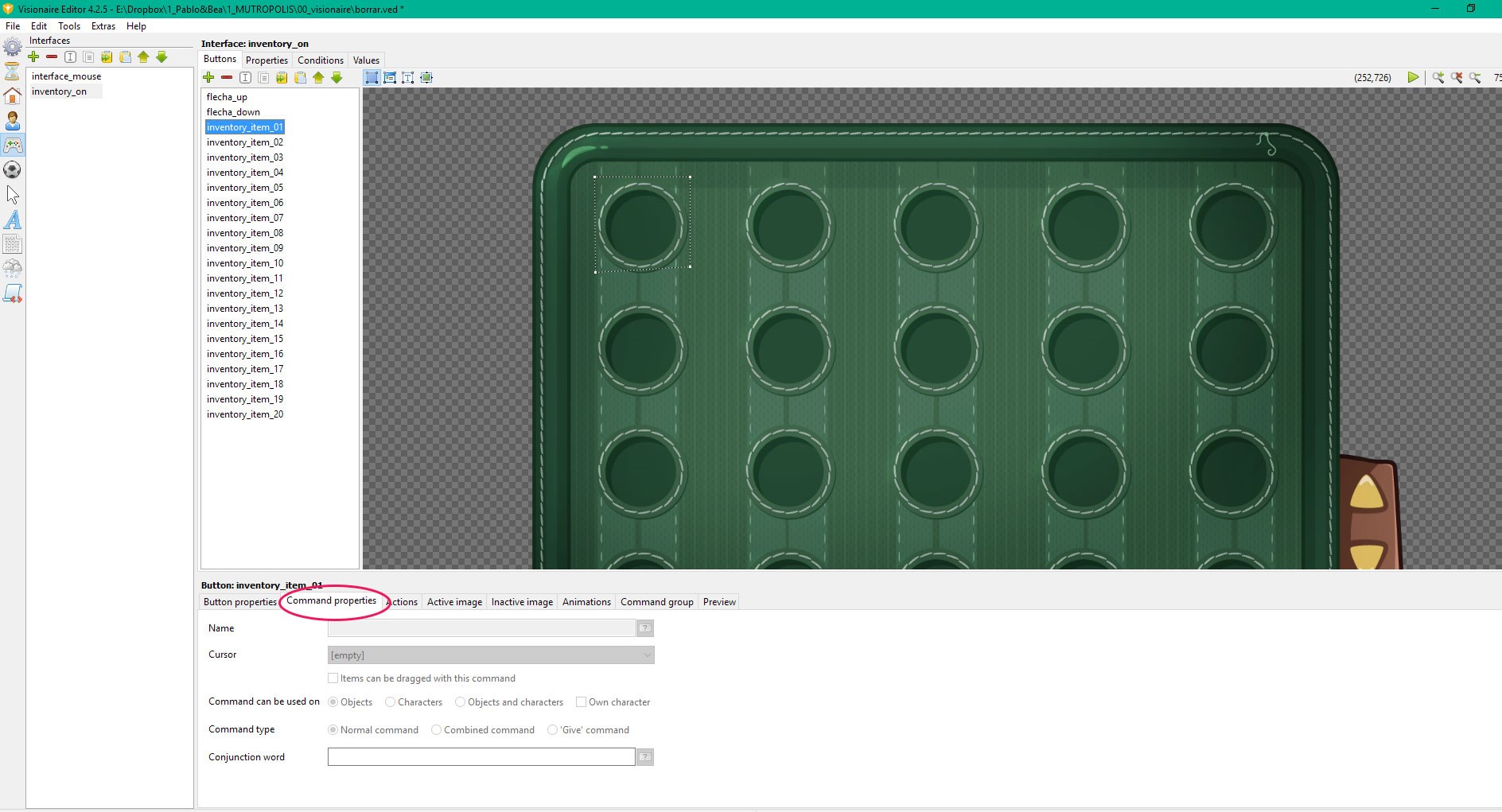
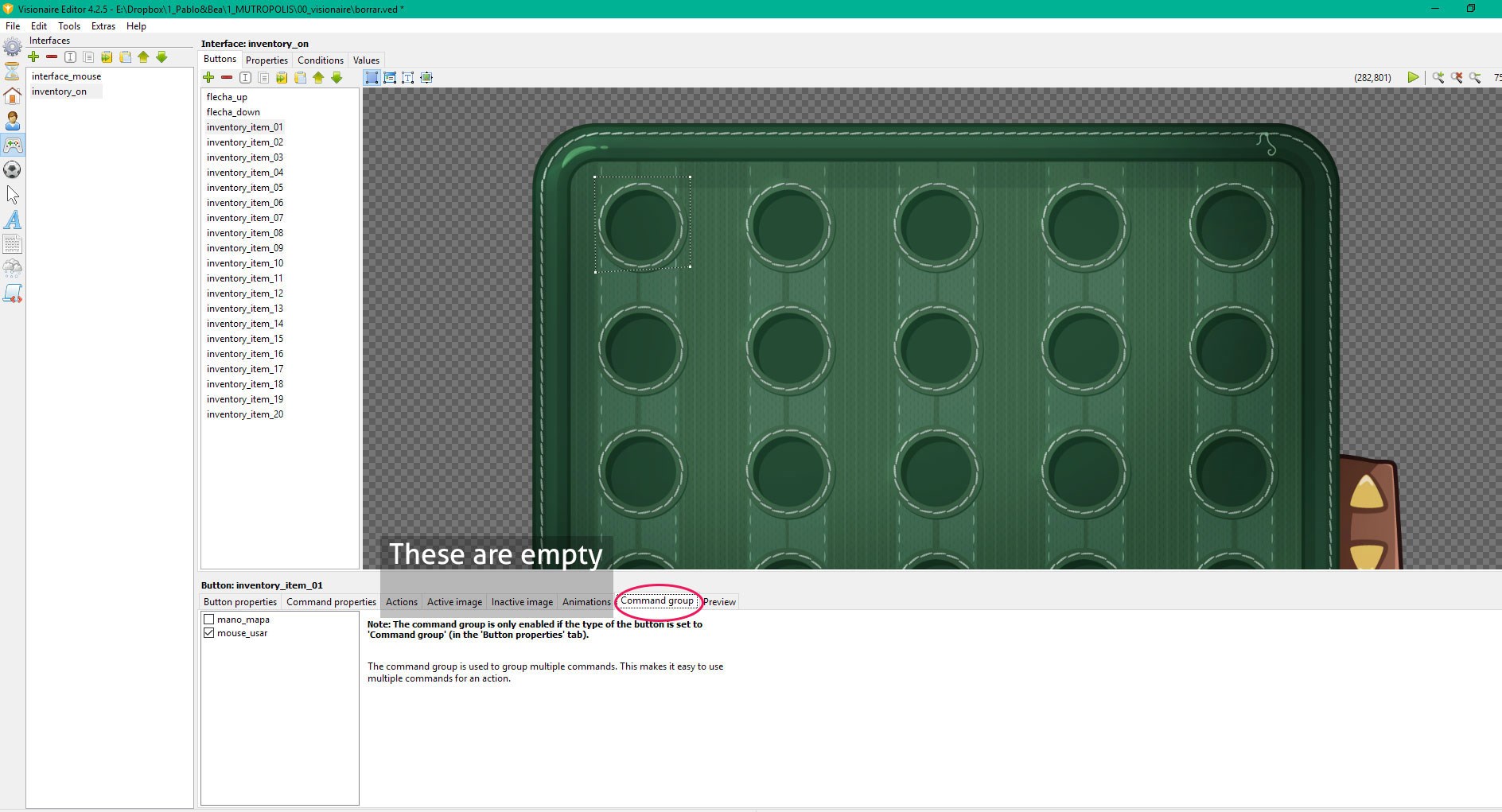
    Can you post some screenshots of how you have setup your inventory interface please? Don't forget to include screenshots of the inventory slot polygons & the properties tab of the interface.
  • #3, by esmeralda 9 years ago Zitieren
    Strange, never happend to me...
    Did you assign your inventory to the character?
    Have you created slots in the inventory with object areas and set as placeholders for items?
  • #4, by blablo_101 9 years ago Zitieren
    Here you have some screenshots
  • #5, by blablo_101 9 years ago Zitieren
    Strange, never happend to me...
    Did you assign your inventory to the character?
    Have you created slots in the inventory with object areas and set as placeholders for items?

    A few weeks ago everything worked ok.
    I'm not sure if it started to happen when changing version of VS to 4.2.5
  • #6, by sebastian 9 years ago Zitieren
    are you using the builtin "dragging" solution where the cursor changes to the current held item?
    Could it be that you set an item and your mouse position is at the top-left position?
  • #7, by blablo_101 9 years ago Zitieren
    are you using the builtin "dragging" solution where the cursor changes to the current held item?
    Could it be that you set an item and your mouse position is at the top-left position?

    The cursor works as usual.
    You can continue playing with no problem.
  • #8, by afrlme 9 years ago Zitieren
    Have you checked to see if you accidentally created any loose polygon points? A lot of people create them by accident - I've done it myself on the odd occasion myself; but with way system instead.
  • #9, by blablo_101 9 years ago Zitieren
    Have you checked to see if you accidentally created any loose polygon points? A lot of people create them by accident - I've done it myself on the odd occasion myself; but with way system instead.
    Checked. 
    Poligon points are properly closed. 

  • #10, by sebastian 9 years ago Zitieren
    do you accidently have a second inventory interface with one item place holder slot  which is always visible and when adding an item it scrolls to the last added by default? 
    its the only way i could think of that would make an item appear there.. 
  • #11, by blablo_101 9 years ago Zitieren
    do you have accidently have a second inventory interface with one item place holder slot and when adding an item it scrolls to the last added by default? 
    its the only way i could think of that would make an item appear there.. 
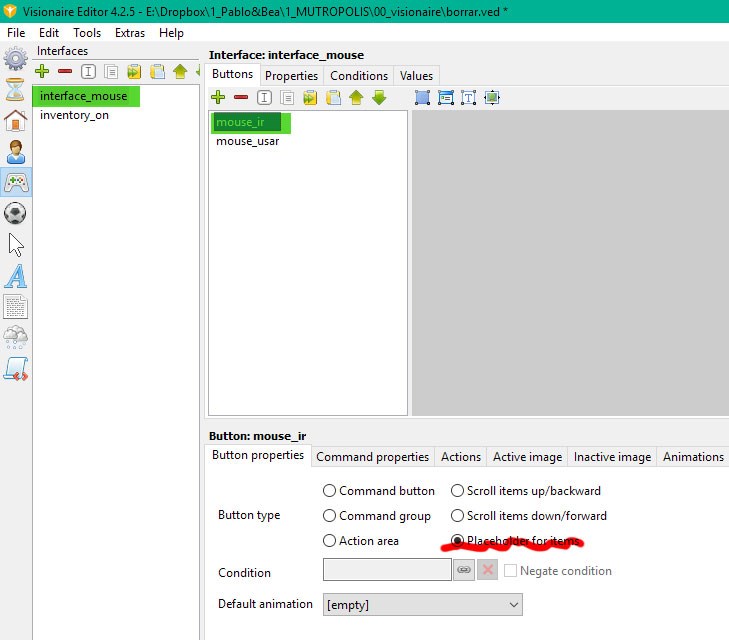
    Thanks sebastian, that was the key!

    This is the option that was misconfigured.

    Many thanks to all of you again for your attention smile