Login / Registrieren
DE EN FR ES IT CZ
Zurück Nach oben

Interacting with a NPC

  • #1, de donald-smith ver 7 years ago Zitieren
    Hi. 

    I am lobing Visionaire so far, and have solved many of my issues thanks to the forum and youtube. However, I have an issue trying to interact with another character. Can someone please help?

    I have managed to create interactions with objects on screen, and can have the player character comment on things when examining them, by using object boxes around doors etc, like in the tutorials.

    When I try to do the same thing with a character - such as use the "look"command on a Non-Player Character, and have the player character make a comment, I am having trouble.

    I tried:

    - selecting the character in the characters tab
    - creating a new action
    - select ëxecute command on character"
    - I chose my command I created, which is called "look"
    - I then chose the action part "display text"

    When I "look" at the character, nothing happens.

    Do I need to create an object box around the character? Or should I be able to act directly on the character?

    Thanks

  • #2, de afrlme ver 7 years ago Zitieren
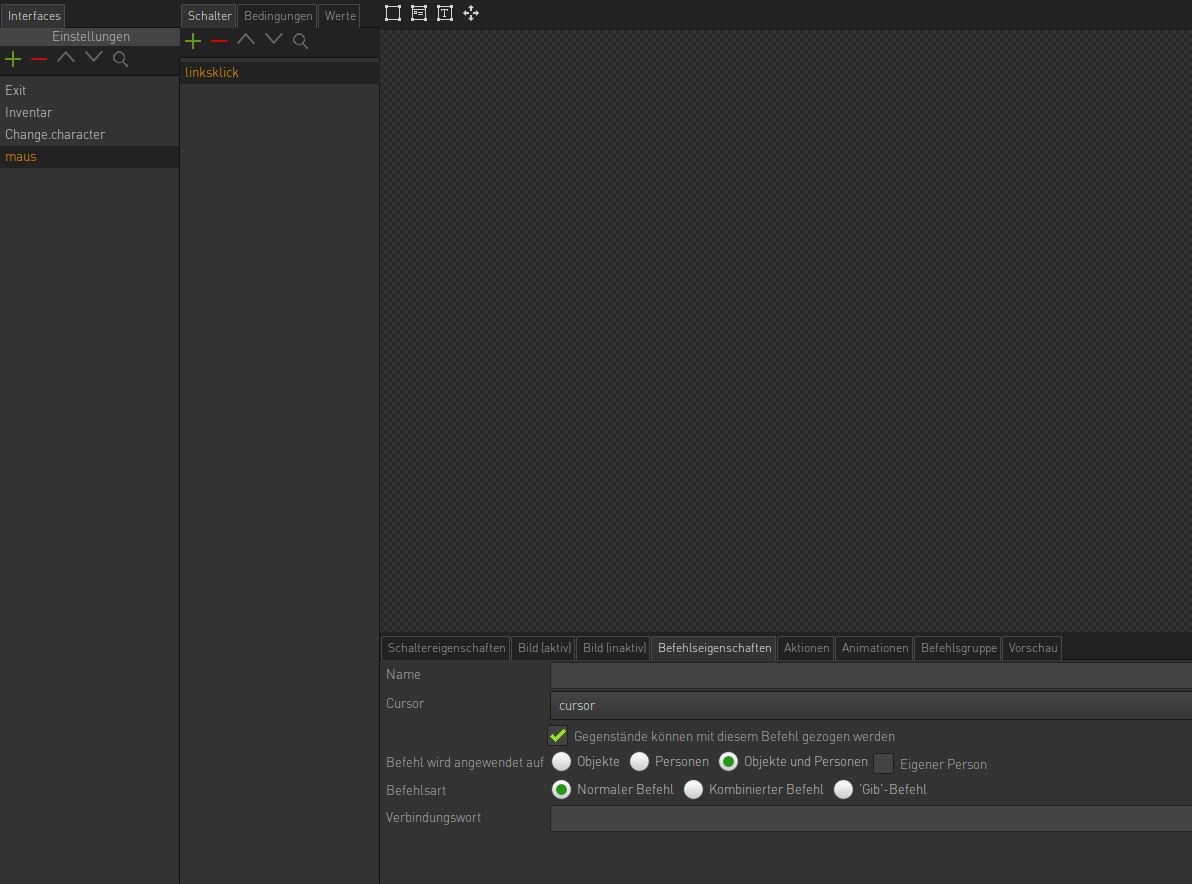
    Check the interface you are using as the command interface. You need to check the command properties for each of the buttons that are set as command type buttons & make sure that you have set the relevant "command can be used on" parameter. By default it's set to objects only, so you need to specify if the command should only be used on objects only, characters only, or both.

    In regards to characters, the interaction polygon is automatically generated by the engine based on the alpha channel of the current animation frame of the character.
  • #3, de donald-smith ver 7 years ago Zitieren
    Thanks very much AFRLme. That makes sense.
  • #4, de matthias-klein ver 7 years ago Zitieren
    Hi.
    I have the same problem (more or less).
    Visionaire doesn't show the action text (Name of the NPC) when I move the mouse over a character.
    Do you have any suggestions?

    Thanks,
    Matze
  • #5, de esmeralda ver 7 years ago Zitieren
    The settings of the command look fine.
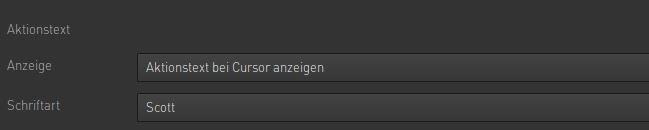
    Did you set a font for the action text?
    Or maybe you forgot to name the Character in the english version you are testing just now?
  • #6, de matthias-klein ver 7 years ago Zitieren
    Thx Esmeralda.
    No, I did both of that.

    Clicking objects is no problem, by the way.
  • #7, de matthias-klein ver 7 years ago Zitieren
    I just found out what the problem was:

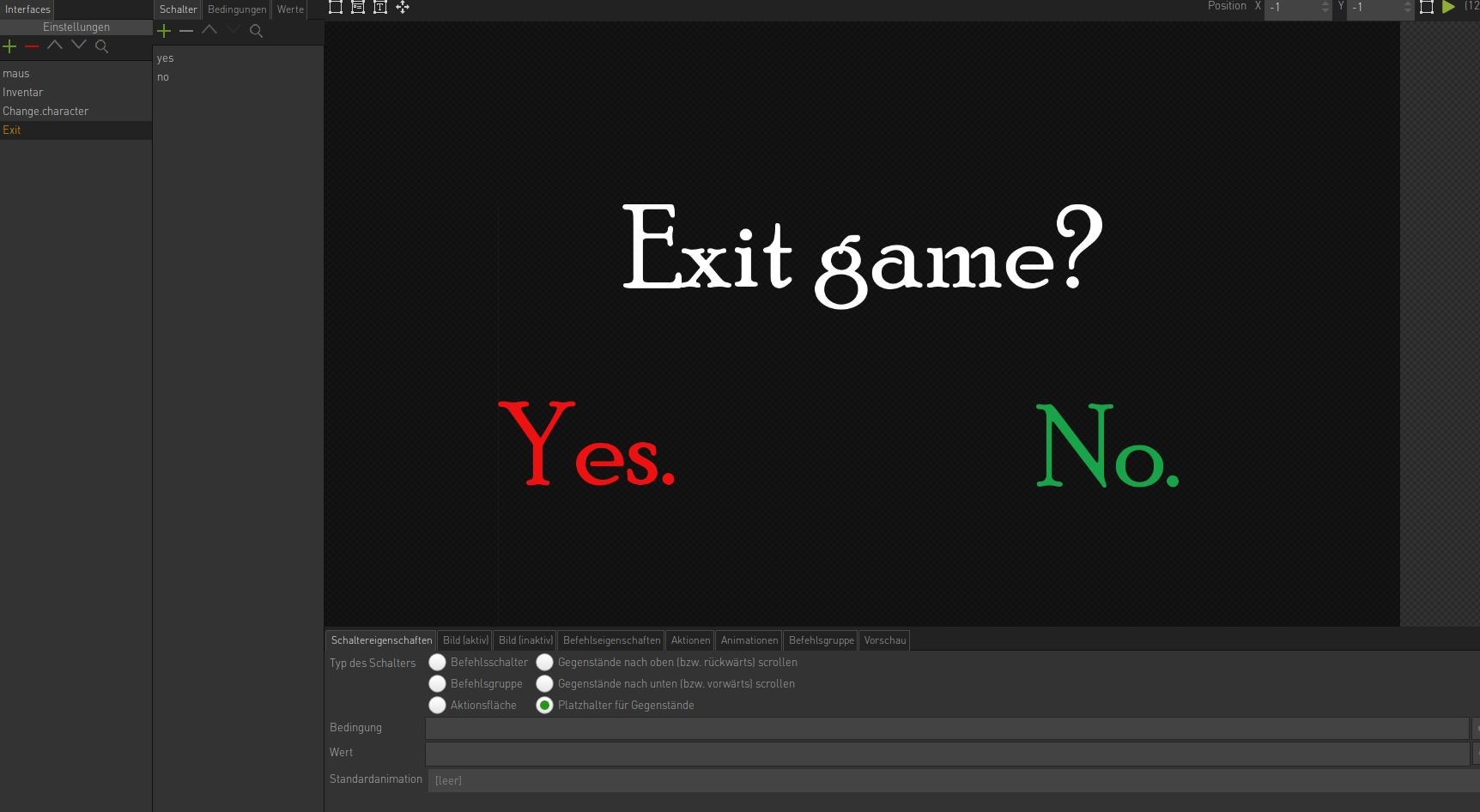
    I created an inventory as an exit screen, which is normally invisible.
    It lay above the mouse counter and blocked it somehow.

    When I put it under the mouse counter, it works fine.