
Login / Registrieren
DE EN FR ES IT CZ
Zurück Nach oben

How do I install/activate the FMod plugin?

  • #1, by estevan A week ago Zitieren
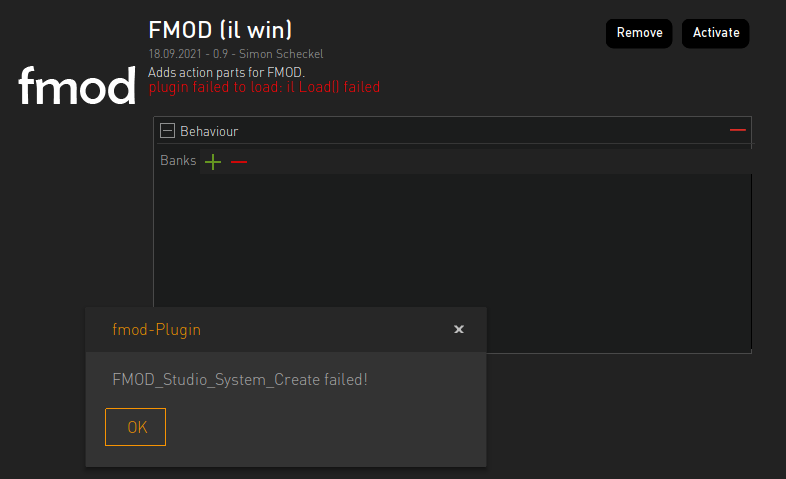
    I am unable to activate the Fmod plugin after install on Windows.

    I have copied over dll files into my project folder but I still get the message, "Fmod_Studio_System_Create Failed". Any suggestions about this issue?
  • #2, by SimonS 6 days ago Zitieren
    Which version of FMOD are you using? Maybe the integration doesn't work with the most recent version and need to update. Was done 3 years ago.
  • #3, by estevan 6 days ago Zitieren
    Which version of FMOD are you using? Maybe the integration doesn't work with the most recent version and need to update. Was done 3 years ago.

    Hello. Thanks for the reply. I'm using version 2.03.13. FMod does provide access to earlier versions though, in case you know which version it may have best worked with.
  • #4, by SimonS 6 days ago Zitieren
    Try 2.02.14, if it doesn't work I'll check on the plugin.
  • #5, by estevan 5 days ago Zitieren
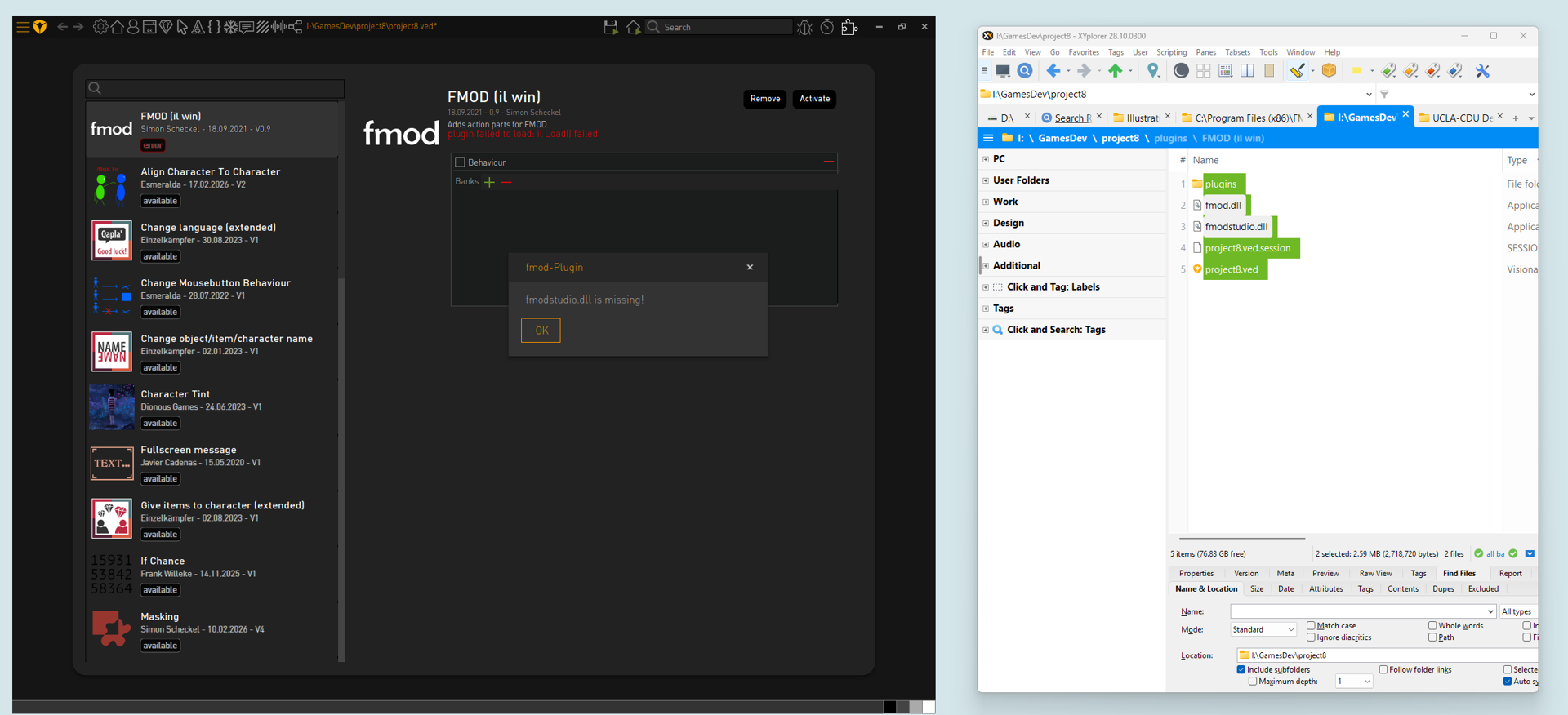
    I'm using the correct version now but for some reason when I add the dll files it doesn't seem to detect them. Now, maybe they aren't the correct dll versions BUT I think they are.

    In my screenshot you can see my folder the dlls on the right. You can notice that they are looking at the same project folder as well.
  • #6, by estevan 5 days ago Zitieren
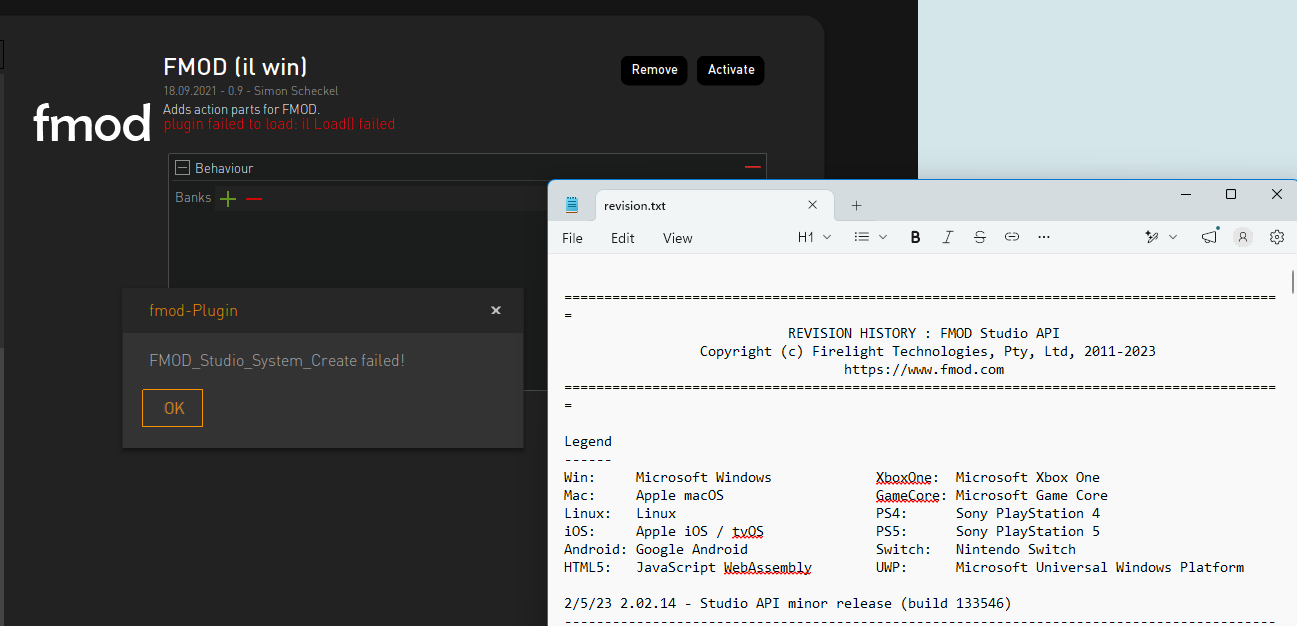
    Nevermind. I previously was loading the 32bit dll files. I was able to load the 64bit files and I am stuck at the original problem posted at the start of the thread. The screenshot shows confirmation of the version of FMod I am using along with the error message.
  • #7, by SimonS 5 days ago Zitieren
    Okay, there is a version value in the plugin.il, you need to edit that manually to your version. Open the plugin.il with a text editor, go to line 100 and change the version 0x00020107 to 0x00020313 for the newest sdk.
  • #8, by estevan 4 days ago Zitieren
    Thank you so much for this.
