
Login / Registrieren
DE EN FR ES IT CZ
Back

Hello World, we are back after 10 years with a problem :D

  • #1, von crackheadz Friday, 09. January, 21:34 3 weeks ago
    THE CRACKHEADZ ARE BACK AFTER 10 YEARS  - WORKING SINCE A YEAR QUITLY ON 

    PlanB² - Die Herren der Lage featuring ourselfs, fully rigged as spine characters (TBH which is really a painful and buggy but we are still fighting to get that smoothly.


    Sadly, we are forced to step into light because we have an unsolved issue.

    Does anybody EVER make it work to do a full cycle loop of an object (Car Tire or Ventilation of an AC) without easing?

    We cant get it to work, experiencing some strange graphic beahaviours when the cycle starts again. No matter what easying, ESMERALDA / AFRL both got good content regarding Object Movement, sadly none worked in a loop because of the use of easing, i think. They all came up the the same visual distortion like a blur/bokeh which gets sharp again.

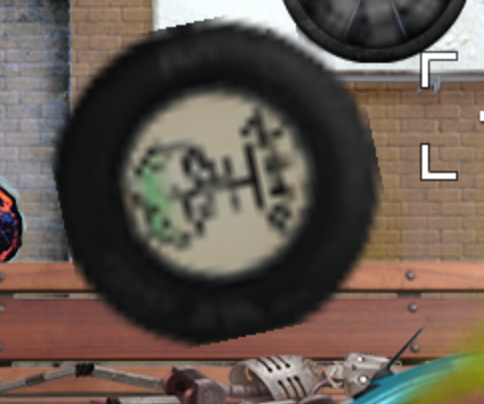
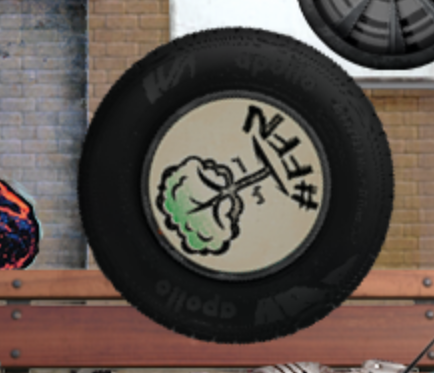
    Aditionally, we both were sure, that we did not experienced that once we did the scene month ago. There is a Pic attached which shows the issue. Normally, the tire is sharp, we dont do pixel stuff. 

    Stuff like this is not working for us - does anybody have a clue? we need something like shaderRotate which works, but we just want to bind it on an objetct and not the complete scene.

    Does anybody how to solve that?

    I would pay 29 EUR to AFRL as he wrote on his page if he could solve this. Just to get that crossed out of our minds and hey, he really do a great job here! 

    Shouts to marvel as well!


    If anybody can help - post here we are hiding from Discord coz he always buggers to confirm identity which ends up with "ups, something went wrong"

    Happy new year,
    A / crackheadz


    crackheadz


    Newbie

    4 Posts

  • #2, von afrlme Monday, 12. January, 22:52 2 weeks ago
    What? Can I get that again in English please? grin

    I'm not sure why blur should occur if you rotate an object. As long as it's flat to the screen & not skewed you should be able to rotate it just fine with a single line of code. I don't ever recall anything I've rotated get blurry before, & easing only controls the build up speed at the start of the tween & the slow down at the end. If you use easeLinearInOut then it shouldn't have any slow-to-fast or vice versa build up or slow down effect applied to it.

    Also, what's wrong with discord? I would recommend using the discord desktop app instead of trying to access it via a web browser. We do have some moderation things applied to it, but they are generally only there to prevent brand new discord accounts & spammers from mass spamming the server. quick note: the automod bot will automatically flag & prevent posts containing swearing & potentially sensitive topics from going public - I recently updated that to send a message to the person whose message was flagged to let them know, as it didn't used to do that before & instead just silently deleted messages it deemed inappropriate.

    Anyway, here's an example of how to rotate an object 360 in a loop with default easing - no build up/slow down.

    game.CurrentScene.Objects["example"]:to(10000, {Rotation = math.rad(360)}, easeLinearOut, true, false)
    
    
    syntax breakdown: to(duration in ms, {arguments}, easing, loop, pendulum looping)

    Quick note: names are case sensitive.

    afrlme


    Imperator

    7292 Posts

  • #3, von crackheadz Tuesday, 13. January, 01:40 2 weeks ago

    syntax breakdown: to(duration in ms, {arguments}, easing, loop, pendulum looping)

    HI AFRL, thats exactly how we did it, we tried radius and Pi, all easings - always same result. We are on Visionaire since 3.x so we are aware of many things but there are 2 problems not to solve. this is one of them, the second is viewport related. Clamping is impossible if you want to use cinematic floating zoom effects and you are not able to FIX text on a permanent position (yes, exclude it from Zoom!) We do have explanations on center of the screen used to show on hover. thats working perfect, even in 8k Scenes or bigger. If you try to add a Zoom Effect for floating the scene and make it more organic, the text starts drifting, cause its relative to the scene instead of the viewport. there is no way, no element, no string to avoid that. Not even another option.

    almost everything is global and you are not even able to chance that with lua because the language is not fully parsed.

    Somehow, we feed limited roll

    If you want to have real fun, implant your characters from a Spine Json and watch the viewport go nuts grin We have a second person as a shadow who is active but you see a passive person on the screen moving. this is just one "stunt" you have to perform. Spine2D <> Visionair is some kind of endgegner but we are fighting our way through! 

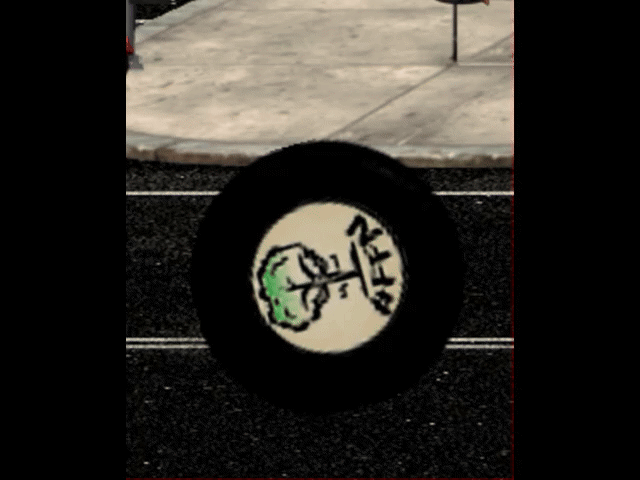
    I made a video as a showcase of your coding line which was not very diff to ours.

    Thanks for trying, good luck with your game(s) 

    A/CH


    crackheadz


    Newbie

    4 Posts

  • #4, von crackheadz Tuesday, 13. January, 01:47 2 weeks ago
    sorry, seems like gif animation is not supported. No video so i can show you.

    crackheadz


    Newbie

    4 Posts

  • #5, von esmeralda Tuesday, 13. January, 11:09 2 weeks ago
    It might help if you showed screenshots of what you did. (not a video of the outcome, but what you did in the editor)
    I quickly tested the rotation (with the line ARFLme posted) and it worked fine in my project. So I am a bit at a loss to understand what is happening in yours.


    Regarding the shader: there is: 
    game.ShaderExclude = eShaderExcludeTextsAndCursor


    '0' (eShaderExcludeNothing): standard, exclude nothing.
    '1' (eShaderExcludeInterfaces): exclude interfaces, text on top, cursor.
    '2' (eShaderExcludeTextsAndCursor): exclude text on top, cursor.
    '3' (eShaderExcludeCursor): exclude cursor

    esmeralda


    Key Killer

    569 Posts

  • #6, von crackheadz_ Tuesday, 13. January, 12:44 2 weeks ago
    Oh, Hi Esmeralda! Nice to meet you as well. 


    to the shader rotae "issue" - it must be some kind of side effect, we yesterday tried to put different items into a blank VED which does circulate correctly. 

    Thats why it disappeard suddenly and we both remember correctly that it was working before without the deformation of the object. So, we deactivated all scripts, all actions and set back our engine values to default. Non has worked out so far so we need to go digging on a 17MB VED, this will take ages. Thinking about avoiding that by doing a simple animation... i dont have any clue why this appears still when everything we changed was set back to default.

    to the 2nd, we know this and do exclude mouse, declaration is fixed when its sticky to the cursor. So maybe i need to describe because our sourcecode here is not neccessary for that.

    We do have a invisible object placed on every scene, centered with 0% scolling in the effect tab. So its sticky.

    We use to inject Descriptions (simple Object Text with TTF Font, no Narratortext or Images of the text) to this placeholder if the cursor hovers a point of interest. and the placeholder is effected by the global zoom, which makes the letters move due to zoom movement as well. It is not scaling! 


    crackheadz_


    Newbie

    4 Posts

  • #7, von esmeralda Tuesday, 13. January, 13:47 2 weeks ago
    regarding the 2nd issue:
    how about using an interface instead of your object and exclude that interface as well? (maybe best as big as the game resolution)
    (I haven't used the shader tool kit in a long time, so this may not work as you want it to as well)
    esmeralda


    Key Killer

    569 Posts

  • #8, von crackheadz_ Tuesday, 13. January, 14:29 2 weeks ago
    regarding the 2nd issue:
    how about using an interface instead of your object and exclude that interface as well? (maybe best as big as the game resolution)
    (I haven't used the shader tool kit in a long time, so this may not work as you want it to as well)

    we thought about that, but then the text options are not useful and we are not planning to add this texts as inventory items - and what about the main inventory interface while you are hovering? We played / thought about this but rejected that because its not full in its functionallity as we want and also very very complicated because even the texts are changing due to progress of the player for example.

    Anyway thank you for your thoughts, really appreciate that.

    crackheadz_


    Newbie

    4 Posts

  • #9, von crackheadz Tuesday, 13. January, 18:58 2 weeks ago
    BAAAAAAAAAAM!

    The spinning issue is solved.

    Guess what - "Verkleinern in mehreren Schritten" deaktivieren und es läuft.

    Verstehe ich bei einem Radius Befehl nicht, aber ich verstehe hier so einiges nicht.
    Hauptsache geht.


    Thanks you both,


    A/CH

    2nd Issue is not to solve as far as we investigated and tried. 

    crackheadz


    Newbie

    4 Posts

  • #10, von afrlme Wednesday, 14. January, 03:17 2 weeks ago
    In regard to the font getting offset incorrectly when the shader viewport is zoomed in... I seem to recall another member having the same issue in their project with that. I think the solution we came up with was to use Lua draw to draw those texts instead as I don't think they were affected by the shader viewport; unlike regular display texts, narration texts, & object texts, etc. I'm not sure if object texts applied to interfaces would be affected... I don't recall if we tested that. I may be completely wrong about what I just suggested though, as it was last year or the year before that I was doing some freelance work for the other person in question & my memory is a bit vague on all the details.

    afrlme


    Imperator

    7292 Posts

  • #11, von crackheadz_ Wednesday, 14. January, 10:02 2 weeks ago
    The primary Login is not working, so im writing this with a 2nd Account from my office.


    THE SECOND ISSUE IS FIXED HOOOOOOOOOOORRRAAAYY

    We played around too much with LUA trying to reassign and stuff like that.

    Due to ESMERALDAs "Hint" we dipped into interface once again because we also thought this is the only solution.

    and now it comes - we "JUST" reassigned the object text to a interfacebutton directly in the visionaire CMS  and it works perfect and is even fully controllable due to conditions etc.
    That was blasting yesterday we always thought and experienced in LUA as well, that interface / menu / scenes are some kind of seperated and do need some different treatments in scripts and the CMS.

    To make a long story short - we dont know what we disregarded in older tests, maybe we were to complicated in our wired coding attempts and did really not see the possibility to have full access to interfaces as well when handling object texts. We thought, this is all scene only and cant be mixed.


    Therefor, AFRL and ESMERALDA do own a very, very big T H A N K S for your recaps and hints that lead us to think another way and get this done in the proper end.

    You both won a fun integration in our game, on the wall of fame. I think i will use Esmeraldas Avatar there and maybe a tag on the wall saying "we are all AFRL." Dunno yet, i will get something nice sorted out soon.


    Thanks again friends!
    Been a pleasure talking to you.


    A/CH

    crackheadz_


    Newbie

    4 Posts
