
Login / Registrieren
DE EN FR ES IT CZ
Zurück Nach oben

Dialogue text position

  • #1, by marianna-lapina 7 years ago Zitieren
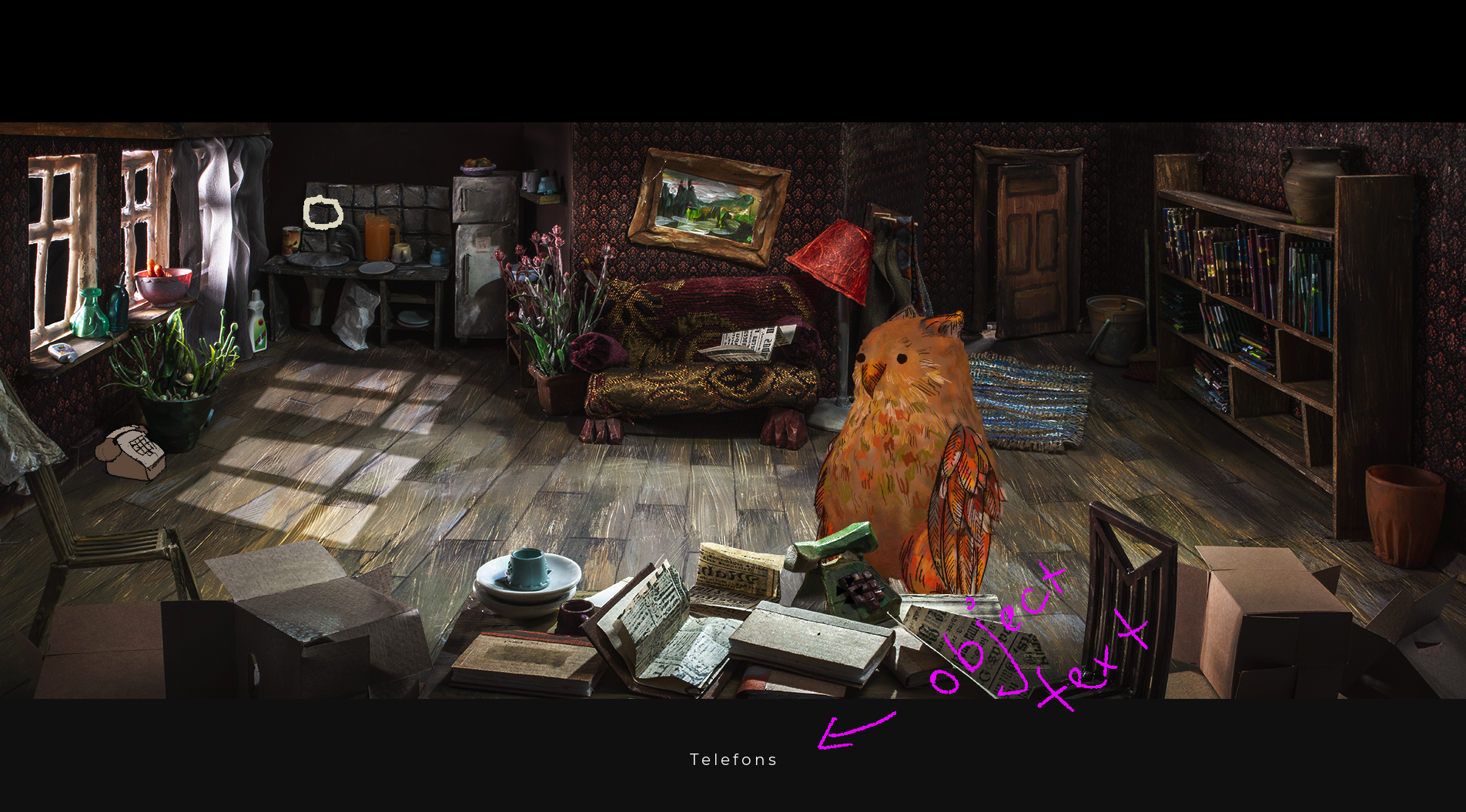
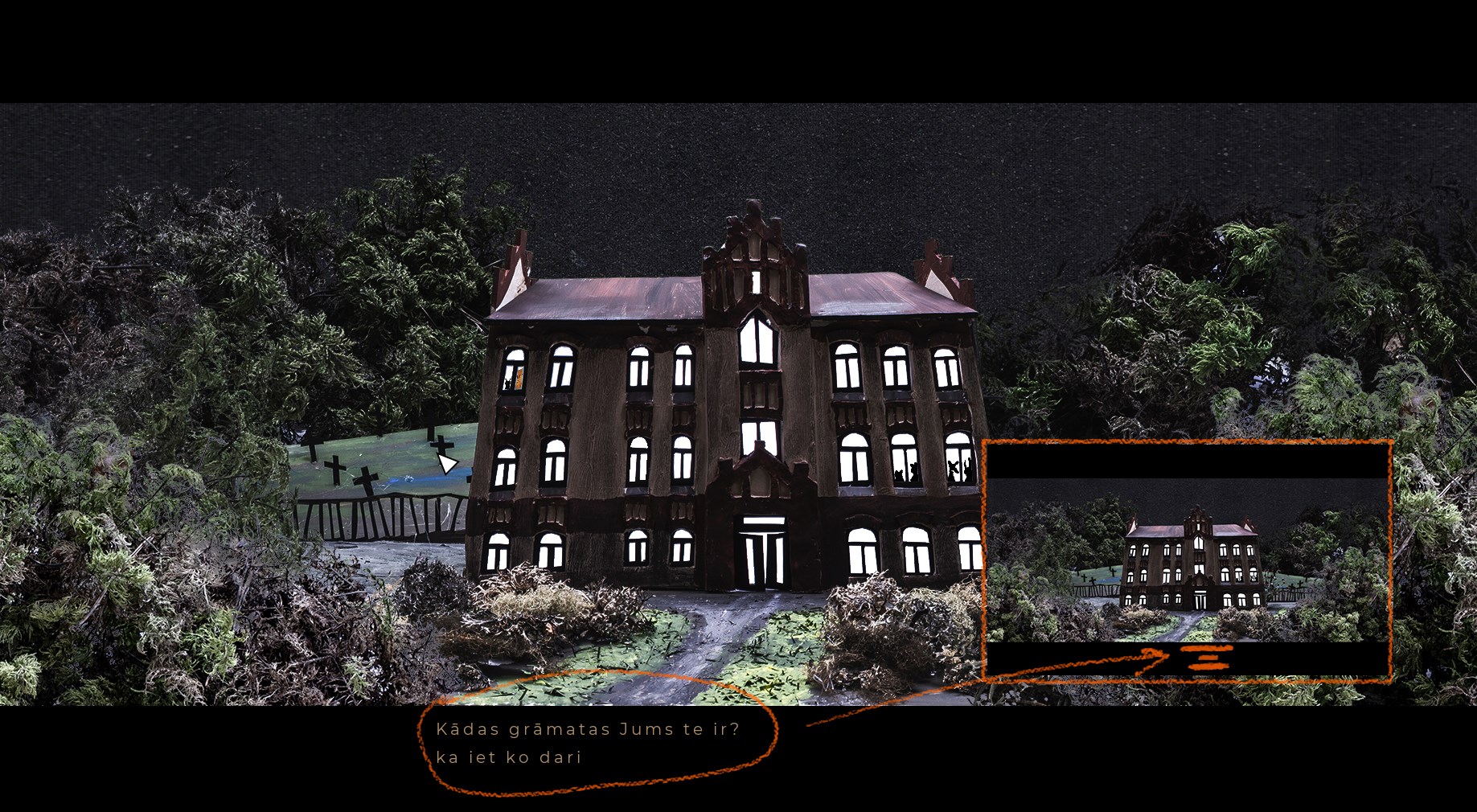
    I want the caracher text, and dialogue text to also be placed down where the object text is. Does anyone know how to do that? Thank you in advance!
  • #2, by sebastian 7 years ago Zitieren
    I want the caracher text, and dialogue text to also be placed down where the object text is. Does anyone know how to do that? Thank you in advance!

    there is a very old script example in the wiki for that:

    Should still work =)
  • #3, by marianna-lapina 7 years ago Zitieren
    It did work, thank you a lot. My next question is how to position the dialog options to be centered not aligned to the left? 
  • #4, by afrlme 7 years ago Zitieren
    I'm not sure that that's possible. I'm not seeing any options to center align them. I think Sebastian made a custom dialog script, maybe it's possible with that?
  • #5, by sebastian 7 years ago Zitieren
    it would be possible. Did a stream (in german) on twitch where I showed /programmed a new version (with some bugs in the stream).
    The gui based on display object text, so its possible to center it. 
    But i guess the stream video is not available anymore... 
  • #6, by blano 7 years ago Zitieren
    hello everyone, i followed the Tut. to manage text position but now i've to reset text position to default, how can i?
  • #7, by sebastian 7 years ago Zitieren
    hello everyone, i followed the Tut. to manage text position but now i've to reset text position to default, how can i?

    just check for a condition in your script and either activate or deactivate the repositioning by setting this condition to true or false.
  • #8, by afrlme 7 years ago Zitieren
    Something along the lines of this...

    -- * function which updates the text position of displayed texts (character & narration) * --
    
    function txtPos(text)


     if Conditions["example"].Value then -- if condition "example" is true...
    
        text:setValue(VTextPosition, {x = game.ScrollPosition.x + (game.WindowResolution.x / 2), y = game.ScrollPosition.y + (game.WindowResolution.y - 85)}) -- define the new text position
    
        return true -- update text position
    
     end


     return false -- else don't update text position


    end


    registerHookFunction("setTextPosition", "txtPos") -- define the hook function for handling text position
