good job!

 It would be good, if that's not shown, when there's just one language. (I already see the posts before me: Why can't I choose another language, is my copy broken? Sorry, too much tech support in my past :p)
I would also add a button that says 'play' so you have the choice of just saving and playing and another one for exiting the program. Auto Close is definetly the right thing to do.
It would be good, if that's not shown, when there's just one language. (I already see the posts before me: Why can't I choose another language, is my copy broken? Sorry, too much tech support in my past :p)
I would also add a button that says 'play' so you have the choice of just saving and playing and another one for exiting the program. Auto Close is definetly the right thing to do. good stuff, man, good stuff.
I hope to get back to it this week
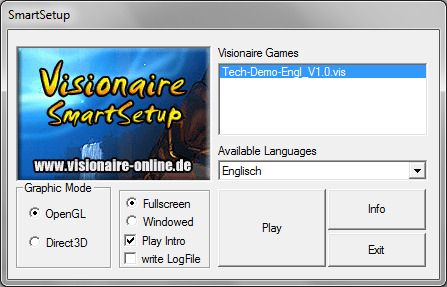
if you check out the Sherman Bragbone demo here you'll see that it comes with some kind of weird looking little launcher that lets you choose the Graphic Mode between OpenGL & Direct3D!
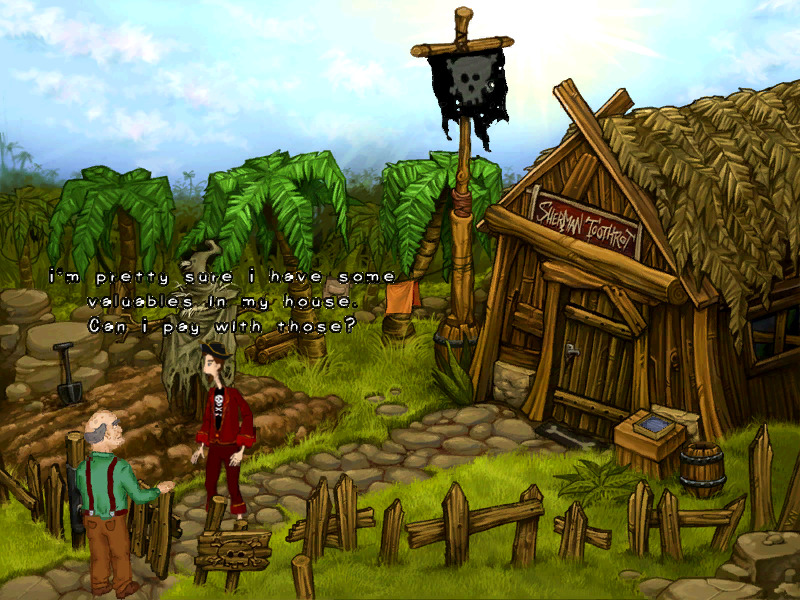
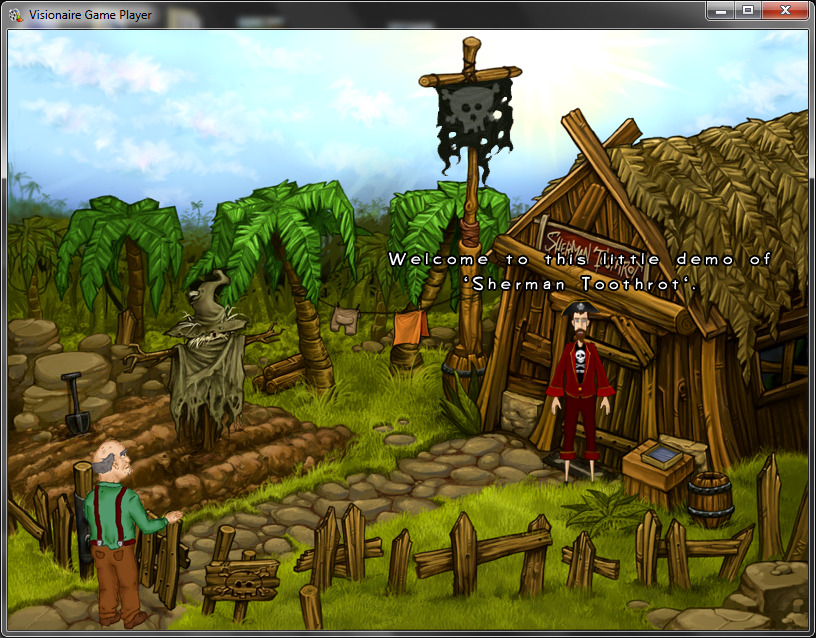
On my laptop for instance the Direct3D option seems to make the graphics much smoother as well as how the game runs too whereas the OpenGL mode looks somewhat pixelated & buggy.
See screenshots below
***
apparently I can't do a printscreen of the game while the mode is set to Direct3D as all it pastes is Black. - haha - oh well.
try the demo I linked in both modes & you'll see the difference 
Safe
*** edit: actually it let me save the Direct3D screenshot when I set it to windowed mode