Login / Registrieren
DE EN FR ES IT CZ
Zurück Nach oben

Character walks behind objects

  • #1, by fabian-schurgers 4 years ago Zitieren
    Hi there,

    It's been a while, but I'm building a new game with Visionaire, BeetleQuest 2!

    Sadly, I've apparently forgotten some things ...

    My character walks behind objects, while she should be walking in front of them.

    How can I change the draw layer of objects again? Or the layer the character walks on?

    Thanks!
  • #2, by esmeralda 4 years ago Zitieren
    First set the object center (object properties) then press the button with the two little blue arrows.
  • #3, by fabian-schurgers 4 years ago Zitieren
    First set the object center (object properties) then press the button with the two little blue arrows.

    Ah, I remember now smile

    Thanks!
  • #4, by lee-sonntag 4 years ago Zitieren
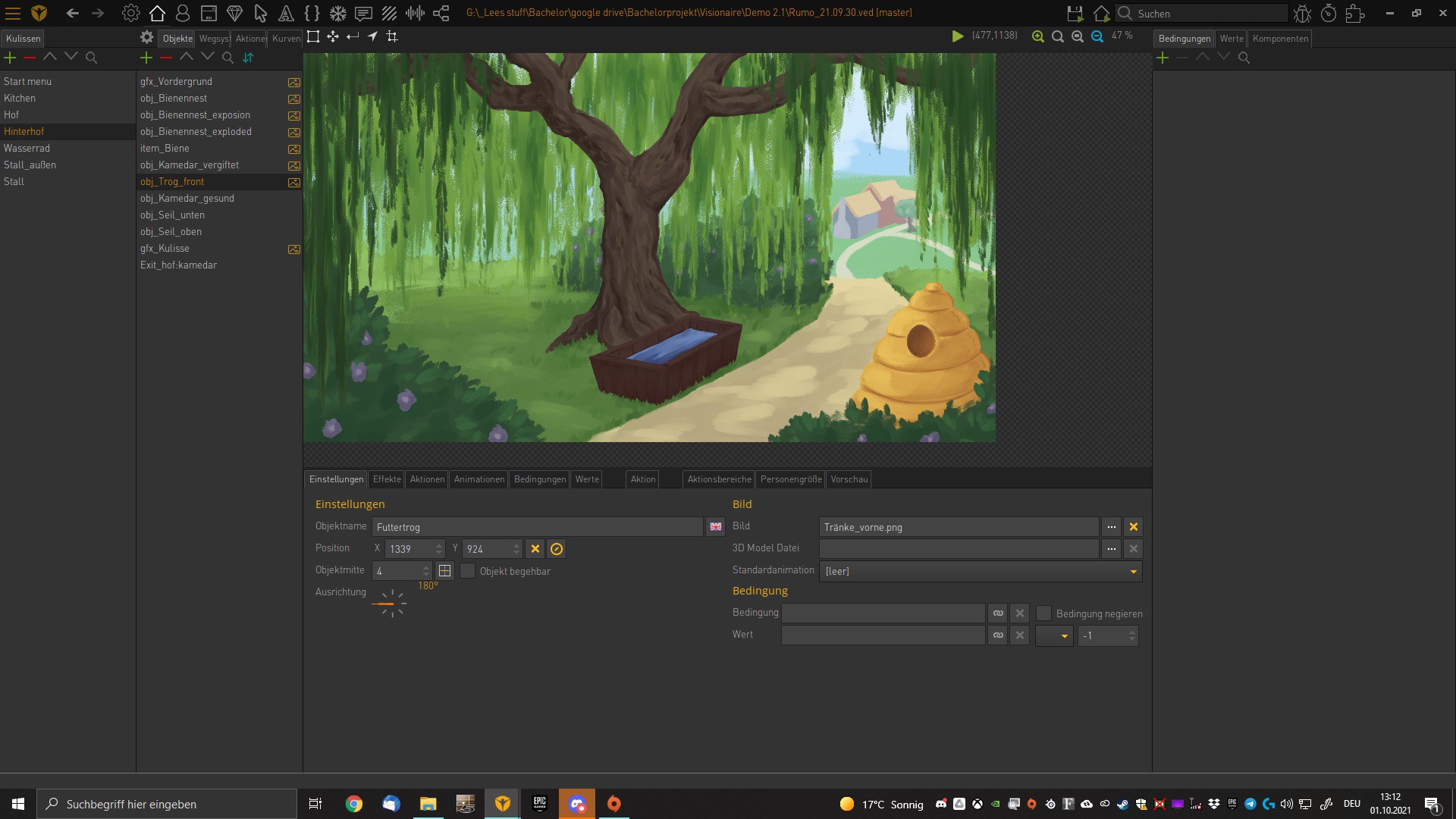
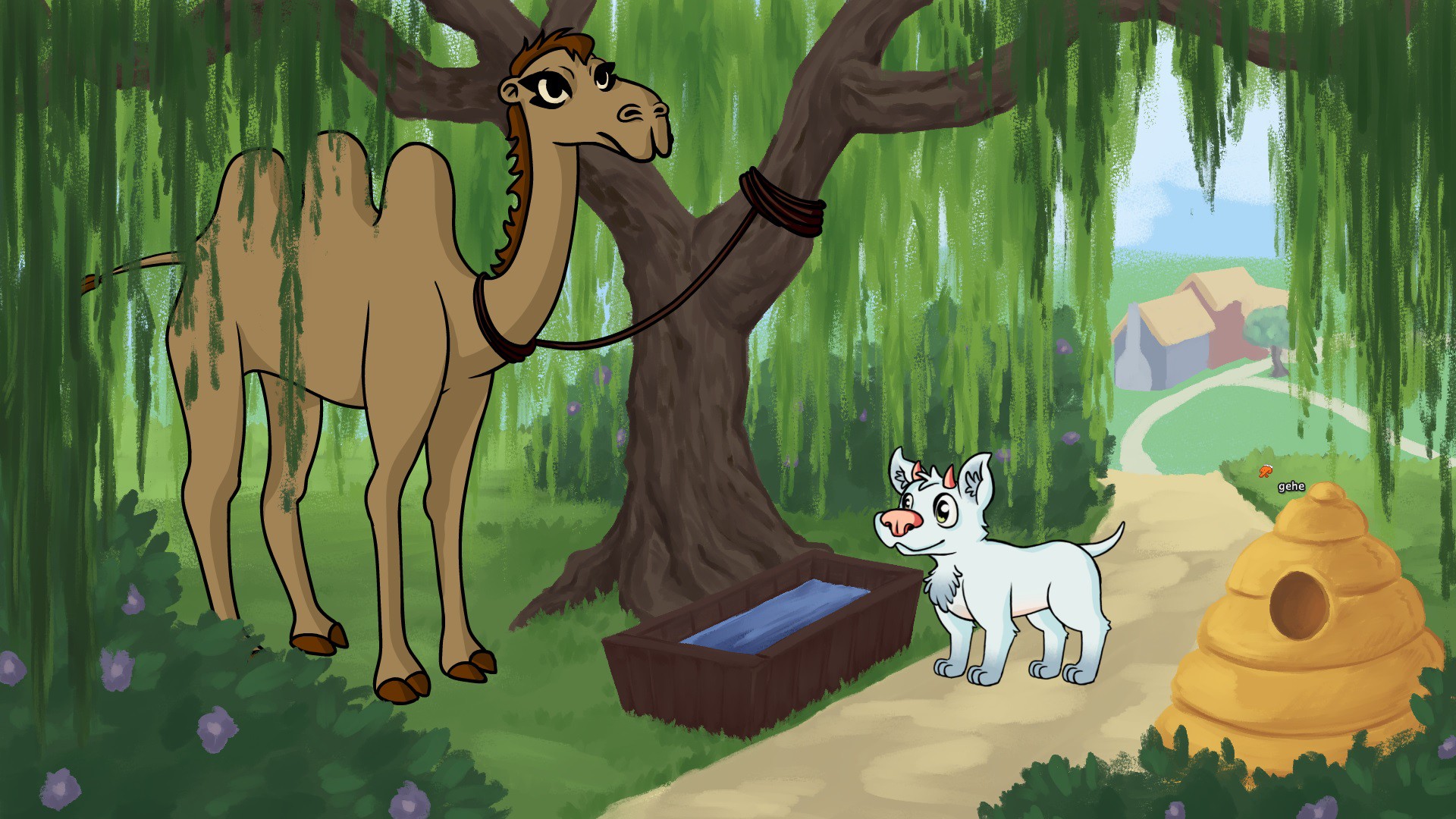
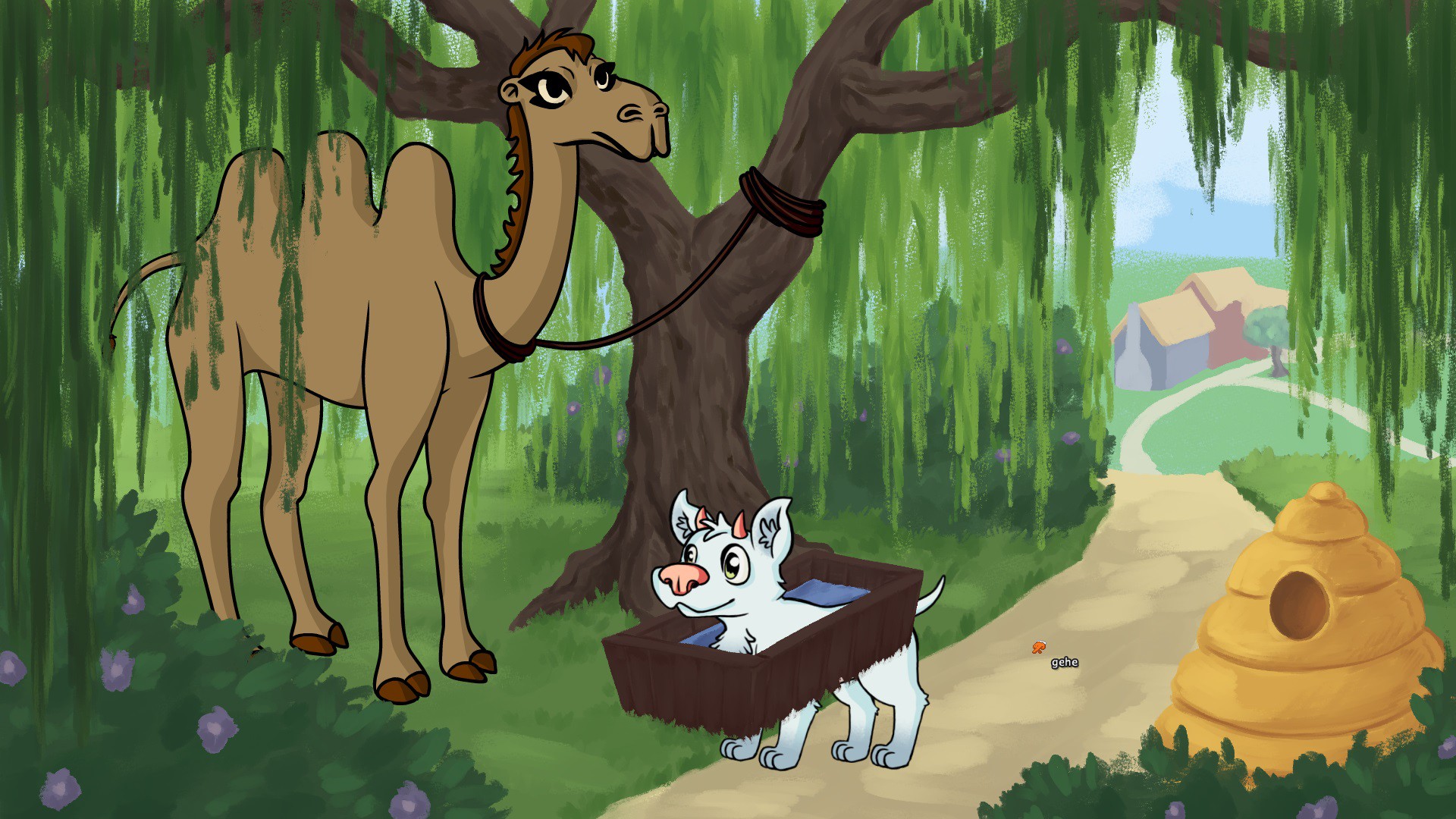
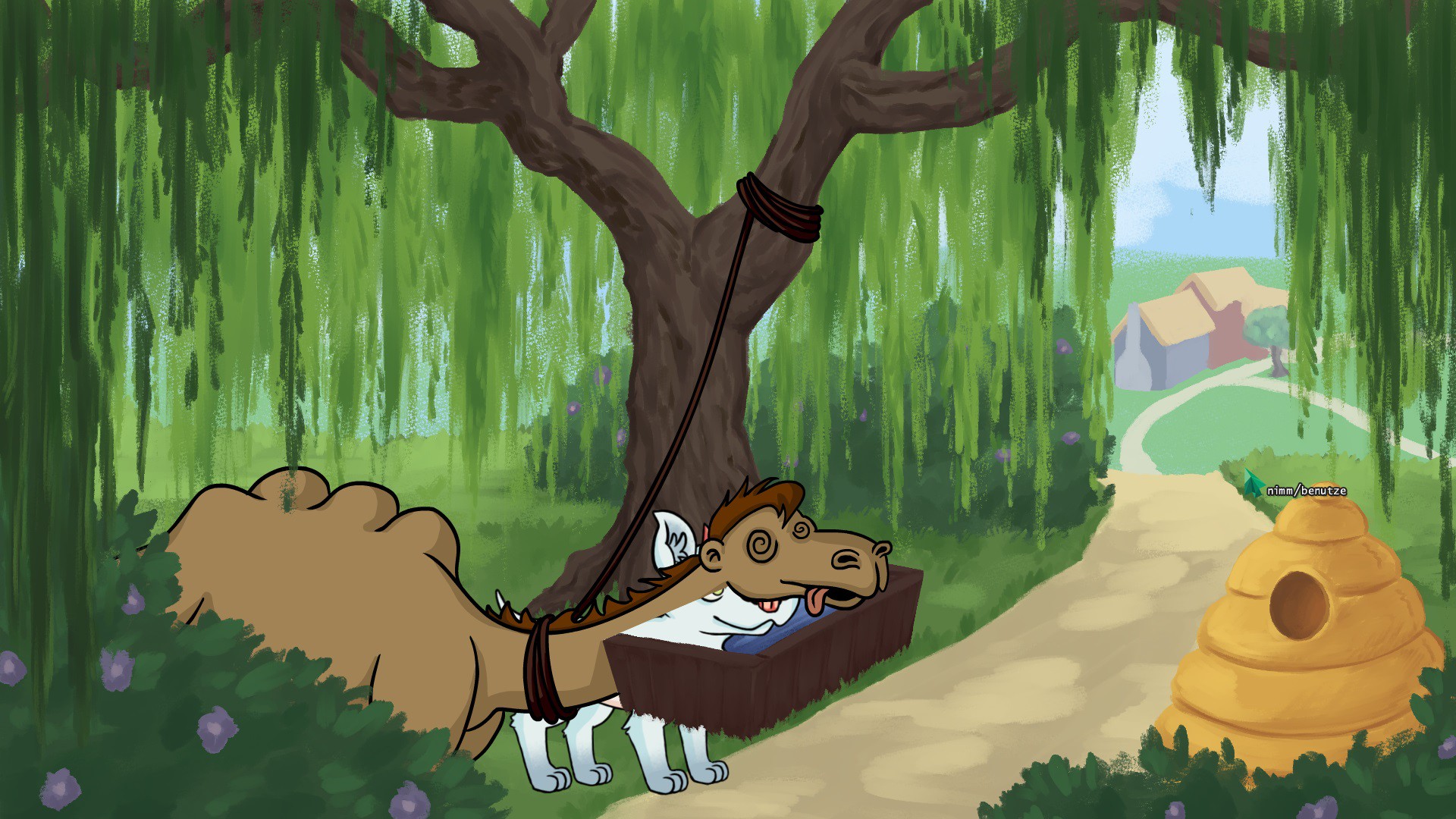
    My Character also walks behind objects and I cannot figure out why. I have set the Object position and the object centre (the latter is set at the very top of the screen so the character should be in front of it at all times) But he still just slides behind the sprites. 
    any Idea why? 
  • #5, by fabian-schurgers 4 years ago Zitieren
    Really nice art!

    I usually fiddle around with the up and down arrows, moving the objects down in the list until it works...

    Must be a better solution, but that's how I usually do it.
  • #6, by afrlme 4 years ago Zitieren
    Must be a better solution, but that's how I usually do it.

    Indeed. just click on the greenish colored double arrow icon on the same toolbar to autosort based on the object center values.

    The thing is that VS requires the objects to be ordered correctly based on the object center values otherwise weird things can occur.

  • #7, by lee-sonntag 4 years ago Zitieren
    Thank you @afrlme 
    I did not consider the sorting by object centre to be a necessity. I thought it was more of a can not a must grin 
    That did fix my problem. Thank you.