Login / Registrieren
DE EN FR ES IT CZ
Zurück Nach oben

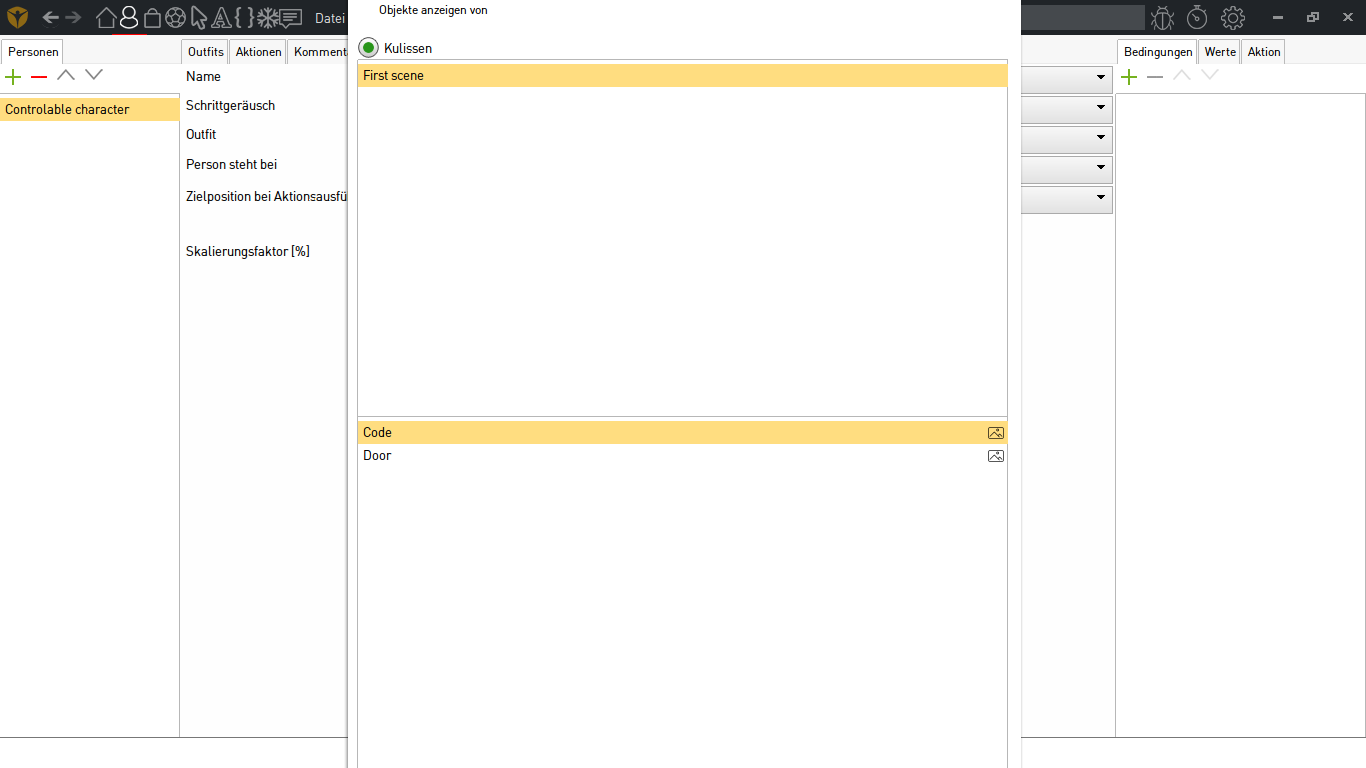
Cant reach the ok for start point at character

  • #1, by pauklerlp 9 years ago Zitieren
    :/
  • #2, by afrlme 9 years ago Zitieren
    :/

    Seems Simon didn't take smaller resolutions into consideration. Would have been nice if he'd added dynamic scrollbars for each of the forms. If you have an hd monitor laying around or a flatscreen tv, then I would recommend using that as a secondary screen as a workaround for now. In some cases you probably need 1080 pixels to view all the options in some of the tabs... bit bleh! but nothing much can be done about it until Simon puts out a new update. Sorry.
  • #3, by pauklerlp 9 years ago Zitieren
    thank u and yes i just use my tv screen with a hdmi cable and yeah its still a beta but thank u for helping grin
  • #4, by pauklerlp 9 years ago Zitieren
    its now a resoloution of 1920x1080
  • #5, by afrlme 9 years ago Zitieren
    Out of curiosity are you using the text/app scaling feature of windows 10? The reason I ask is because everything looks overly large in your screenshot. Check out the screenshot I took on my native 1920x1080 monitor with scaling set to default 100%.
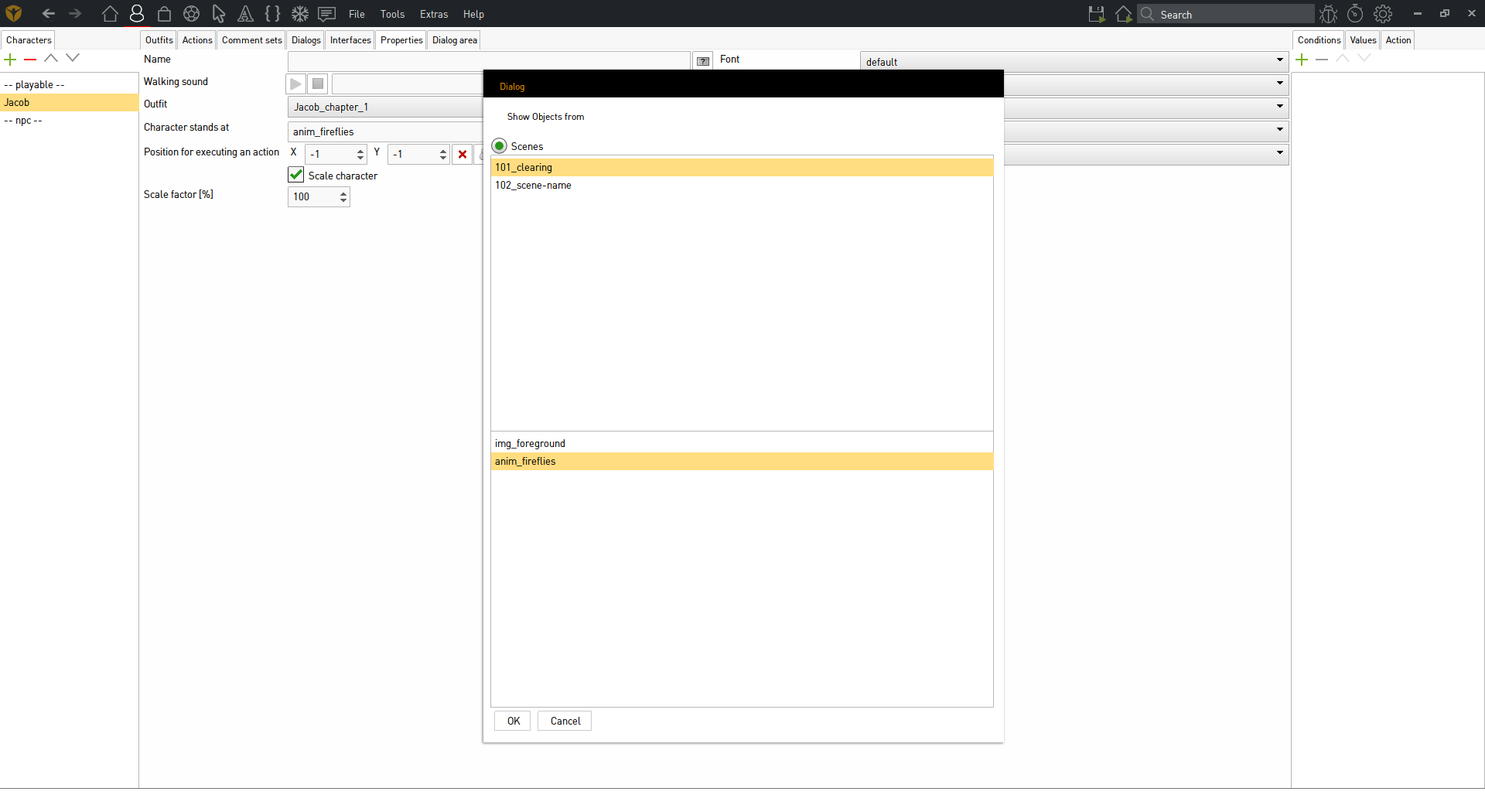
    https://i.gyazo.com/3b755a7142e116c210885d96f33ef0e2.png
    P.S: you can drag the window around by left click holding & dragging on the black title bar of the window - it doesn't seem to allow resizing of the window though for some reason.

  • #6, by pauklerlp 9 years ago Zitieren
    i didnt changed that at all
    PS: i only have that problem on my Laptop and on my normal pc its working fine
    PSS: Sry its german but its the same
  • #7, by SimonS 9 years ago Zitieren
    The size setting is per monitor, so make sure you have selected the tv.
  • #8, by pauklerlp 9 years ago Zitieren
    I never touch this option or something else like that