Login / Registrieren
DE EN FR ES IT CZ
Zurück Nach oben

Blur effect

  • #10, by afrlme 12 years ago Zitieren
    why not just create a semi-transparent white effect & maybe overlay an old movie style effect or maybe desaturate the entire scene?

    First 2 are possible without using the shader. Controlling saturation with the shader however is pretty simple.

    shaderSaturation(0, 3000) -- desaturate in 3s
    shaderSaturation(1, 3000) -- reset saturation over 3s
    

    ...it uses decimal values, so 0 = black & white & 1 = default, 0.5 would be half saturated etc. The shader toolkit script is needed for this to work.

  • #11, by ke4 12 years ago Zitieren
    I'm not sure what you mean, how can white semi-transparent image make blurry effect?
  • #12, by afrlme 12 years ago Zitieren
    it wouldn't... you said a dream/flashback like effect. In movies, I've noticed that a lot of the time that flashbacks in movies & tv shows tend to adjust color (over-saturate or desaturate) & they often add a sort of white/brightness around the edge of the picture (almost like an oval shape cut out of the middle with it fading into a bright/white color.

    An alternative idea to the blur instead.
  • #13, by SimonS 12 years ago Zitieren
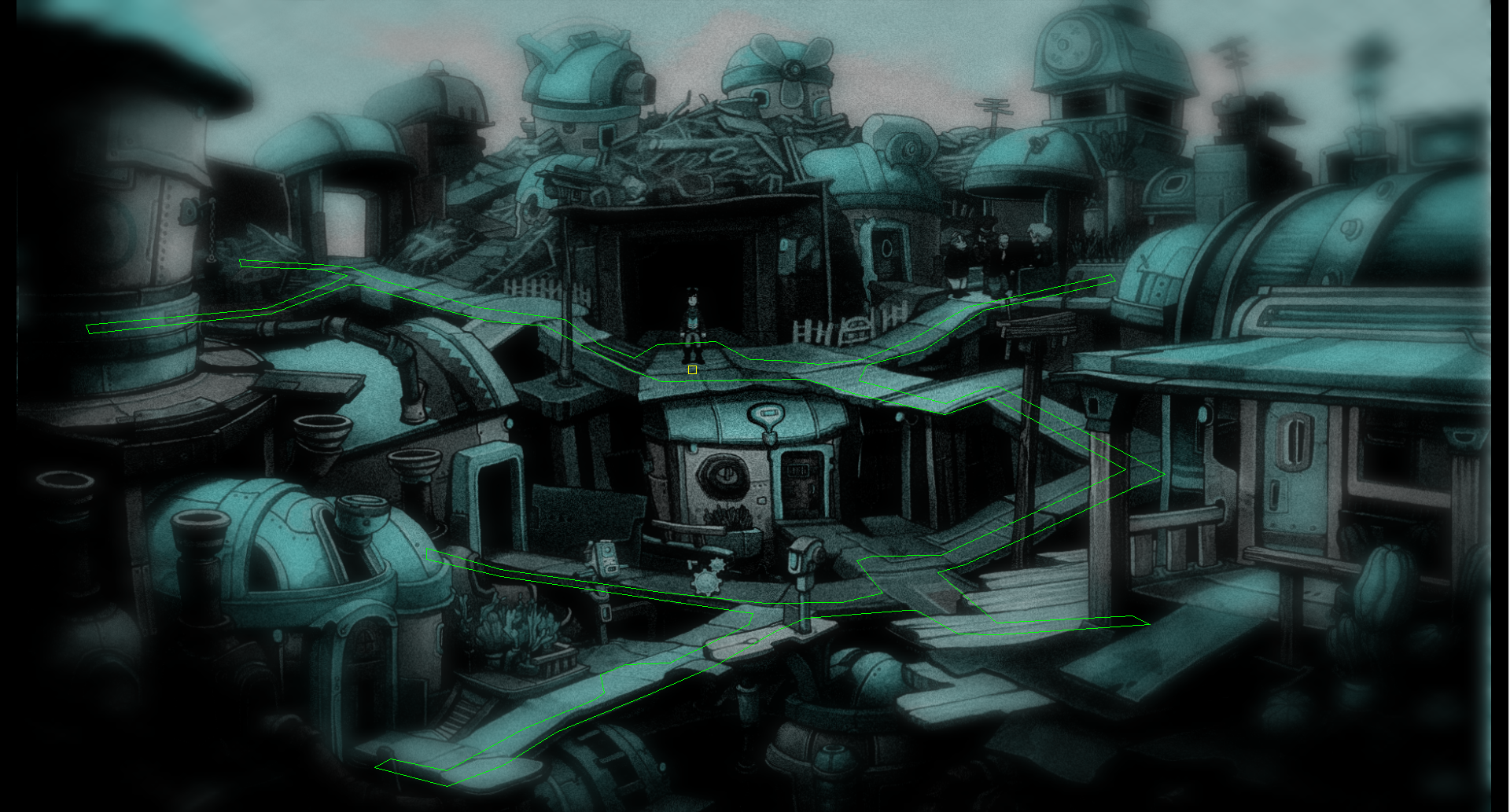
    Tried a little, would work with a modified glow. I try to update the shader script soon for more flexibility. Problem is it will never look as good as in your image above.
  • #14, by ke4 12 years ago Zitieren
    wow, this looks pretty good too, nice job Simon.. hope you didn't have too much work with that, i'm looking forward to the update.
    ..Because it's photoshop level, it doesn't matter.