Login / Registrieren
DE EN FR ES IT CZ
Zurück Nach oben

16 angles?

  • #1, by saintandsimon 12 years ago Zitieren
    Howdy

    So, I'm doing a game in stop motion and well.. I've experienced that walking in the diagonal angles looks about strange. Like walking in a 290-300 degrees in the 330 degree-angle (southeast). A bit like "oh why are you faced that way, I ordered you here?".

    Been thinking of converting my character to 3D, but it just wont look as a I want since, well, I want the stopmotiony-look of it. Have you considered doing 8 extra angles in the 2D-character-options?

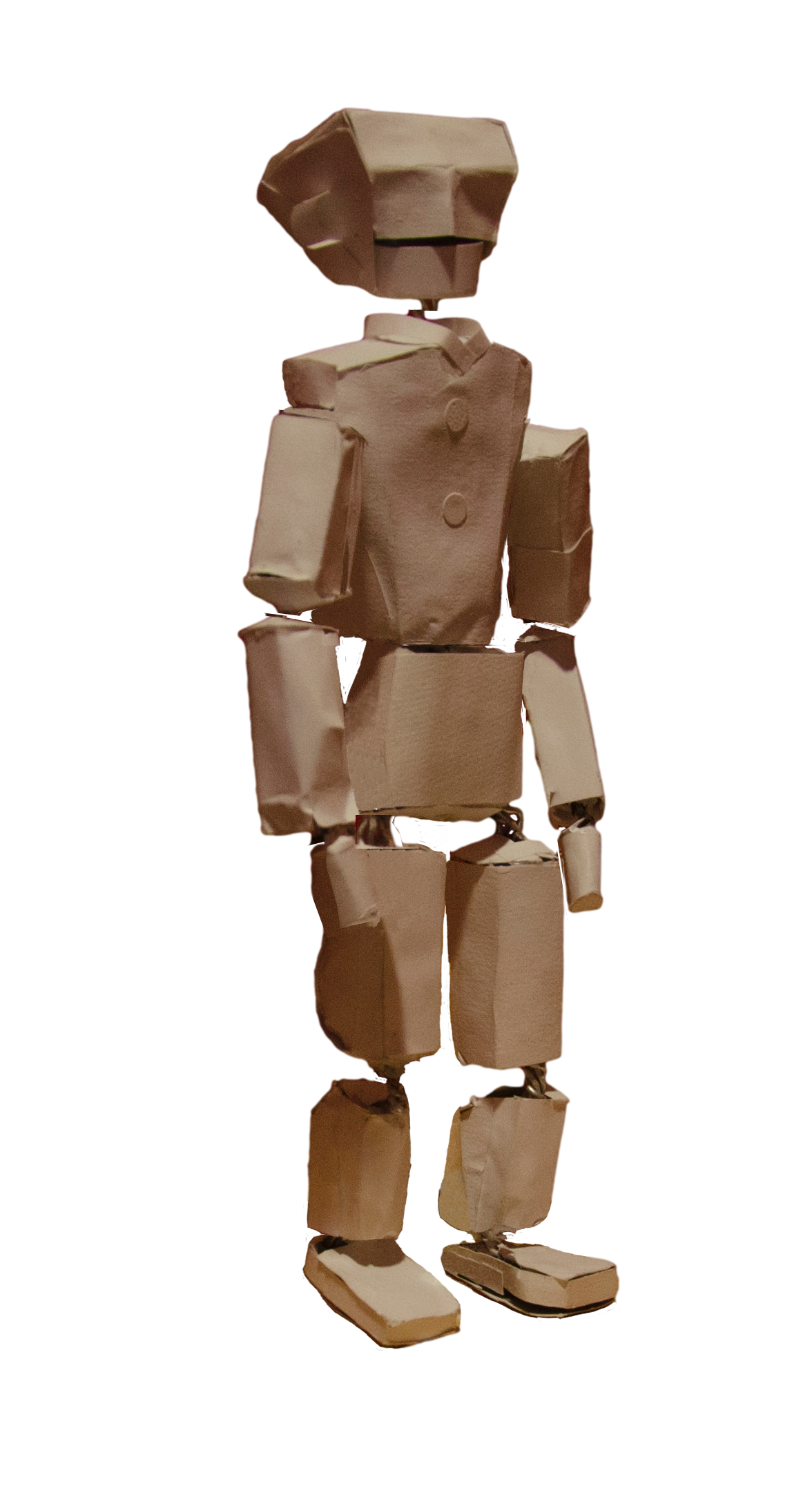
    Like this: (I'll also add an image of my character so you understand why it might look strange with just 8 angles)


  • #2, by afrlme 12 years ago Zitieren
    Chris has used 16 angles for Stasis...

    extras > options > settings: Precision for direction selection (in º)

    edit the degree amount. Technically it would be 22.5 for 16 directions but decimal points are not allowed in the input box so you will have to make it 22 or 23 I think. I will ask Alex if he can make it so we can add float values instead of integer for upcoming RC - would be much better. Either that or just allow us to set default character direction amount instead - would be much simpler (for us).
  • #3, by saintandsimon 12 years ago Zitieren
    ooh.. nice!
  • #4, by Suro 12 years ago Zitieren
    Heck you can do 360 angles! (I think)
  • #5, by afrlme 12 years ago Zitieren
    yes it's possible. Alex said he doesn't recommend doing over 8 though because of amount of VRAM etc required to run said animations but I think with the improved memory/power consumption of vs4.0 that it shouldn't be too much of an issue.

    here are the angles:

    4 = 90
    8 = 45
    12 = 30
    16 = 22.5 (not possible, because only integer values can be entered so use 22 or 23)
    24 = 15 (better than entering incorrect values)
    32 = 11.25 (also not possible to enter, round off to 10)
    360 = 1 razz