Login / Registrieren
DE EN FR ES IT CZ
Zurück Nach oben

change double click speed

  • #1, de emanuele-baronti h 5 years ago Zitieren
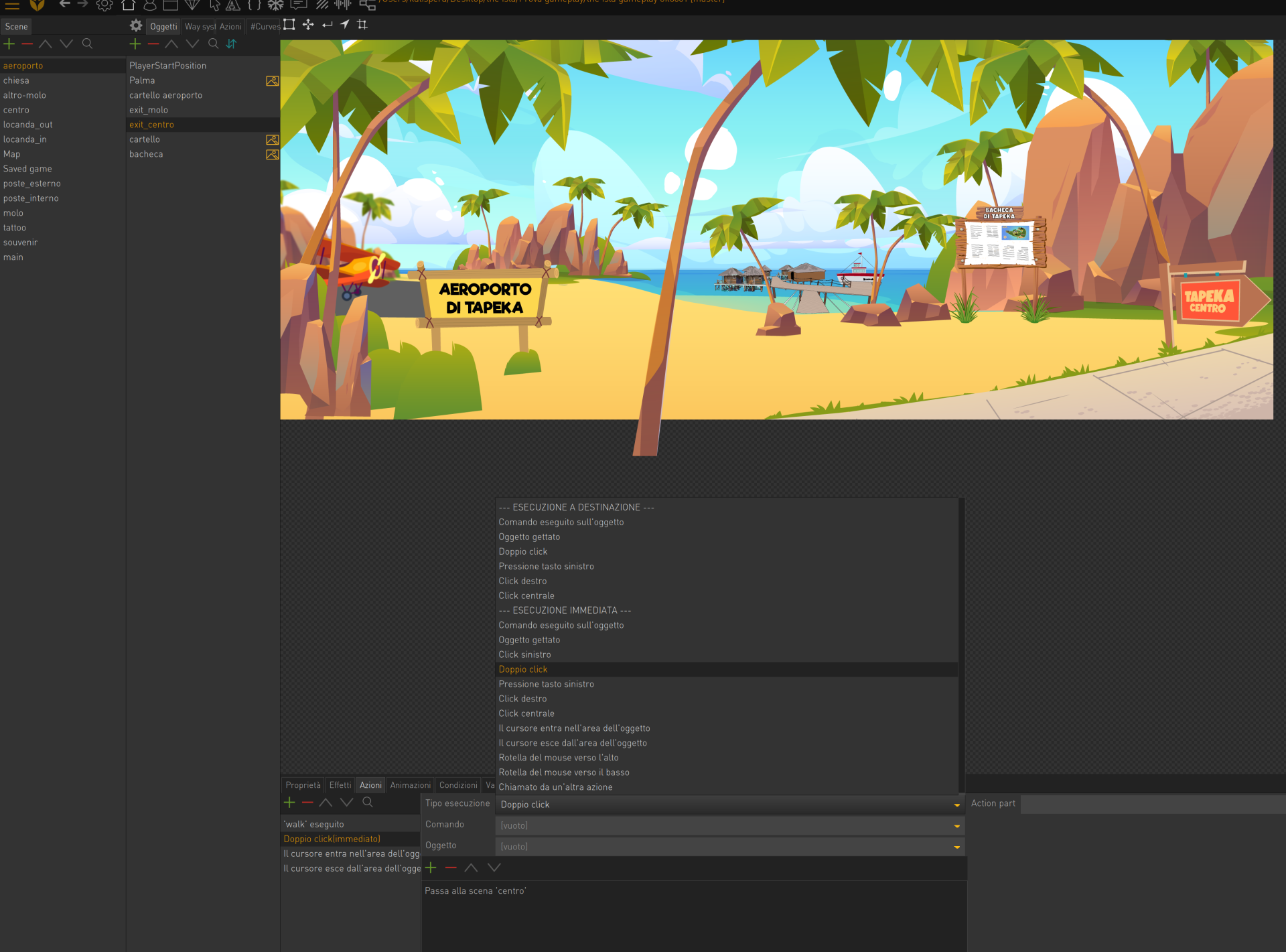
    Hi i have a little problem.
    When I set a double click action it works, but only if you click quickly.
    There is a general double click speed setting?
    Thank you

  • #2, de afrlme h 5 years ago Zitieren
    I'm fairly certain that double click time is handled by the mouse settings specified in your OS. I could be wrong though.
  • #3, de emanuele-baronti h 5 years ago Zitieren
    On the computer, double clicking is fine.
    But if I insert the immediate double click option, it only works if I click fast.
    Thank you
  • #4, de afrlme h 5 years ago Zitieren
    Double click speed is handled by the double click speed specified in the mouse settings area of the control panel of your operating system.

    The only other thing I can think of, is that you are forcing vsync (vertical sync) off via your gpu settings, which may cause the game to run too fast. It used to be an issue ages back, but I'm fairly sure that Simon fixed that issue the other year.
  • #5, de emanuele-baronti h 5 years ago Zitieren
    ok i solved.
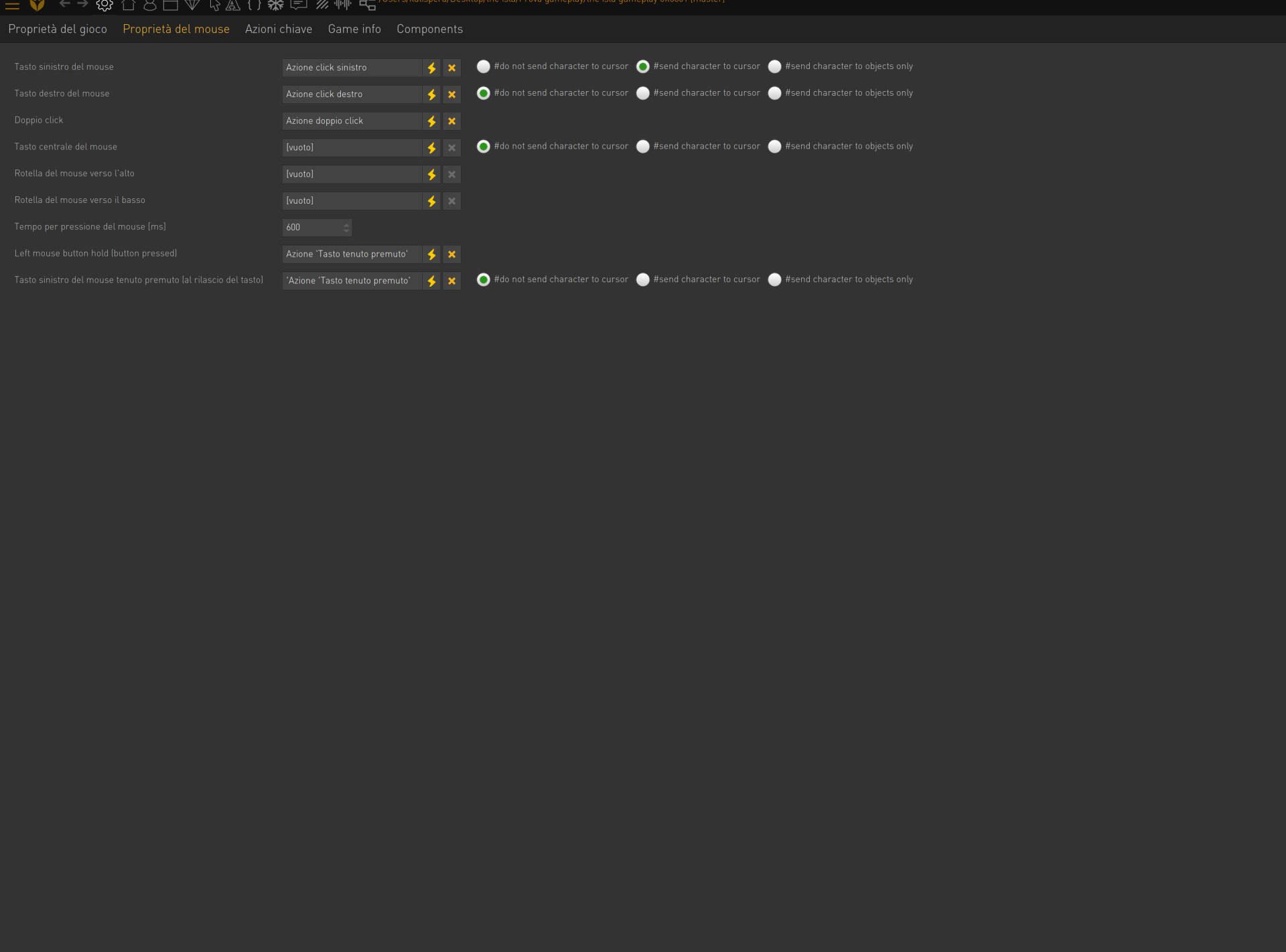
    I had 250 milliseconds on pression mouse. i changed at 600 and work all right!
    Thank you for all!
  • #6, de afrlme h 5 years ago Zitieren
    Ah, that's how long it takes for the mouse to change to held state. Set the value too low & the engine thinks you are trying to do mouse button held instead of left clicking, which ends up making the engine listen out for mouse button hold release state instead of mouse button up state.

    I was wondering if you'd changed that value, but forgot to ask. At least you managed to figure out what the problem was in the end. smile

    Anyway, good luck & have fun with developing your game. Also please feel free to join the VS discord server (if you want) @ https://discord.gg/g5zFejW, as we are a lot more active over there than on the forum.